
ghiblitattoo
AI Ghibli tattoo generatorGhibli-style tattoos from your ideas
Highlights
What you can do with it
- Design a tattoo inspired by a scene from My Neighbor Totoro
- Create a matching Studio Ghibli-style design for a couple
- Use generated artwork as inspiration for a hand-drawn piece
How to use it
- 1 Open the ghiblitattoo website in your browser.
- 2 Type your tattoo idea into the prompt box with as much detail as you can.
- 3 Pick the color scheme and the proportions of the design.
- 4 Click Generate and wait while the AI returns several options.
- 5 Download one or more designs, or edit them further before saving.
Who it is for
Pros
- The basic plan is free to use, so you can try the generator first
- Each prompt returns several designs, giving you real choices
- AR preview helps you judge scale and placement on the body
- Generated designs are not publicly shared or reused
Limitations
- Free access sits on the basic plan, and the paid tiers can change over time
- Output quality depends on how precisely you describe the idea
- It generates design references, not finished stencils or a guaranteed result
- No workflow guide is published, so you learn the tool by trying it
What ghiblitattoo is
ghiblitattoo is an AI tattoo design platform aimed at Studio Ghibli fans. You type a description of the tattoo you want, choose a color scheme and proportions, and the system generates several unique designs based on your idea. The basic plan is free to use, and the site also offers multiple paid plans for people who need more. Everything happens in the browser, including on mobile devices, so you can work on an idea from a phone. The product presents itself as a way to turn a written concept into a personal tattoo design without drawing skills, and it keeps generated designs private rather than publishing them in a public gallery.
What you can do with it
- Turn a written description into several AI tattoo designs
- Switch between color and black-and-white versions and set proportions
- Preview designs on mobile with AR before deciding
- Edit any generated design further and download it
Who it is for
- Ghibli fans who want a tattoo that references the films
- Couples designing a matching piece together
- Artists who want fast visual references for a custom concept
What to watch out for
The free basic plan is a starting point, and the paid plans around it can change at any time. Results depend heavily on the prompt: short or vague descriptions tend to produce generic designs, while detailed ones give the model more to work with. The output is a design reference, not a finished stencil, and a real tattoo still needs a professional artist to check line weight, placement, and healing. Style and copyright questions also sit with you, because the tool copies a visual mood rather than the films themselves, and studios often have their own rules about derivative work. Treat every generated image as inspiration and confirm the current pricing before you plan a project around the free tier.
FAQ
Is ghiblitattoo free to use?
The basic plan is free to use. The platform also lists several paid plans for people who need more than the basic tier offers.
Can I get a design in black and white?
Yes. When you set up a generation you choose the color and the proportions, and both color and black-and-white versions are supported.
Will my designs be shown to other people?
The site states that user designs are not publicly shared or reused, which is one of the privacy points it highlights.
Can I edit a design after it is generated?
Yes. You can make secondary modifications to generated designs and view them again whenever you want.
Why it is free
What the official page says: free to use
Free limits, trial length and features are decided by the official site and can change at any time.
Product preview
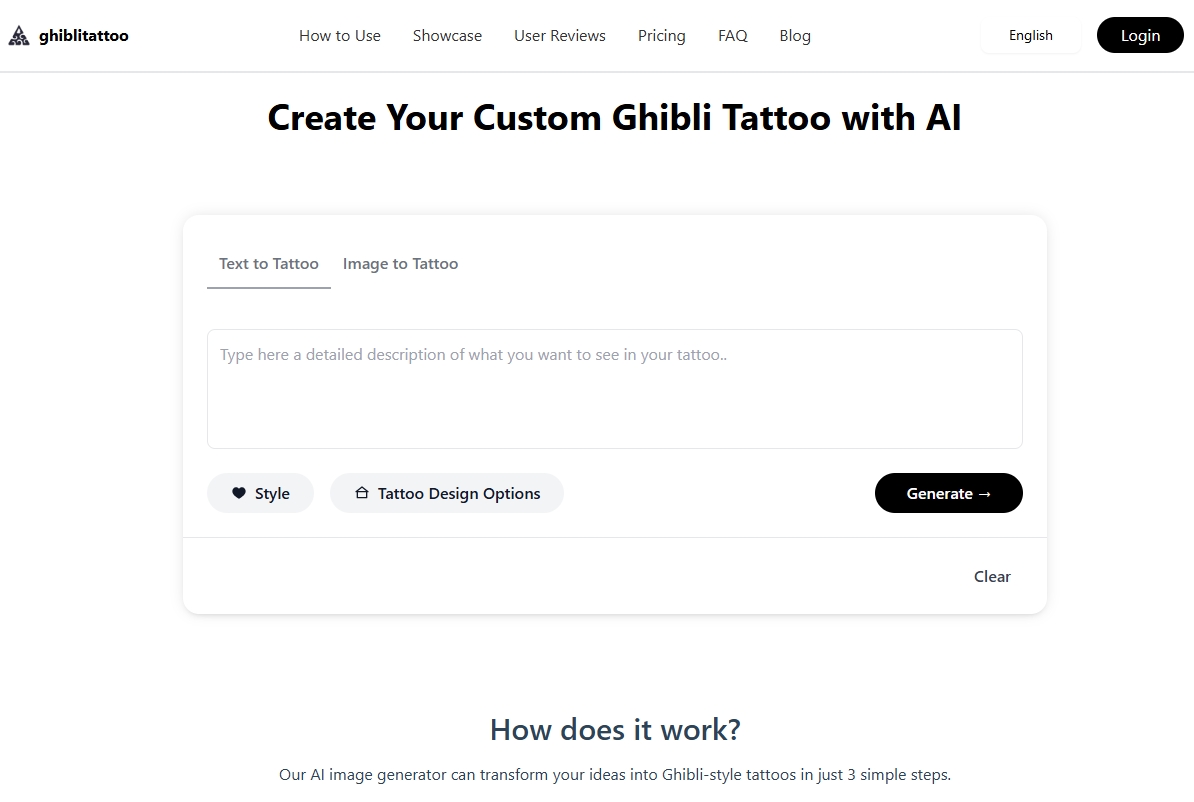
Screenshot archived from the listing page, for preview only.











