
Ghiblio
Studio Ghibli style AI image generatorTurn text and photos into Ghibli style illustrations
Highlights
What you can do with it
- Turning a family photo into a Ghibli style character illustration
- Generating fantasy landscapes such as floating islands and magical forests
- Producing a set of styled images in one batch for a project
How to use it
- 1 Visit the Ghiblio website
- 2 Choose text to image or image to image mode
- 3 Upload your photo or type a descriptive prompt
- 4 Pick the Studio Ghibli style or another supported animation style
- 5 Adjust composition, tone and scale, then generate and download
Who it is for
Pros
- Free trial available before payment
- Watermark free and ad free downloads
- Batch generation saves time on larger sets
Limitations
- Free trial has limits, and full access needs a paid package
- Output depends heavily on how you write the prompt
- Style specific results may not match every reference you have in mind
What Ghiblio is
Ghiblio is a Studio Ghibli style image generator built on the GPT 4o model. You give it text or a photo and it returns an illustration in that animation style. It is not limited to one look: several animation styles are supported, so the same prompt can be pushed in different visual directions. You can apply the Ghibli filter to an ordinary photo, turn a picture of yourself or a friend into a Ghibli style character, or describe scenes such as floating islands and magical forests and let the model build them. A free trial is offered, with paid packages for heavier use.
What you can do with it
- Convert text prompts into Ghibli style illustrations
- Apply the Ghibli filter to your own photos
- Turn photos of people into Ghibli style characters
- Build fantasy scenes such as floating islands and magical forests
- Fine tune composition, tone and scale, and generate images in batches
Who it is for
- Illustrators and hobby artists exploring animation styles
- People who want a stylised version of their own photos
- Creators who need a set of themed images for one project
- Anyone who likes the look of hand drawn animation and wants to try it
What to watch out for
The free trial is a starting point, and continued or heavier use runs through paid packages. Results follow your prompt closely, so vague descriptions tend to produce vague images. A specific style reference in your head may not come out exactly, and you should expect to re roll and adjust composition, tone and scale more than once. Check the terms about how generated images can be used before you publish them.
FAQ
What model does Ghiblio use?
It is based on the GPT 4o model and is aimed at Studio Ghibli style output.
Can I use my own photos?
Yes. Image to image mode lets you upload a photo and apply the Ghibli filter or convert a person into a Ghibli style character.
Are downloads clean?
The listing mentions high definition downloads without watermarks or ads.
Why it is free
What the official page says: free trial
Free limits, trial length and features are decided by the official site and can change at any time.
Product preview
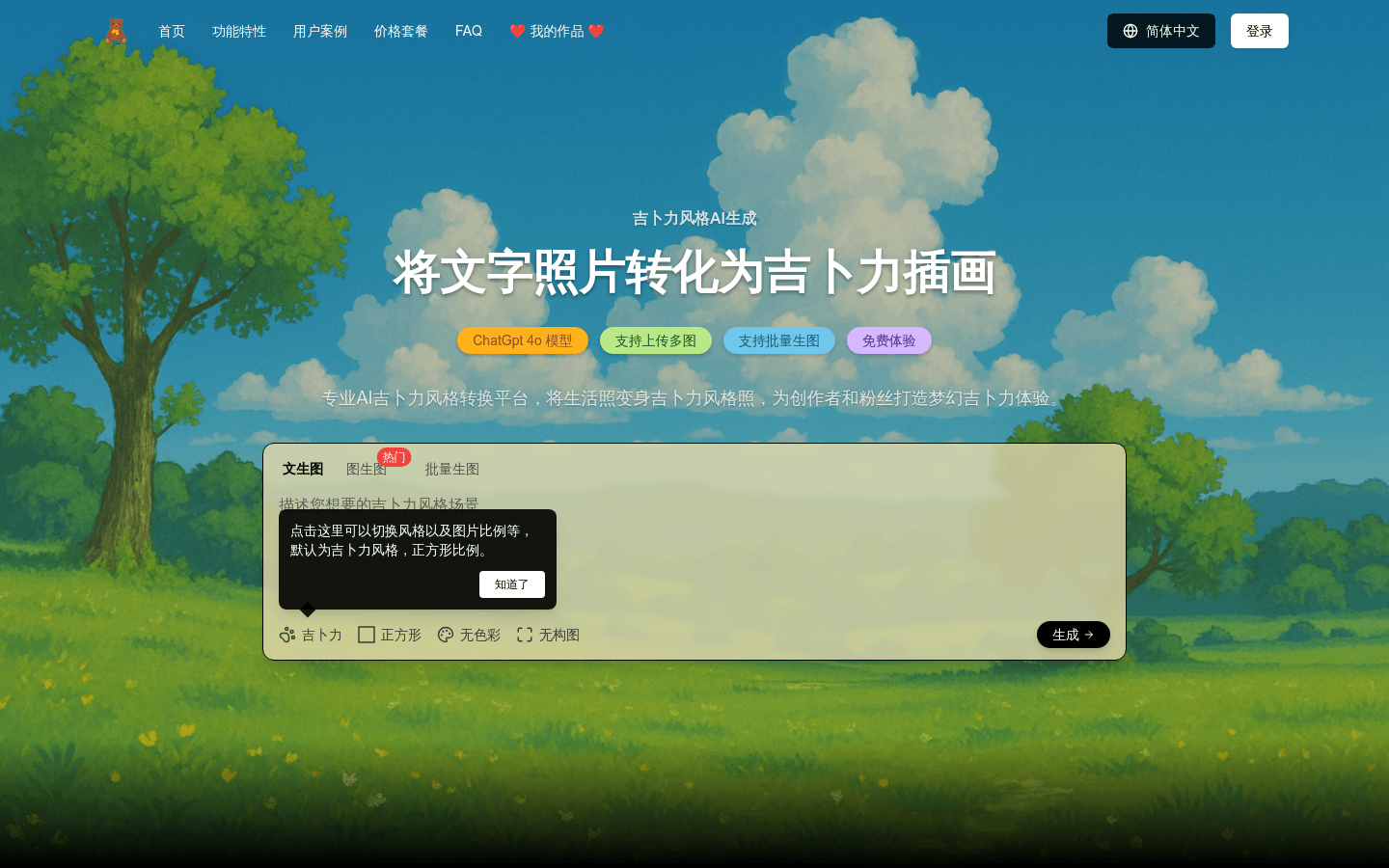
Screenshot archived from the listing page, for preview only.











