
GetLyricVideo AI
AI lyric video generatorSongs into music videos in minutes
Highlights
What you can do with it
- Independent musicians promote songs on YouTube
- Producers create visuals for demos
- Content creators make lyric videos for TikTok
How to use it
- 1 Upload your song in MP3, WAV, or M4A format
- 2 Let the AI detect lyrics, or paste them manually
- 3 Let the AI generate video scenes
- 4 Download and share the music video
Who it is for
Pros
- No manual editing required
- Fast, four-step workflow
- Uploaded files are encrypted and deleted
Limitations
- Pricing details are not specified
- Lyric detection may need manual correction
- Some styles are listed as coming soon
What GetLyricVideo AI is
GetLyricVideo AI is an AI-based lyric video generator. The goal is to make music video production accessible to creators who do not have video editing skills. You upload a song, the AI detects the lyrics, and it builds a video where visuals and lyrics stay in sync. The tool supports multiple styles, including cartoon story videos and realistic narrative music videos, and more styles are planned. It accepts MP3, WAV, and M4A files, and uploaded files are encrypted and automatically deleted after 24 hours. The vendor says it is trusted by 10,000 creators, and pricing details are not specified, though a free trial or paid model may apply.
What you can do with it
- Upload a song and have lyrics detected automatically
- Paste lyrics manually if detection is inaccurate
- Generate synchronized video scenes from the lyrics
- Export the finished video for social platforms
The process is four steps: upload, detect lyrics, generate scenes, download. For an independent musician, this means a promotional video without hiring an editor. For a producer, it creates visuals for a demo to show a client. For a content creator, a popular song can become an engaging lyric video for TikTok or Instagram.
Who it is for
- Independent musicians with limited budgets
- Music producers who need quick visual content
- Content creators making lyric videos
- Labels and promotion teams producing at volume
The common thread is people who need a video fast and do not want to edit one by hand.
What to watch out for
Pricing is not specified in the documentation, so cost has to be confirmed on the site. Lyric detection is automatic but not perfect, so you may need to paste lyrics manually for accuracy. Some video styles are described as coming soon, so not everything advertised may be available yet. Uploaded files are deleted after 24 hours, which is good for privacy but means you should download anything you want to keep. Check the platform's terms before using commercial music.
FAQ
What does GetLyricVideo AI do?
It turns a song into a music video with synchronized lyrics and generated scenes.
Which formats can I upload?
MP3, WAV, and M4A files are supported.
Are my files safe?
Uploads are encrypted and automatically deleted after 24 hours.
Why it is free
What the official page says: free trial
Free limits, trial length and features are decided by the official site and can change at any time.
Product preview
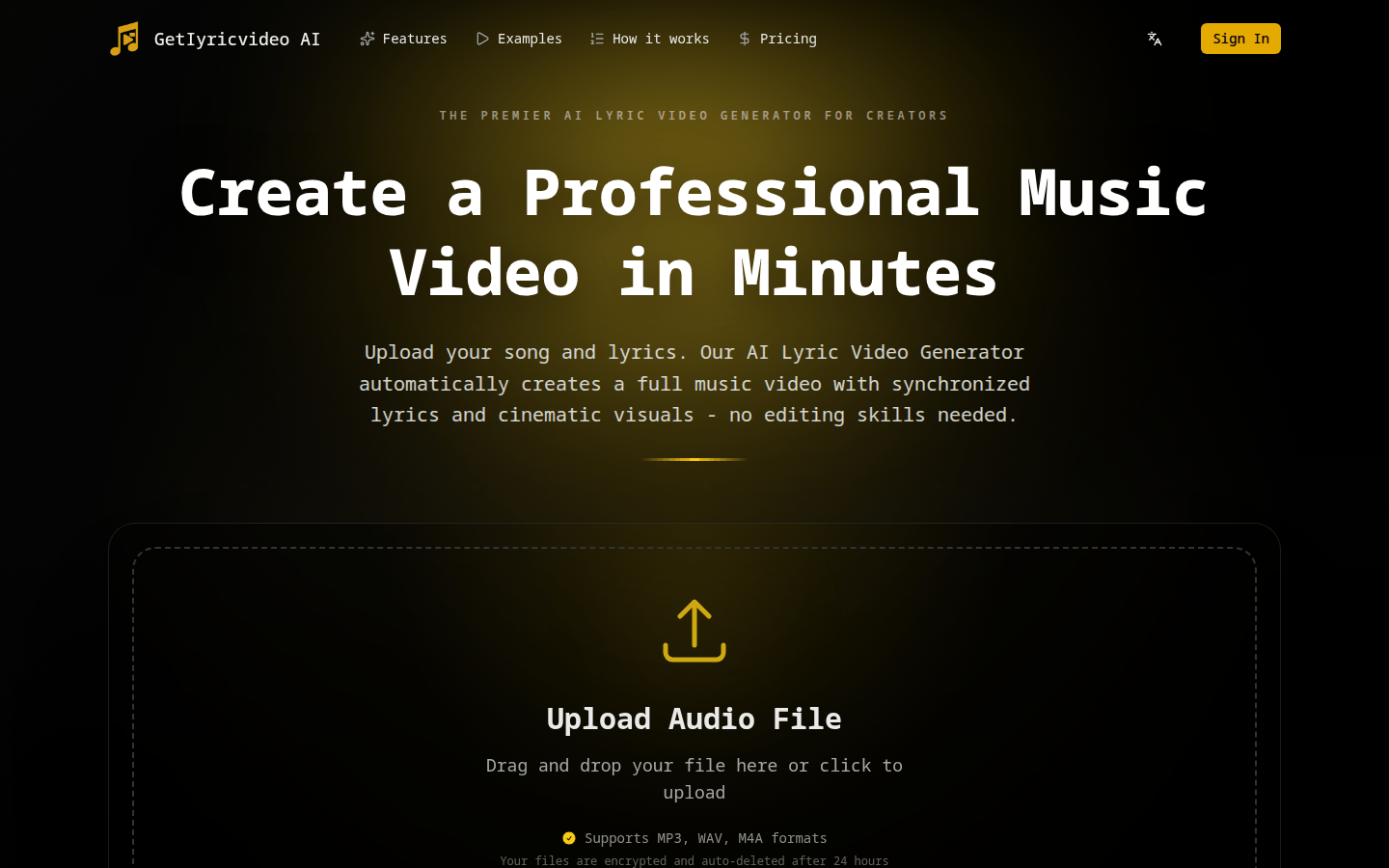
Screenshot archived from the listing page, for preview only.











