
GenOffice
Free open-source AI office suiteEdit Office files with built-in AI
Highlights
What you can do with it
- Rewrite and tighten a report while keeping formatting
- Build a budget tracking sheet from a plain description
- Turn a course outline into editable slides
- Convert a PDF contract into an editable Word file
How to use it
- 1 Download the installer for your operating system
- 2 Open GenOffice and pick an editor
- 3 Load an existing file or create a new one
- 4 Select content and give the AI an instruction
- 5 Review changes with snapshots and diff, then save locally
Who it is for
Pros
- No licence fees, ads, or watermarks
- Handles real Office and PDF formats
- Local-first storage and optional own-key AI
Limitations
- Open-source project, so support is community-based
- Some AI features need credits or your own key
- Complex formatting may need manual cleanup
- New tools can still have bugs
What GenOffice is
GenOffice is a free and open-source AI office suite for macOS, Windows, and Linux. It directly supports formats such as docx, xlsx, pptx, PDF, HTML, and Markdown, and it provides consistent AI assistance across six editors: Docs, Sheets, Slides, PDF, HTML, and Markdown. You can draft, rewrite, and reorganise documents, generate charts and pivot tables, create presentations in one click, edit PDF text while preserving fonts, and convert PDFs locally into editable Word, Excel, or PowerPoint files. Documents save locally by default, with no ads, no watermarks, and no licence fees.
What you can do with it
- Draft, polish, and rewrite documents with AI help
- Build spreadsheets with charts and pivot tables from a description
- Generate editable slides from a topic or outline
- Edit PDF text and convert PDFs to Word, Excel, or PowerPoint
- Save files locally and choose your own AI key or credits
Who it is for
Students and teachers who write papers and build courseware, professionals and knowledge workers who live in Word, Excel, PowerPoint, and PDF, and small businesses and freelancers that want to avoid licence costs all benefit from GenOffice. Developers and open-source enthusiasts who want to inspect and modify the code, and privacy-conscious users who want files kept local, also fit the project. Anyone looking for a lower-cost office option will find it capable.
What to watch out for
GenOffice is an open-source project, so support is community-based rather than a paid help desk, and new features can still have bugs. Some AI functions require Genspark credits or your own API key, so the AI is not entirely free of cost depending on how you use it. Complex formatting may need manual cleanup after an AI edit, so review changes with the snapshot and diff tools before you save. Check the project's current status and compatibility with your files before you switch your main workflow.
FAQ
Is GenOffice free?
Yes, it is free and open source, with no licence fees.
Which formats does it support?
docx, xlsx, pptx, PDF, HTML, and Markdown.
Can I use my own AI key?
Yes, you can use Genspark credits or bring your own API key.
Does it work offline?
Files are saved locally, but AI features need a connection and a key or credits.
Why it is free
What the official page says: 免费
Free limits, trial length and features are decided by the official site and can change at any time.
Product preview
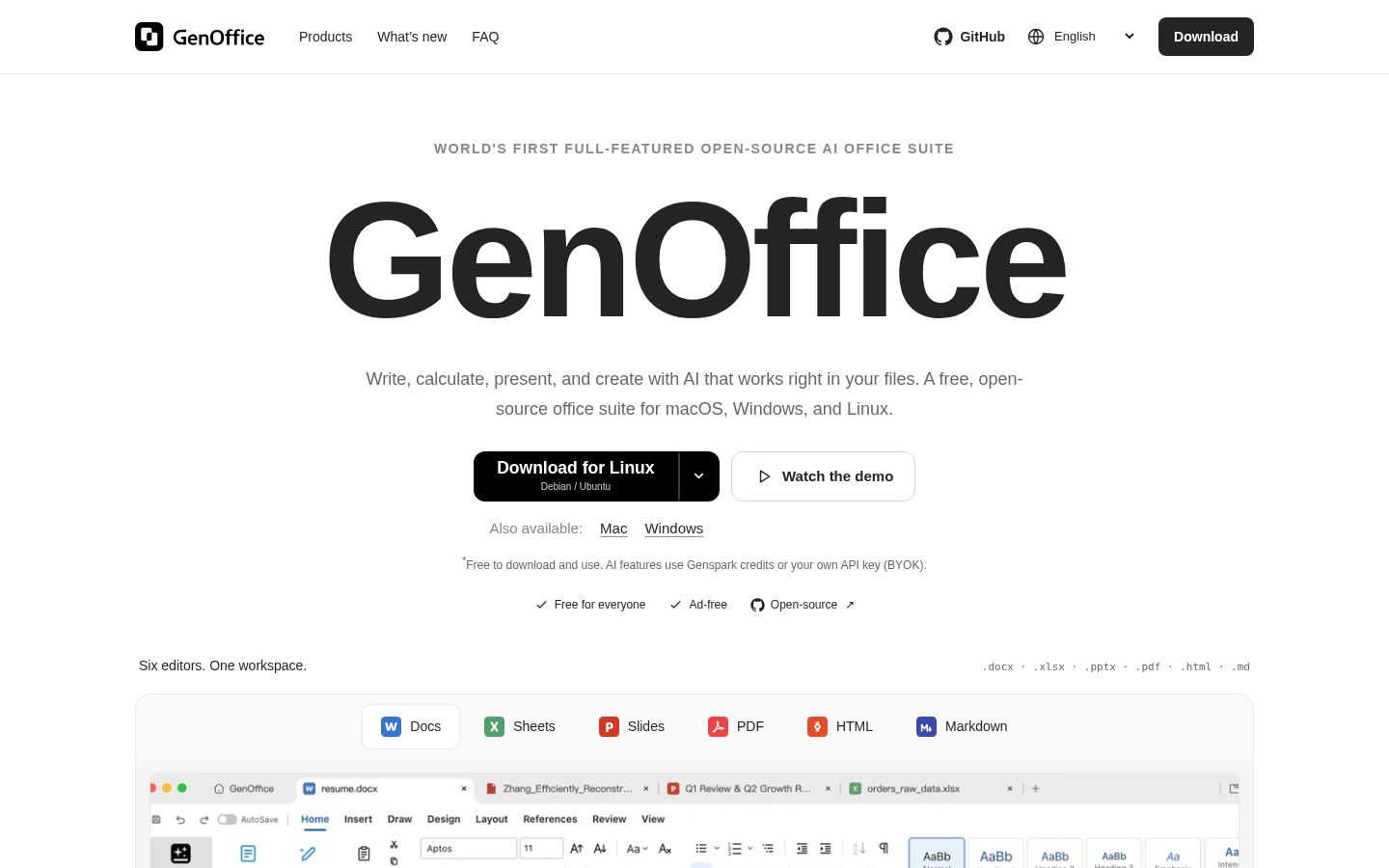
Screenshot archived from the listing page, for preview only.











