
Genmi AI
AI image and video generatorCreate images and videos from text or photos
Highlights
What you can do with it
- Turn article content into short videos
- Add music and effects to travel photos
- Transform everyday photos into anime style
How to use it
- 1 Visit genmi.ai and start the free trial
- 2 Choose a function such as image-to-video or text-to-video
- 3 Upload material or enter a text description
- 4 Wait for the AI to process and generate
- 5 Review, adjust, then save or share
Who it is for
Pros
- Many generation modes in one place
- No professional skills needed
- Free trial available
Limitations
- Free trial only, then paid
- Generated results vary and need review
- Uploads and generation depend on the service being online
What Genmi AI is
Genmi AI is a platform for generating images and videos with AI. It offers several modes in one place: text-to-image, image-to-image, text-to-video, image-to-video, and video-to-video. That means you can turn a written idea, a still photo, or an existing clip into new visual content. It aims to lower the barrier to creation for content creators, social media users, and general users who want artistic results without professional skills. A free trial is available so you can test the tools before paying for more.
What you can do with it
- Turn text into images or videos
- Turn a photo into a styled image or a moving video
- Restyle an existing clip with video-to-video
- Create social content without editing skills
Who it is for
- Content creators making visuals for posts
- Social media users enhancing photos and clips
- General users creating art without professional skills
- Anyone who wants many generation modes in one place
What to watch out for
Only a free trial is offered, after which you move to a paid plan, and that pricing can change. Generated results vary and usually need review and adjustment before they are good enough to publish, so do not expect a perfect result on the first try. Because generation happens on the service's servers, it depends on Genmi AI staying online, and you are uploading your images and videos to a third party, so be careful with private footage and keep your own copies. Behavior may vary across browsers and devices, so test before production use and consult the help docs if errors appear. Features and interface details may change between versions, so review the latest notes on the page before you start.
FAQ
What can Genmi AI create?
It generates images and videos, including text-to-image, image-to-image, text-to-video, image-to-video, and video-to-video.
Do I need skills?
No. It is designed so general users can create without professional skills.
Is there a free trial?
Yes. You can start a free trial.
Why it is free
What the official page says: free trial
Free limits, trial length and features are decided by the official site and can change at any time.
Product preview
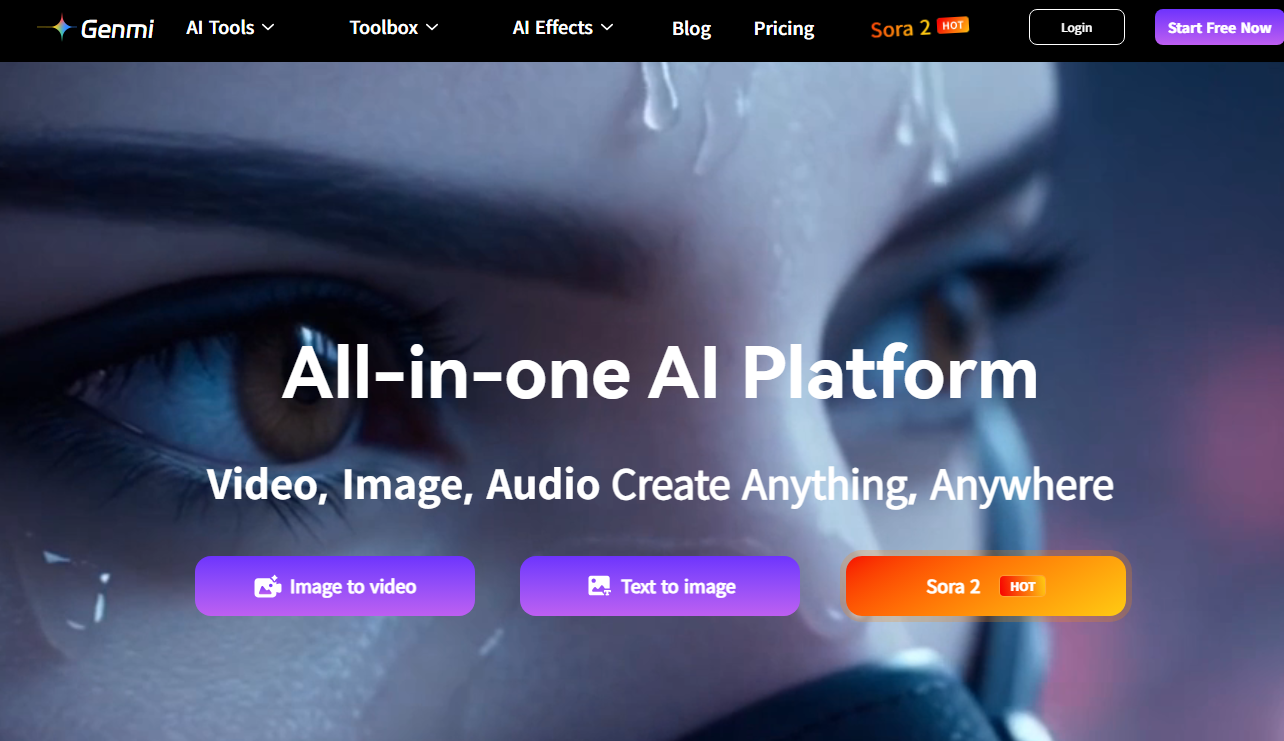
Screenshot archived from the listing page, for preview only.











