
geni
Free AI product image generator for storesBetter product photos without a shoot
Highlights
What you can do with it
- An online store refreshing its listing images
- A seller testing a product on different backgrounds
- A small brand improving visuals without a photo shoot
How to use it
- 1 Log in to the geni-e website
- 2 Choose the background setting you want
- 3 Upload product images or write a custom prompt
- 4 Wait for the generated set, then download and use it
Who it is for
Pros
- Free to use for generating product images
- A full set of five images in one run
- Fast turnaround, under a minute
- No photographer or studio required
Limitations
- Free rules and limits are not detailed, so they may change
- Results depend on the quality of the uploaded photo
- Generated images still need a visual check before publishing
- Preset backgrounds limit how distinctive the output looks
What geni is
geni-e is an AI product image tool built for online stores. You upload a product photo or write a custom prompt, pick one of the preset background settings, and the tool generates a professional set of five images. The stated time is under a minute, which is the main selling point next to cost: no photographer, no studio, no reshoots. It is aimed at businesses that need better listing visuals without a production budget, and the page presents the tool as free to use.
What you can do with it
- Turn an ordinary product photo into a polished set of five images.
- Choose preset backgrounds or write your own prompt.
- Refresh listing visuals for an online store quickly.
- Skip photography entirely for simple product shots.
Who it is for
- E-commerce sellers working with a small budget.
- Small brands that need better listing images.
- Marketplace sellers with large catalogs to update.
What to watch out for
The quality of the source photo matters more than the tool. A blurry or badly lit upload produces a weak result no matter which preset you choose, so keep a clean original on hand. Preset backgrounds are convenient but they also cap how distinctive your images look, and if every competitor uses the same presets your listings start to resemble each other. The page presents the tool as free but does not detail the limits behind that, so confirm current terms before you build a catalog workflow around it. Always check a generated image at full size before it goes live, since small artefacts are easy to miss in a thumbnail.
FAQ
Is geni-e free?
The site presents it as a free AI product image solution.
How many images do I get?
It auto-generates a professional set of five images.
How long does it take?
The site says roughly under a minute for a polished result.
Why it is free
What the official page says: 免费
Free limits, trial length and features are decided by the official site and can change at any time.
Product preview
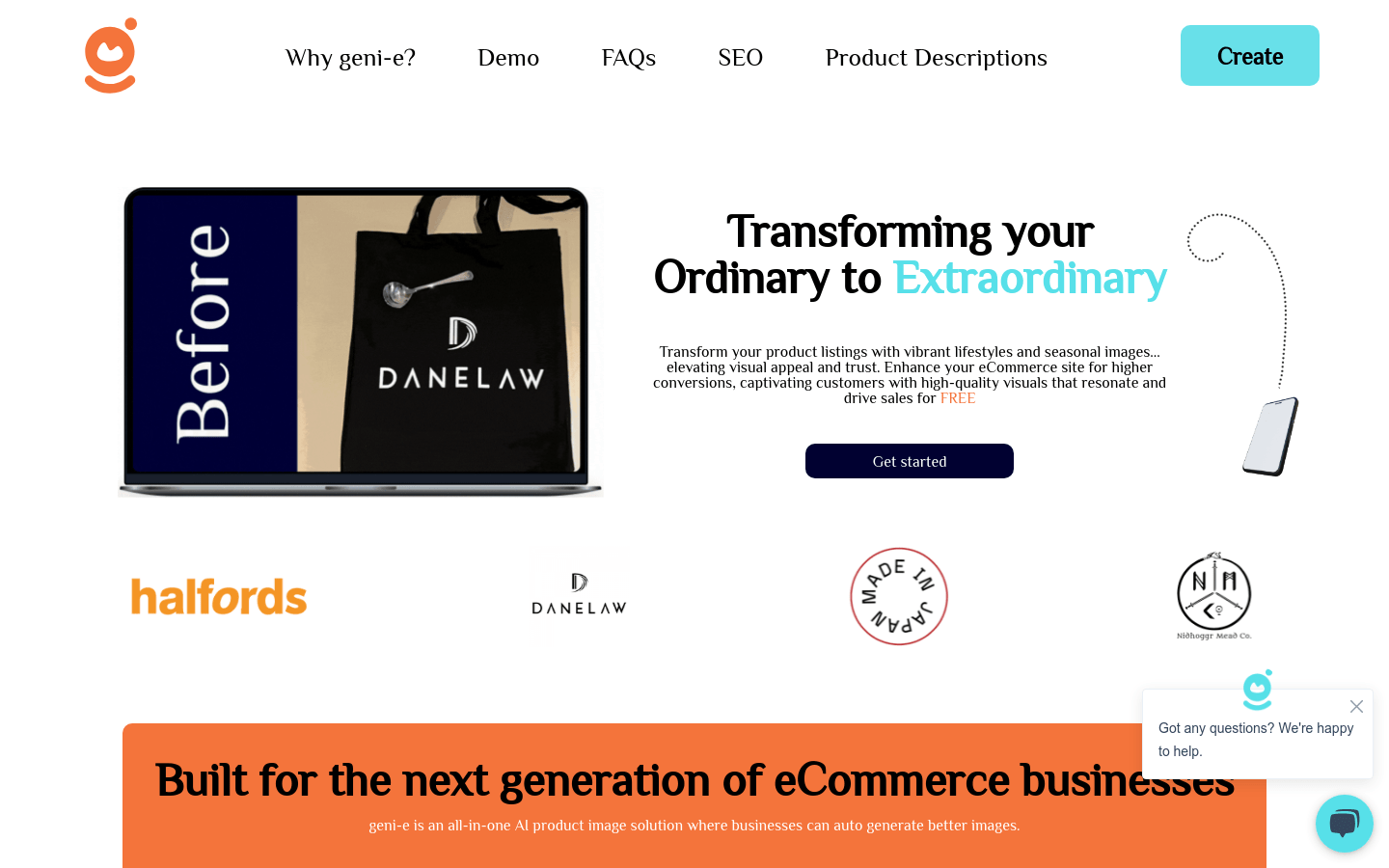
Screenshot archived from the listing page, for preview only.











