
GenFuse AI
No-code builder for multi-agent AI workflowsDrag agents together and automate the work
Highlights
What you can do with it
- Automating personalised outreach and lead scoring for a sales team
- Extracting and summarising information from documents and websites
- Generating marketing content and analysing survey responses
How to use it
- 1 Register an account on the GenFuse AI site
- 2 Choose a pre-built template or start from scratch
- 3 Drag agents into the workspace and connect them
- 4 Assign tasks and add the tools each agent needs
- 5 Test the workflow, publish it, then monitor and adjust the results
Who it is for
Pros
- No coding needed to assemble a working agent workflow
- Multiple model support avoids lock-in to a single provider
- Templates give a starting point instead of a blank canvas
Limitations
- Free trial is limited and long-term use needs a paid plan
- Workflow quality depends on the models and tools you connect
- Automation still needs human review before it touches real customers
What GenFuse AI is
GenFuse AI is a no-code platform for building workflows out of AI agents. Instead of writing integration code, you drag pre-built agents onto a canvas and connect them so they pass work to each other. The platform supports several large language models, including OpenAI and Gemini, and adds new ones as they appear. It ships with templates aimed at sales, research, marketing and operations, which gives you a working starting point rather than an empty page. Agents can be extended with tools such as web search, web scraping and knowledge bases. On the security side, the vendor points to encryption and local deployment options. A free trial is available once you register an account.
What you can do with it
- Build multi-agent workflows by dragging and connecting pre-built agents
- Attach tools like web search, scraping and knowledge bases to extend what an agent can do
- Start from a template for sales, research, marketing or operations
- Run workflows through the API for batch inputs
- Test, publish and then monitor how the automation behaves
Who it is for
- Business users who want automation without a developer
- Sales and marketing teams with repetitive outreach and content workloads
- Operations teams that need answers extracted from internal documents
What to watch out for
The free trial is a trial: continued use needs a paid plan, and the boundary between what the trial covers and what it does not is worth checking early. Workflow quality depends heavily on which model you attach and how well you describe the task, so a badly scoped agent produces badly scoped output. Automation that faces customers should always have a review step before it sends anything. And because the platform orchestrates several external services, an outage upstream will stall the whole chain, not just one node.
FAQ
Do I need to know how to code?
No. The platform is designed so users can create agent workflows by dragging and connecting pre-built agents.
Which models does it support?
It works with models such as OpenAI and Gemini, and new models are added regularly.
Is there a free trial?
Yes, you can start with a free trial after creating an account.
Why it is free
What the official page says: free trial
Free limits, trial length and features are decided by the official site and can change at any time.
Product preview
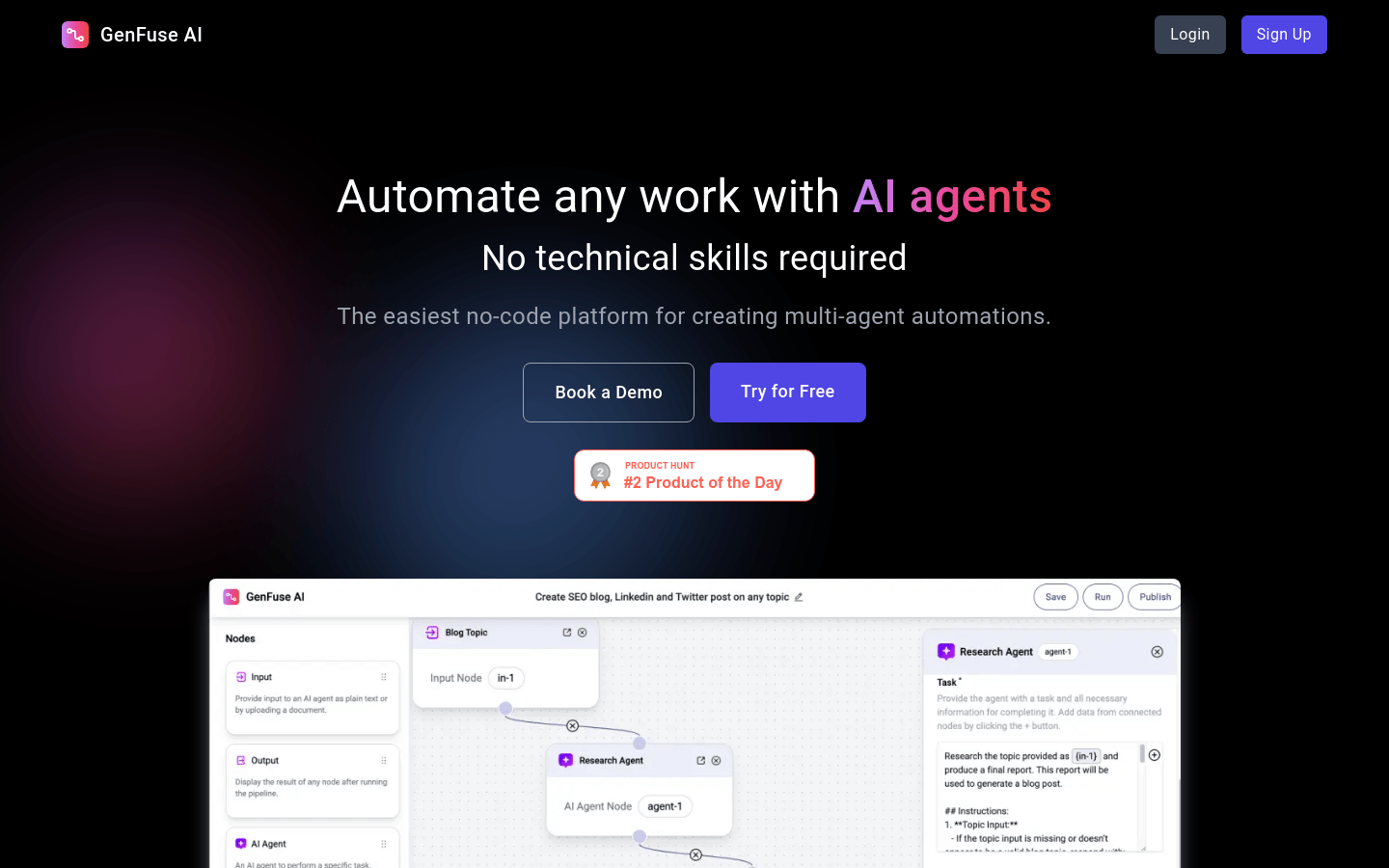
Screenshot archived from the listing page, for preview only.











