
Gempix2 AI
Free AI image editor and generatorRemove backgrounds, enhance, and create AI art
Highlights
What you can do with it
- A personal user cleans up travel photos for social sharing
- An e-commerce seller removes backgrounds and enlarges product images
- A designer generates unique art images for a project
How to use it
- 1 Visit aigempix2.app and sign up or log in to save work
- 2 Pick a module such as background removal or image enlargement
- 3 Upload the image file from your device
- 4 Adjust and preview the result, then save or download it
Who it is for
Pros
- Basic functions are free to use
- Many editing and generation tools in one place
- Simple upload-and-go workflow
- Handles both photo fixes and creative generation
Limitations
- Advanced functions require a paid plan
- AI edits may need touch-ups for fine detail
- Result quality depends on the source image
- Free access terms and features may change over time
What Gempix2 AI is
Gempix2 AI is a free online image editing and generation platform built on advanced AI. It covers a wide range of tasks, from everyday photo fixes to more complex creative work, so personal users and professionals can both find a suitable tool. The main idea is to keep things approachable: basic functions are free to use, and more advanced functions are available through paid plans. It is positioned to meet image editing needs that range from simple to professional, whether you are cleaning up a personal photo or producing assets for a project. The platform aims to combine editing and generation so you do not need several separate apps for common image work.
What you can do with it
- Remove backgrounds from images by detecting the subject automatically.
- Enlarge images with AI to raise resolution while keeping detail.
- Enhance photos by adjusting color, contrast, and brightness.
- Generate art from text prompts and remove unwanted objects.
Who it is for
- Personal users who edit and share everyday photos.
- Designers who need quick creative assets and ideas.
- E-commerce professionals preparing clean, high-quality product images.
What to watch out for
Advanced functions require a paid plan, so check which tools are free before you plan a project. AI edits can still need manual touch-ups, especially around fine edges like hair or detailed objects, so review results before publishing. Output quality depends on the source image, and low-resolution or noisy inputs may limit how much you can enlarge or clean up. Free access terms and the exact feature set may change over time, so confirm current details on the site.
FAQ
Is Gempix2 AI free?
The basic functions are free to use, and advanced functions are available through paid plans.
What can it do?
It can remove backgrounds, enlarge images without loss, enhance photos, remove objects, generate art from text, and edit images.
Who is it for?
It suits personal users, designers, and e-commerce professionals who need quick image editing and generation.
Why it is free
What the official page says: free to use
Free limits, trial length and features are decided by the official site and can change at any time.
Product preview
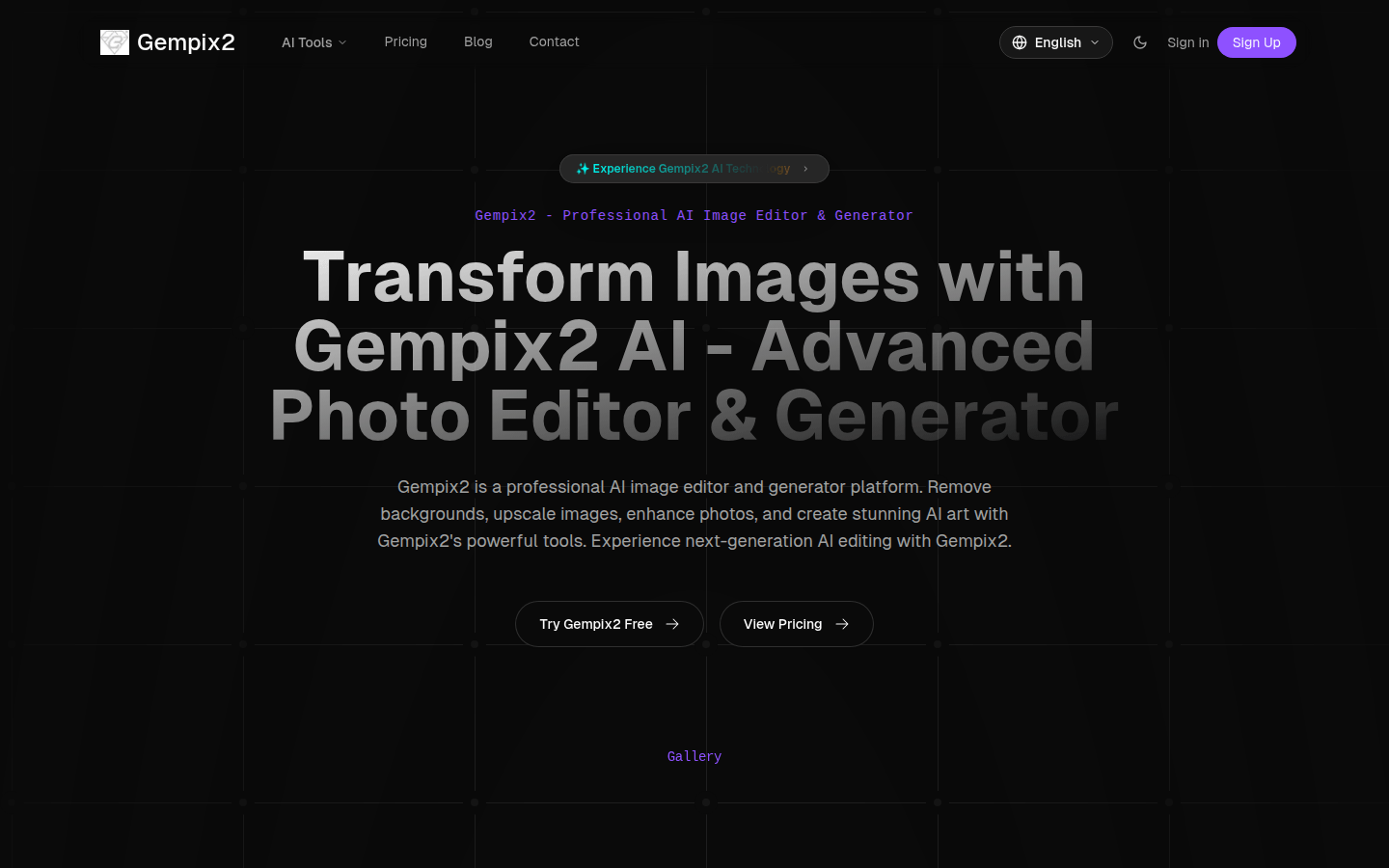
Screenshot archived from the listing page, for preview only.











