
Gempix 2
Free advanced AI photo editor in the browserPro-level AI photo editing, no download
Highlights
What you can do with it
- Edit photos precisely without installing desktop software
- Generate images from text prompts inside the editor
- Process images quickly for social or client work
How to use it
- 1 Open gempix2ai.ai in your browser
- 2 Upload the photo you want to edit
- 3 Choose the editing or generation function you need
- 4 Apply changes and wait for real-time processing
- 5 Save the finished image
Who it is for
Pros
- Free access with no download or registration stated
- Combines precise editing with text-to-image generation
- Real-time processing in the browser
- No subscription required per the site
Limitations
- Claimed technology and quality should be verified against your own tests
- Feature depth is unclear from the listing, so complex edits may not be covered
- Free access and site availability can change
- Browser-based tools depend on your connection and device
What Gempix 2 is
Gempix 2 is a free online AI photo editor at gempix2ai.ai. The site says it runs on NanoBanana 2 technology and is positioned as a professional image editing solution that works entirely in the browser. There is nothing to download and no registration required, and the product is described as completely free with no charges. Core capabilities include precise image editing, intelligent text-to-image generation, and rapid real-time processing, all aimed at users who want a convenient and efficient editing experience. The product targets people who need high-quality image editing but do not want to install desktop software or pay for a subscription.
What you can do with it
- Edit photos with precise, AI-assisted controls
- Generate images from text prompts inside the same editor
- Process images in real time in the browser
- Skip installs, accounts, and subscriptions
Who it is for
- Users who want professional-style editing without desktop software
- Creators preparing images for social media or client work
- Anyone who wants to try AI photo editing for free
What to watch out for
The listing is short on specifics, so the actual depth of editing controls is something to test yourself before relying on it for paid work. Claims about the underlying technology come from the site and have not been independently verified here. Because everything runs in the browser, speed and stability depend on your connection and device, and large files may be slower. Keep a copy of your originals before editing, since browser tools can behave differently across devices. Free access, features, and site availability can change at any time, so treat the current free offer as a snapshot rather than a promise.
FAQ
Is Gempix 2 free?
The site describes it as completely free with no charges.
Do I need to install anything?
No. It runs in the browser with no downloads or registration required.
What technology does it use?
The site says it is powered by NanoBanana 2 technology.
What can it do?
The listing mentions precise image editing, intelligent text-to-image generation, and rapid real-time processing.
Why it is free
What the official page says: 免费使用完全免费免费
Free limits, trial length and features are decided by the official site and can change at any time.
Product preview
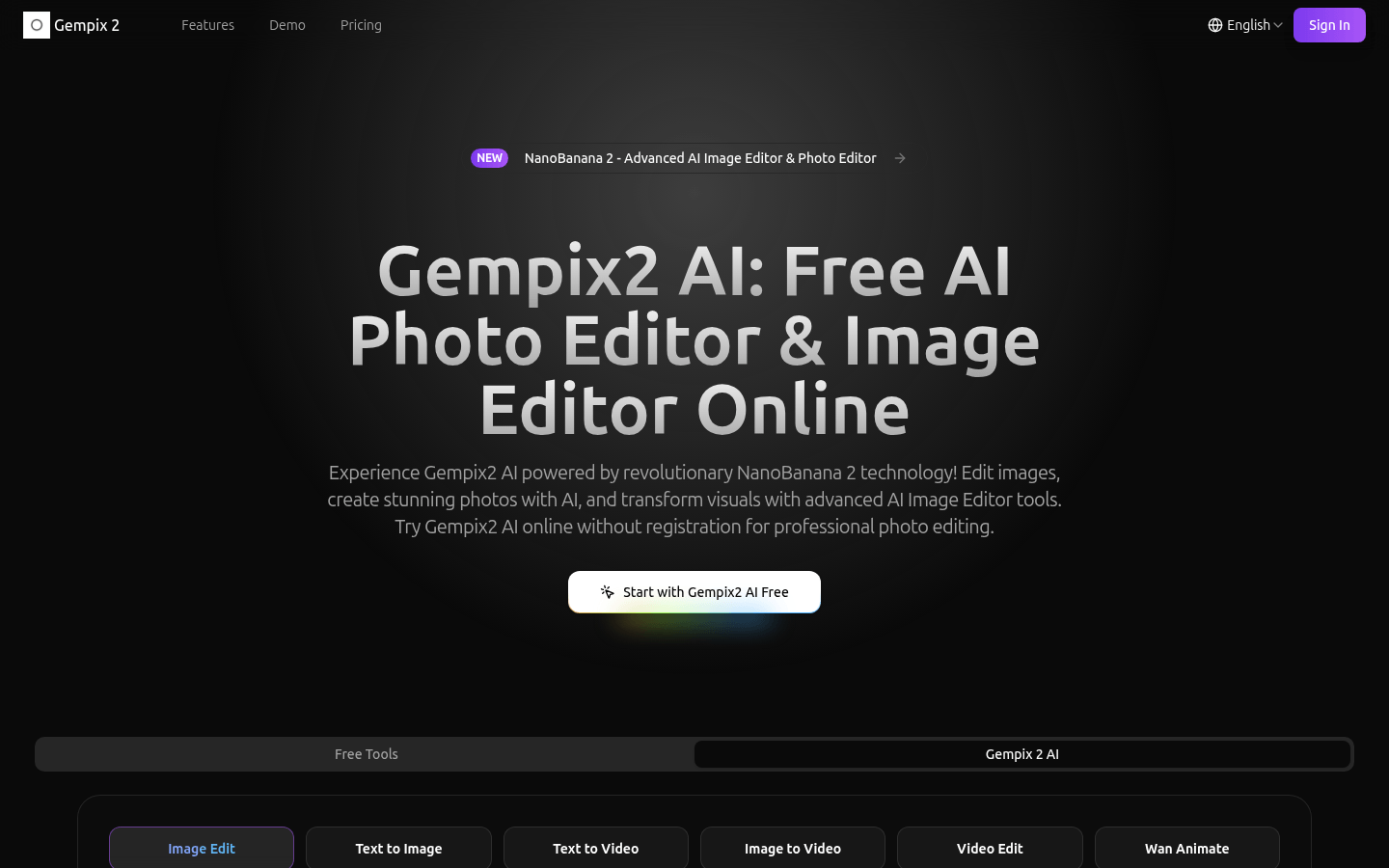
Screenshot archived from the listing page, for preview only.