Gemini Omni Flash
Multimodal AI video model from GoogleText, image, audio to short cinematic video
Highlights
What you can do with it
- Create short cinematic clips from mixed inputs
- Edit a generated video through conversation
- Experiment with audio driven video ideas
How to use it
- 1 Access the model through YouTube Shorts or YouTube Create
- 2 Provide text, image, audio, or video input
- 3 Generate a short clip and review it
- 4 Use conversational editing to refine the result
Who it is for
Pros
- Multimodal input widens creative options
- Conversational editing simplifies refinement
- Some free access through YouTube tools
Limitations
- Free tiers are limited and may change
- Direct API pricing is not disclosed
- Full access sits behind Google subscriptions
What Gemini Omni Flash is
Gemini Omni Flash is presented as the first model in Google's Omni series. It is a video generator that supports multimodal input, meaning you can hand it text, images, audio, and existing video clips and get back short cinematic videos. That flexibility is the point: you are not limited to a text prompt when you already have a photo, a sound, or a rough cut to build from. The other headline feature is conversational editing, so instead of regenerating from scratch you can keep talking to the model and ask for changes. On access, YouTube Shorts and YouTube Create offer limited free tiers, while Google AI Plus Pro and Ultra subscriptions include the feature. Direct API pricing is not disclosed. The stated audience is creators, developers, and businesses. For someone who already has a rough cut or a photo, being able to hand that over instead of writing everything from scratch changes how the tool gets used.
What you can do with it
- Generate short cinematic video from text, image, audio, or video input
- Mix several input types in one generation
- Refine a clip through conversation instead of starting over
- Publish through YouTube surfaces that carry the feature
- Experiment with audio as an input to guide the visuals
Who it is for
- Creators producing short form cinematic content
- Developers evaluating multimodal video models
- Businesses that need quick promotional clips
- Editors who want to revise by describing the change
What to watch out for
The free tiers through YouTube Shorts and YouTube Create are limited, and limits or availability can change with product updates, so confirm current access before you build a workflow on it. Full use sits behind Google AI Plus Pro and Ultra subscriptions, and direct API pricing is not disclosed, which makes cost planning harder for developers. Output is short form, so long projects still need traditional editing around the generated clips. Check the terms of whichever YouTube surface you publish through, especially for commercial use, because free tiers and subscription inclusion differ between Shorts, Create, and the AI plans.
FAQ
What is Gemini Omni Flash?
It is described as the first model in Google's Omni series for multimodal video generation.
What inputs does it take?
Text, images, audio, and existing video clips.
Is there a free option?
YouTube Shorts and YouTube Create offer limited free tiers.
Who is it for?
Creators, developers, and businesses with video creation needs.
Why it is free
What the official page says: 免费
Free limits, trial length and features are decided by the official site and can change at any time.
Product preview
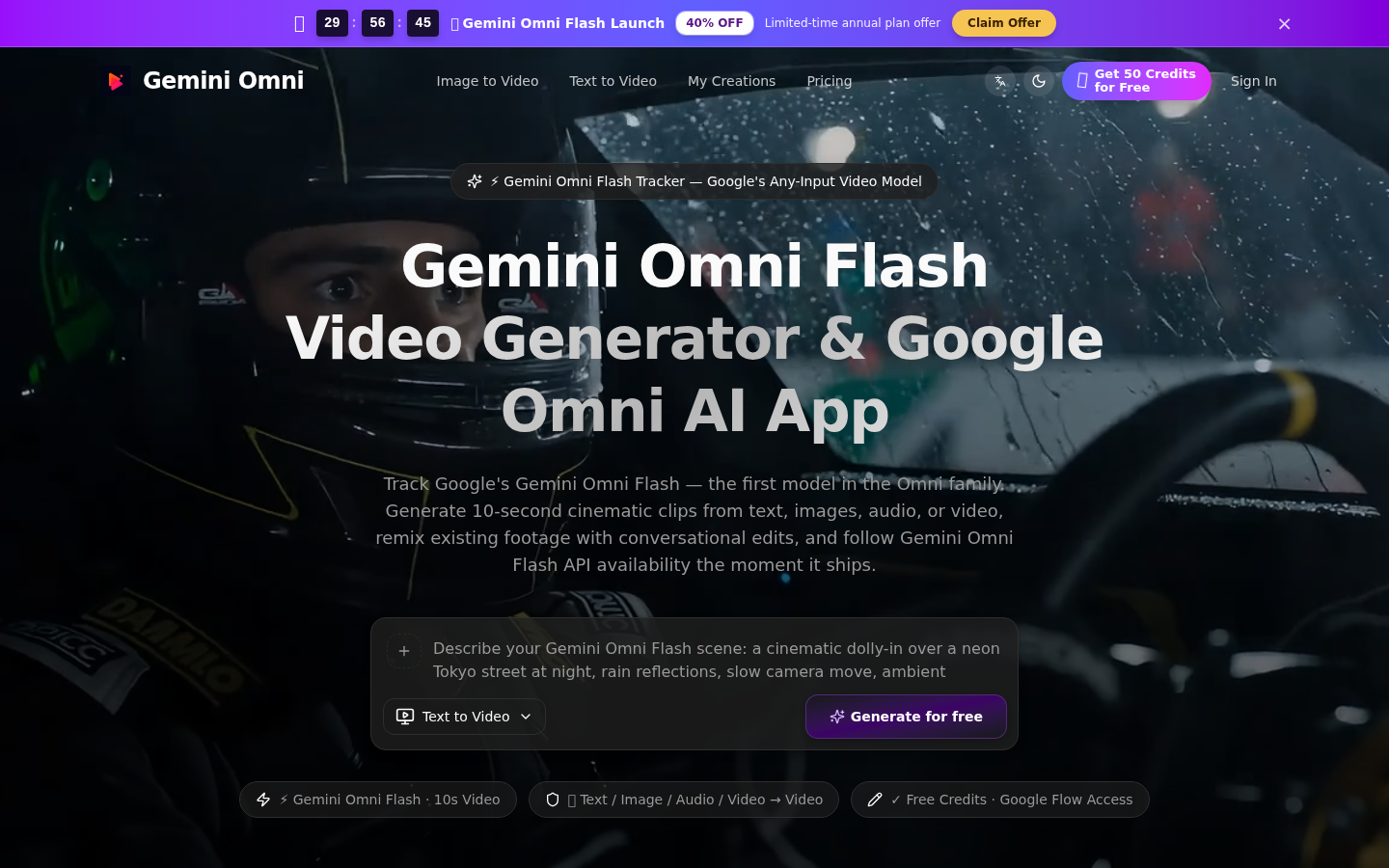
Screenshot archived from the listing page, for preview only.