
Gemini Omni Flash
Multi-modal AI video generatorText, images, and chat-based editing
Highlights
What you can do with it
- Create a video from a written scene description
- Animate a product photo with motion
- Restyle or extend an existing clip by chat
How to use it
- 1 Choose a workflow on the site
- 2 Enter prompts or upload images and references
- 3 Generate the video and preview it
- 4 Refine with conversational editing
- 5 Export and publish the final video
Who it is for
Pros
- Several input types in one tool
- Editing by conversation lowers the skill barrier
- Reference materials help consistency
Limitations
- Pricing is not clearly stated in the listing
- Output quality depends on prompts and models
- Complex scenes may need many attempts
- Free terms can change
What Gemini Omni Flash is
Gemini Omni Flash is an AI video generator at geminiomni-ai.net. The site says it uses multi-modal AI to turn text prompts, images, and reference clips into high-definition video without professional skills. Listed features include text-to-video, image-to-video, video audio mixing, conversational video editing where you ask for changes in plain language, and character consistency maintained through reference materials. It is aimed at creators, marketers, filmmakers, storytellers, and AI content teams who want a flexible way to produce video. The listing indicates a possible free trial and paid model, but pricing is not clearly stated.
What you can do with it
- Generate video from a written description
- Animate still images with motion and transitions
- Mix or replace audio in an existing clip
- Edit video by chatting with the AI
Who it is for
- Creators producing short-form video
- Marketers making product promotions
- Filmmakers and storytellers prototyping ideas
What to watch out for
Pricing is not clearly stated in the listing, so verify current plans and any trial terms on the official page before planning work. Output quality depends on how specific your prompts are and on the models behind the tool, so complex scenes usually need several attempts and careful previewing rather than one perfect render. Conversational editing is convenient but imprecise: small wording changes can produce large visual differences, so keep versions of anything you like. The service runs on external infrastructure, so uptime, features, and free terms can change without notice. Start with a simple scene, review frames closely, and treat generated video as raw material that still needs your own editing and judgment before publication.
FAQ
Is Gemini Omni Flash free?
The listing suggests a possible free trial and paid model, but pricing is not clearly stated, so check the official page.
What can it generate?
Videos from text, images, or reference clips, with audio mixing and conversational editing.
Can it keep a character consistent?
The site says reference materials help maintain character appearance and scene coherence across shots.
What should I keep in mind?
Expect to iterate on prompts, verify pricing, and treat output as raw material that still needs review.
Why it is free
What the official page says: free trial
Free limits, trial length and features are decided by the official site and can change at any time.
Product preview
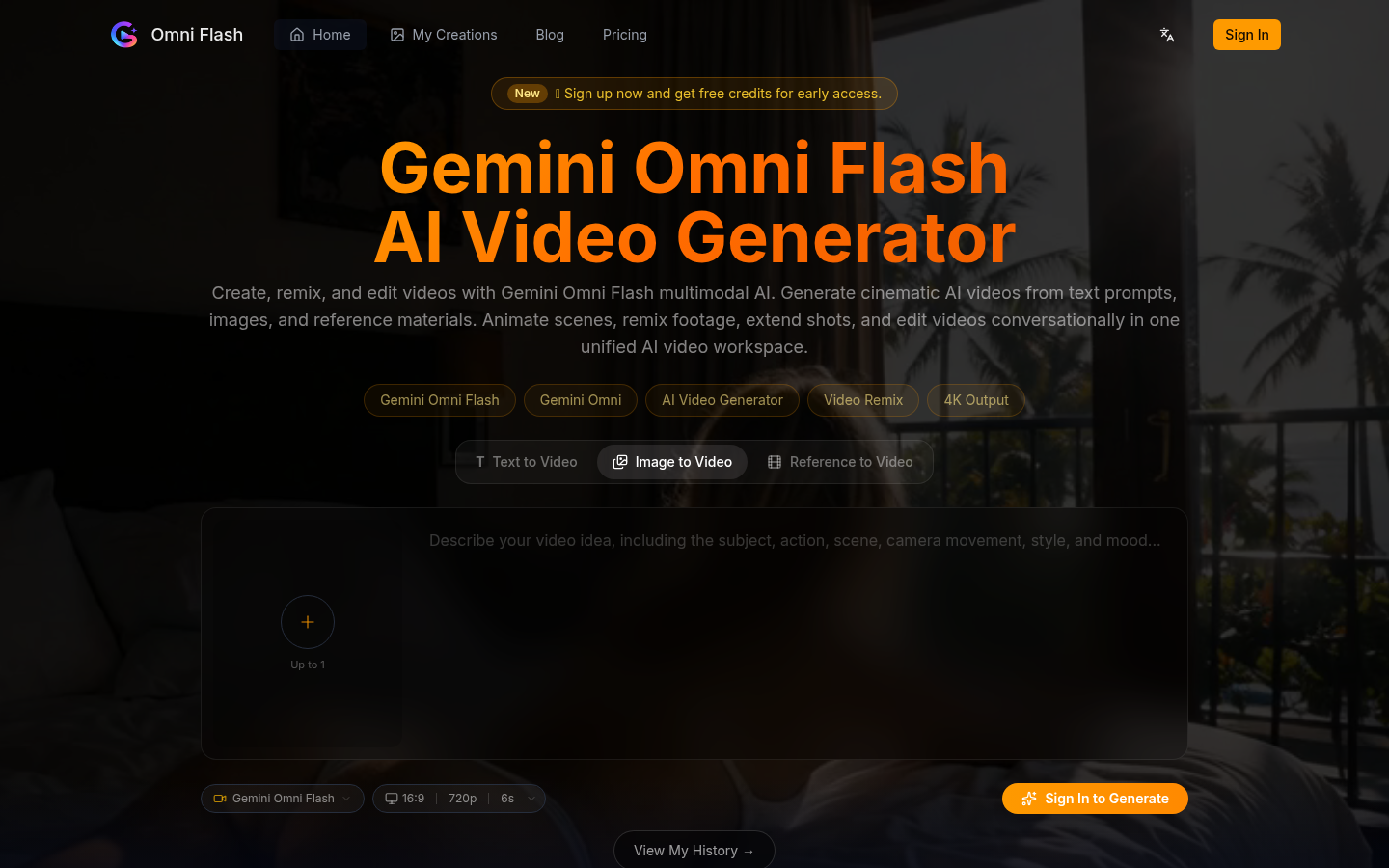
Screenshot archived from the listing page, for preview only.











