
Gemini Omni AI Video Generator - GemOmni
AI video generator with chat editingDescribe the edit, get the video
Highlights
What you can do with it
- Create a cinematic clip from a sci-fi text prompt
- Animate a concept image of a robot driving a car
- Turn a written lesson into a classroom-style video
How to use it
- 1 Open gemomni.com in your browser
- 2 Sign in and claim the free credits
- 3 Enter a prompt or upload an initial image
- 4 Pick a model and set the aspect ratio
- 5 Generate, preview, then refine with natural language edits
- 6 Download the finished video for your project
Who it is for
Pros
- Editing by conversation removes timeline complexity
- Several models give speed and quality options
- Fast aspect ratio switching suits many platforms
Limitations
- Free credits are limited, then paid plans apply
- Generation quality varies by model and prompt
- Some edits may not match what you pictured
- Check content rules before you publish
What Gemini Omni is
Gemini Omni, also called GemOmni, is an AI video generation and editing platform designed to turn ideas into high-quality video quickly. It supports the familiar routes of text-to-video and image-to-video, and it adds conversational editing, which means you can ask for a change in plain language instead of working with keyframes and tracks. For example, you can ask it to change the lighting, extend a shot, or swap the background. The platform brings together several advanced video models and adds smart scene enhancement and cinematic colour grading.
What you can do with it
- Generate video from a text prompt or a single image
- Edit the result by describing what you want changed
- Switch between landscape, portrait, and square in one click
- Use reference images, video, or sketches to guide the output
- Add smooth transitions and colour grading automatically
Who it is for
Lightweight creators who want short video content without a complex editor, marketers producing ads and social clips, and educators or teams that need quick explainer videos all benefit from GemOmni. It targets both individual creators and enterprise users who want a low-barrier way to make professional-looking footage. Anyone who finds traditional video software slow will appreciate editing by conversation.
What to watch out for
Gemini Omni offers free trial credits, but continued use requires a monthly or yearly plan, so it is not free long term. Generation quality varies by model and by how clearly you write your prompt, and an edit may not match exactly what you pictured, so plan to iterate. Because you can generate realistic footage and animate images, follow the content rules of any platform where you publish and avoid making misleading material. Check current credit costs before you start a large project.
FAQ
Is there a free trial?
Yes, you can get free credits when you sign up.
Can I edit by chatting?
Yes, you describe changes in natural language and the AI applies them.
Which models are available?
Gemini Omni, Veo 3.1, and Seedance 2.0 are among the options.
What aspect ratios are supported?
Landscape 16:9, portrait 9:16, and square formats.
Why it is free
What the official page says: free trial
Free limits, trial length and features are decided by the official site and can change at any time.
Product preview
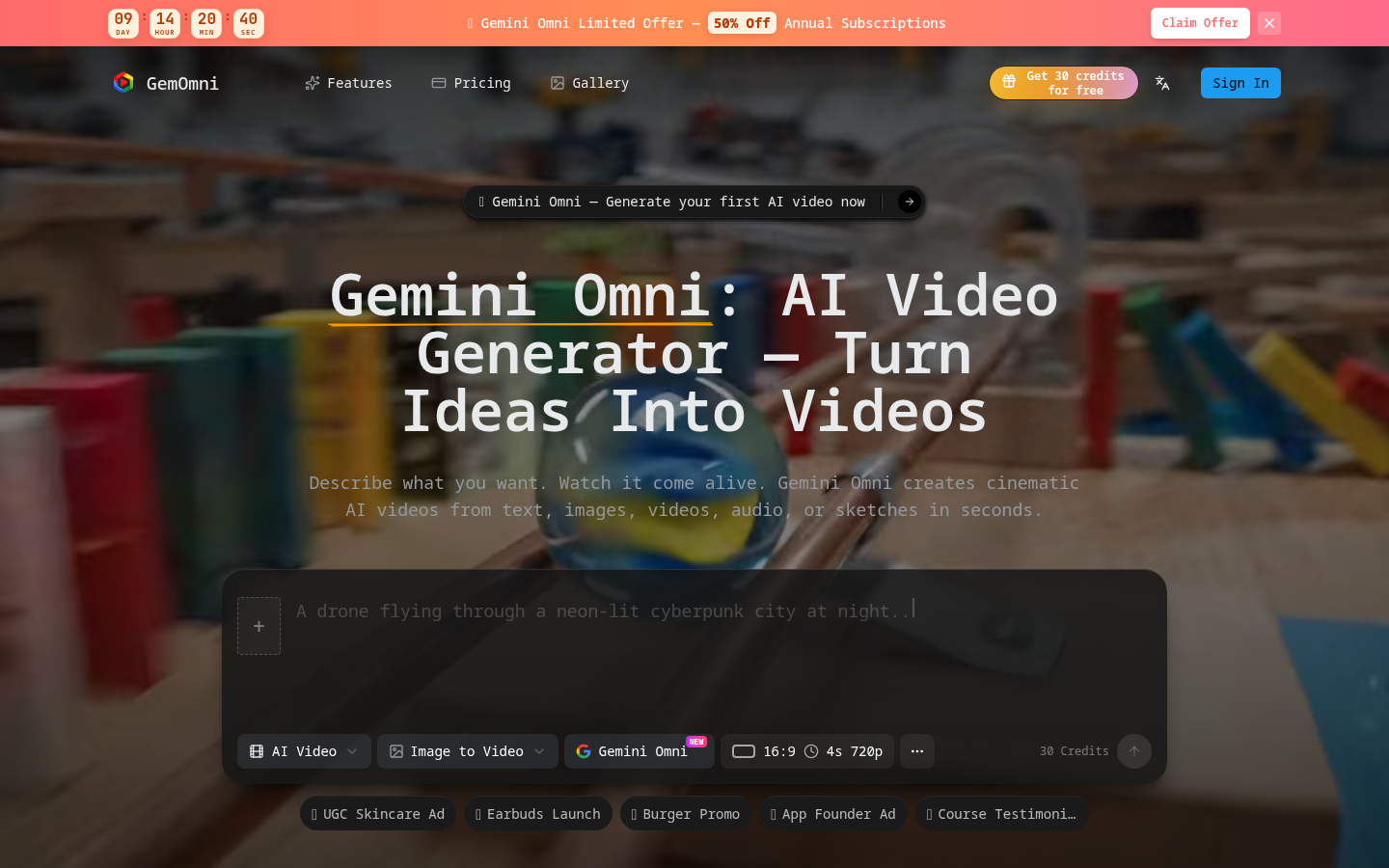
Screenshot archived from the listing page, for preview only.











