
Gemini Omni AI Video Generator
Google AI video generatorOne prompt, every modality
Highlights
What you can do with it
- Generating video from mixed text and image prompts
- Producing marketing or film content quickly
- Editing generated video without leaving the chat
How to use it
- 1 Register an account to get the free credits
- 2 Enter a prompt combining text, images, or audio
- 3 Generate the video and review the output
- 4 Use in-chat editing to refine the result
Who it is for
Pros
- Free credits for new registered users
- Handles multiple modalities in one prompt
- In-chat editing keeps the workflow in one place
Limitations
- Free credit amount and pricing tiers are not detailed
- Generation quality can vary with prompt complexity
- Needs registration, so it is not anonymous
What Gemini Omni AI Video Generator is
Gemini Omni AI Video Generator is a cross-modal AI video generation tool launched by Google. Its main idea is breaking the boundaries between content types: instead of writing a text prompt and hoping for the best, you can input text, images, video, and audio information together in a single prompt and generate video that includes all of those elements at once. The tool supports native audio, lets you edit videos directly inside the chat interface, generates quickly, and aims to keep characters consistent and scenes logical. It is positioned for professionals such as content creators, marketers, and filmmakers who need high-quality video without a long production cycle. New users who register receive 10 free credits, and the tool can also be tried for free.
What you can do with it
- Generate video from a prompt that mixes text, images, and audio
- Produce native audio alongside the video
- Edit the generated video directly in the chat
- Keep characters consistent across a scene
Who it is for
- Content creators who produce video at volume
- Marketers who need campaign visuals quickly
- Filmmakers exploring AI-assisted production
- Teams that want one prompt to cover multiple modalities
What to watch out for
Registration is required to get the free credits, so this is not an anonymous no-signup tool. The page mentions 10 free credits for new users but does not give a full pricing table, so the long-term cost is unclear until you check the site. Cross-modal prompts can be finicky: mixing too many input types in one request may produce uneven results, so start simple and build up. Character consistency and scene logic are stated goals rather than guarantees, so review each generation carefully before using it in client or commercial work. Free credit offers and pricing can change over time, so confirm the current terms before relying on them.
FAQ
Who makes Gemini Omni AI Video Generator?
It is a cross-modal AI video generation tool launched by Google.
What inputs does it accept?
You can input text, images, video, and audio in a single prompt.
Is there a free option?
New users who register receive 10 free credits and can also try the tool for free.
Why it is free
What the official page says: 免费试用免费
Free limits, trial length and features are decided by the official site and can change at any time.
Product preview
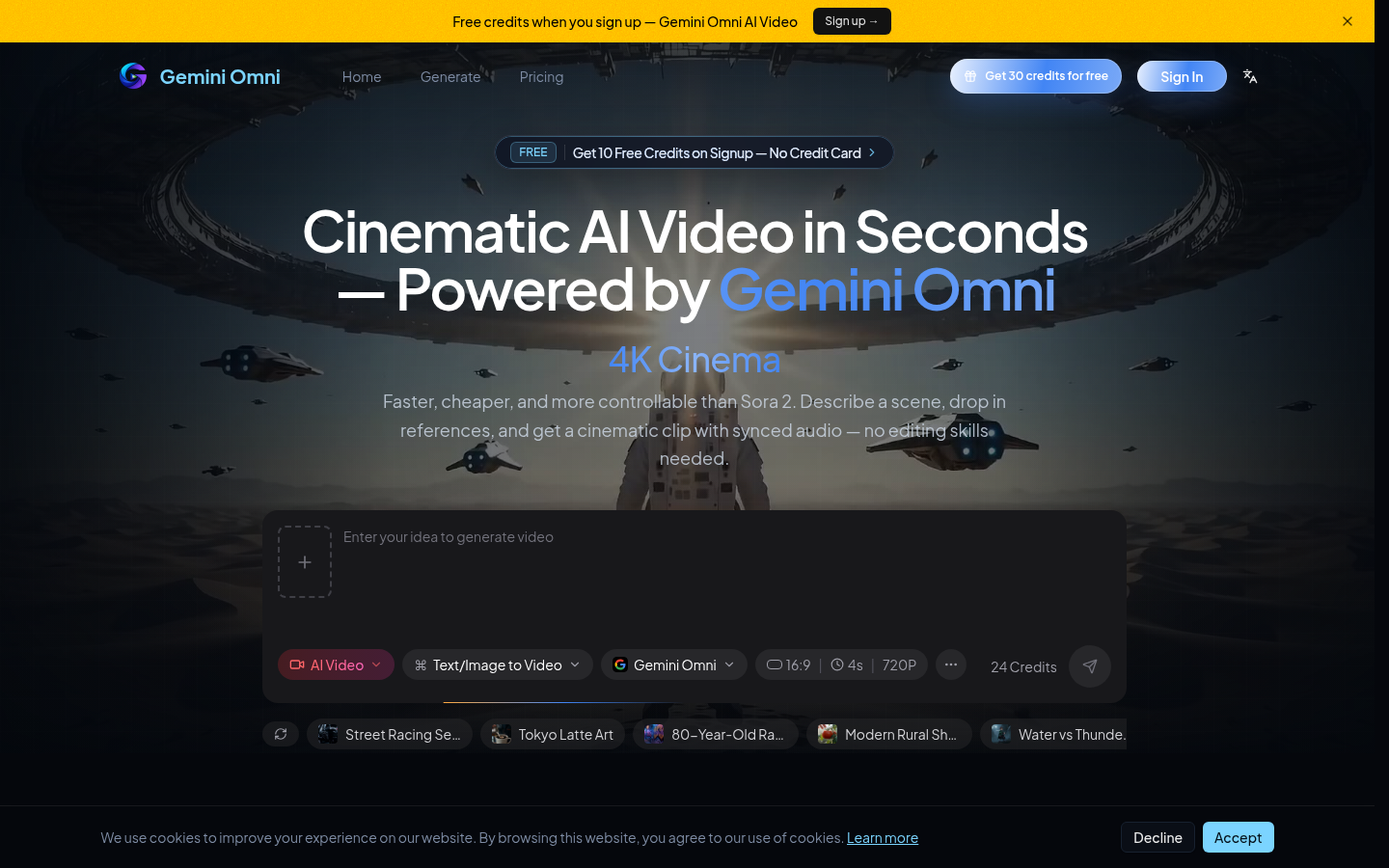
Screenshot archived from the listing page, for preview only.