
Gemini Omni AI
Online AI video generator from promptsCinematic clips with camera control
Highlights
What you can do with it
- Create social ad clips from a product photo
- Build storyboards and concept videos
- Produce demo videos for product pages
How to use it
- 1 Log in to receive the free credits
- 2 Write a prompt or upload reference images
- 3 Set movement, lighting, and camera direction
- 4 Generate the clip and review before export
Who it is for
Pros
- Free credits to start after login
- Fine control over camera and lighting
- Multiple reference inputs for guidance
Limitations
- Credits are consumed per generation and can run out
- Credit pricing and free amounts can change
- Complex shots need clear prompts to look right
What Gemini Omni AI is
Gemini Omni AI is an online AI video generator. You feed it text prompts, image references, or several reference inputs, and it returns cinematic video. The listed use cases are social ads, product demos, storyboards, and creative campaigns, which tells you the target: short, purposeful clips rather than long features. A notable part of the pitch is control. Instead of accepting whatever the model returns, you can steer movement, lighting, camera angles, and composition so the shot closer matches the idea in your head. Logging in gives you 600 free credits, and each generation consumes credits, so the free amount is a trial budget rather than unlimited output. The platform is aimed at creators, marketers, e-commerce teams, and product teams that need to turn ideas into video quickly. For an e-commerce team, that means a product photo plus a short prompt can become a clip for a listing or an ad without booking a shoot.
What you can do with it
- Generate a cinematic clip from a text prompt or reference image
- Direct movement, lighting, and camera angles in the shot
- Build storyboards and concept videos for campaigns
- Create short product demos for pages and ads
- Combine several reference inputs to guide one result
Who it is for
- Social media creators producing short video content
- Marketers and e-commerce teams testing ad variations
- Product teams that need demo clips without a shoot
- Agencies producing short promotional video
What to watch out for
The 600 free credits are a starting budget, and generating videos consumes credits, so heavy use means buying more. Credit pricing and the free amount can change at any time, so check the site before you plan a campaign around it. Control is real but not magic: complex camera moves and lighting need precise prompts, and vague instructions give vague results. Treat early clips as drafts, plan a review step before anything goes public, and save your best prompts and settings because the difference between a usable clip and a wasted credit often comes down to how precisely the camera and lighting were described.
FAQ
Do I get free credits?
Yes, logging in provides 600 free credits.
What can I create?
Cinematic videos for social ads, product demos, storyboards, and creative campaigns.
What can I control?
Movement, lighting, camera angles, and composition.
Who is it for?
Creators, marketers, e-commerce teams, and product teams.
Why it is free
What the official page says: 免费
Free limits, trial length and features are decided by the official site and can change at any time.
Product preview
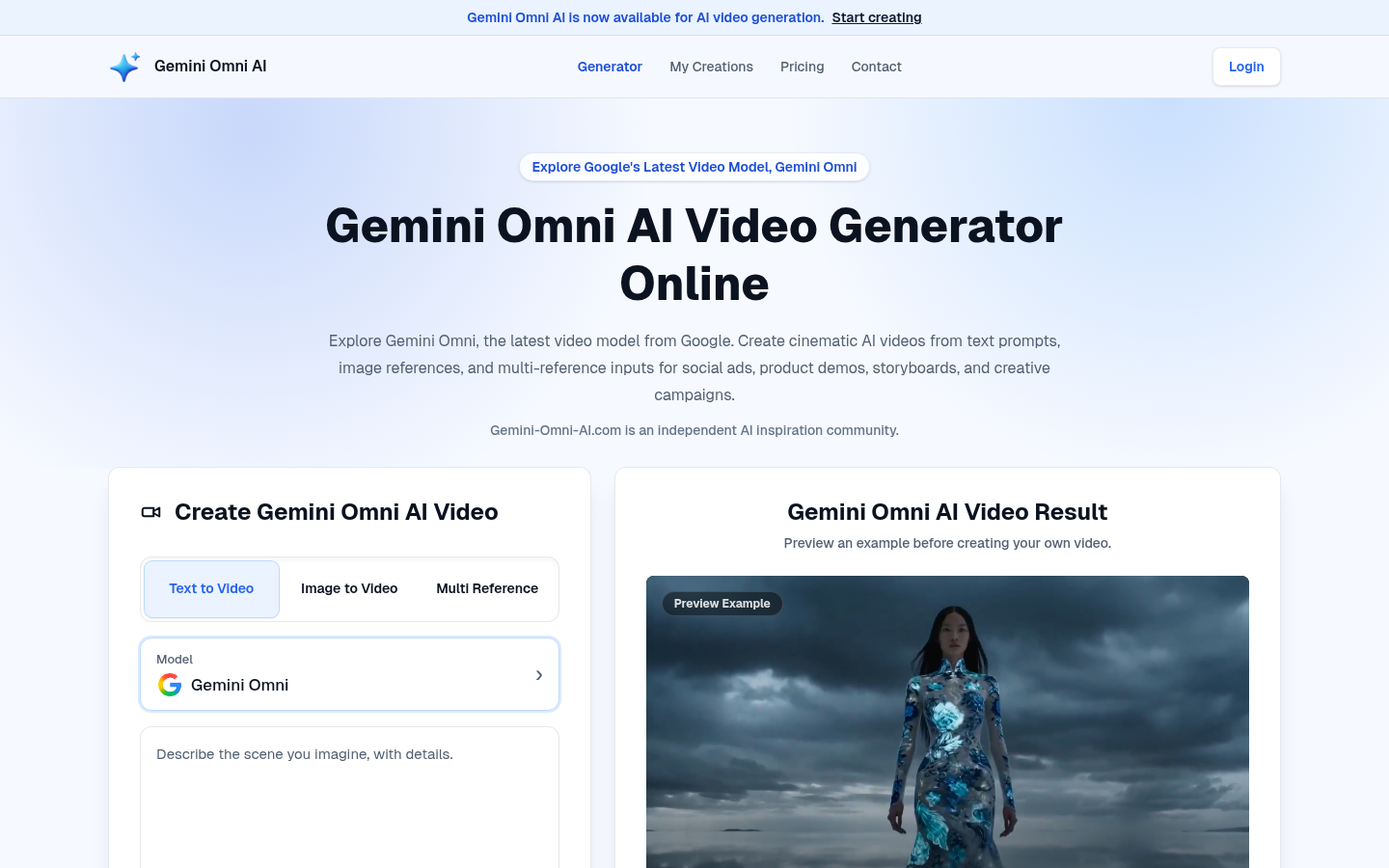
Screenshot archived from the listing page, for preview only.