
Gemini Omni AI
Free text-to-video AI generatorPrompts to watermark-free MP4 videos
Highlights
What you can do with it
- A cyberpunk city night clip with neon lights and flying cars
- A wildlife documentary-style sequence in slow motion
- A luxury watch advertisement with smooth rotation and dramatic light
How to use it
- 1 Register for free without a credit card to get daily credits
- 2 Describe your video idea in natural language with as much detail as possible
- 3 Generate, preview, and regenerate if needed
- 4 Download the finished clip as an MP4
Who it is for
Pros
- Free plan includes daily credits to start
- Exports without a watermark
- Fine controls over style, camera, and motion
Limitations
- Quality claims such as movie-grade results are marketing language and output varies
- Daily credits cap how much you can generate for free
- Longer videos and faster renders require the premium tier
- Verify usage rights before commercial publishing
What Gemini Omni AI is
Gemini Omni AI is a text-to-video generator that the site describes as running on Google's advanced multimodal model. You write a prompt in natural language and the system returns a video within seconds, with controls for style, aspect ratio, camera angle, motion intensity, and color grading. Clips can run up to 60 seconds and are meant to hold consistent characters, smooth transitions, and professional pacing. Export produces watermark-free MP4 files in high definition or higher, sized for platforms such as YouTube, Instagram, and TikTok. The free plan starts without a credit card and includes daily credits, and the page lists high-definition export and commercial usage among the free features, with premium tiers for longer videos and faster generation.
What you can do with it
- Turn a written idea into a video clip in seconds.
- Control style, aspect ratio, camera angle, motion intensity, and color grading.
- Build narrative clips up to 60 seconds with consistent characters and transitions.
- Export watermark-free MP4 files for social and video platforms.
- Start on the free plan and upgrade only when you need longer or faster renders.
Who it is for
- Creators who need to turn ideas into visual content on a deadline.
- Marketers producing promotional and social video at volume.
- Educators building explainer and knowledge videos.
- Enterprises that need quick promotional material without a production crew.
What to watch out for
Phrases such as movie-grade quality are marketing language, and actual output varies with the prompt, the subject, and the model version, so test before you plan a campaign around it. The free daily credits cap volume, and premium features such as longer videos and faster generation sit behind an upgrade. Even though the page lists commercial usage as free, confirm the current terms and check for trademark, likeness, and music issues before publishing. Generated video can contain visual artifacts, so review frames before release.
FAQ
Is there a free plan?
Yes, the free plan starts without a credit card and includes a daily credit limit.
How long can videos be?
The tool supports narrative videos up to 60 seconds.
What format is exported?
Videos export as watermark-free MP4 in high definition or higher.
Can I use videos commercially?
The page lists commercial usage rights as part of the free features, but confirm the current terms before publishing.
Why it is free
What the official page says: free plan
Free limits, trial length and features are decided by the official site and can change at any time.
Product preview
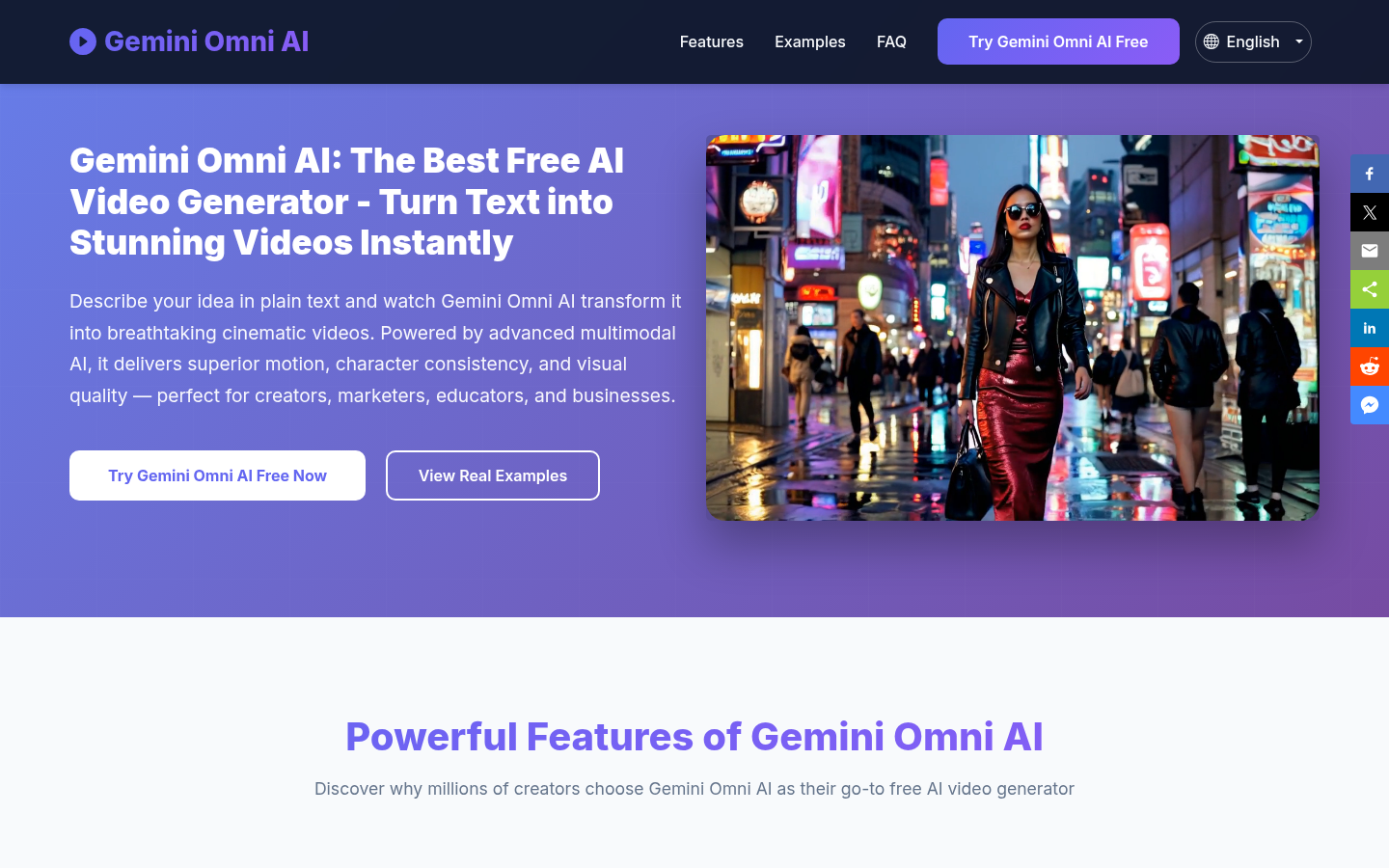
Screenshot archived from the listing page, for preview only.











