
Gemini Omni
Free to try AI video workstationPrompt driven shots for fast ideas
Highlights
What you can do with it
- Validate a video concept before full production
- Produce ad variations and client proposal clips
- Export shots in the right ratio for each platform
How to use it
- 1 Open the Gemini Omni video workstation
- 2 Enter a prompt or upload a reference image
- 3 Set the aspect ratio and schedule your shots
- 4 Generate, review, and expand with points if needed
Who it is for
Pros
- Free way to explore the generation process
- Precise control over shots and framing
- Several aspect ratios for publishing
Limitations
- Free exploration is limited; more output uses points
- Points and paid plans can change, and peak times may need top ups
- Clip quality depends on how clearly you describe shots
What Gemini Omni is
The Gemini Omni Video Generator is a dedicated video workstation. It creates clips in the style of the Google Video Model using text prompts or reference images, and it is built around two ideas: validate an idea fast, and control the shot precisely. You can schedule shots through natural language rather than guessing repeatedly, and the workstation supports multiple aspect ratios so the same concept can be cut for different publishing channels. The workflow stays focused on video generation instead of pulling you out of it. Exploring the generation process online is free; when you need more versions, more projects, or batch reviews, points expand capability, and paid plans plus pay as you go top ups cover heavier use such as advertising variations and client proposals. For teams that review a lot of concepts before choosing one, that loop of prompt, preview, and revision is where the time savings come from.
What you can do with it
- Turn a text prompt or reference image into a video clip
- Control shots, framing, and sequence with natural language
- Export in multiple aspect ratios for different platforms
- Validate concepts before committing to full production
- Review and batch multiple versions of the same idea
Who it is for
- Teams that need to test video ideas quickly
- Advertising and marketing teams producing variations
- Creators and agencies preparing client proposals
- Studios that cut the same concept for several channels
What to watch out for
The free entry only covers exploring the process. Real output needs points, and the pricing around points and paid plans can change, with pay as you go top ups offered during peak times, so budget before a big run. Shot control is only as good as your description: vague prompts produce vague clips, so expect to iterate. Because it is a workstation rather than a full editor, you will still need other tools for final polish, sound design, and long form assembly. Keep a note of how many points a typical clip costs you, because that number, not the headline price, is what determines whether the tool fits your budget.
FAQ
Can I try it for free?
Yes, users can first explore the generation process online for free.
What inputs does it accept?
Text prompts and reference images.
When do I need points?
For more versions, more projects, or batch reviews.
Who is it aimed at?
Teams that need to validate ideas, control shots, and move results into real projects.
Why it is free
What the official page says: 免费
Free limits, trial length and features are decided by the official site and can change at any time.
Product preview
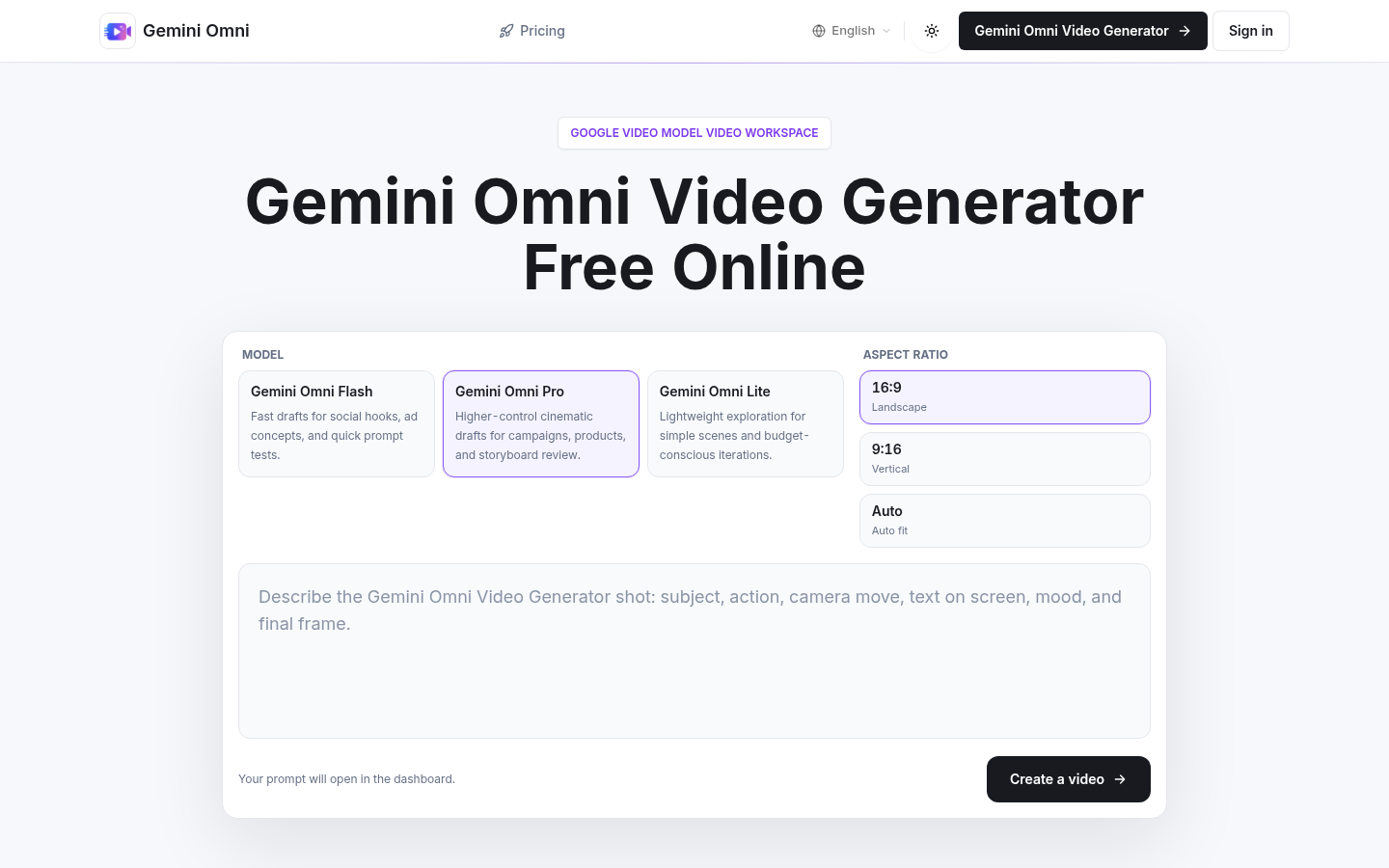
Screenshot archived from the listing page, for preview only.