
Gazoulab
AI background removerCut out backgrounds in one click
Highlights
What you can do with it
- Cut a product out for a listing image
- Replace a background for an advertisement
- Restore a faded family photo
How to use it
- 1 Open gazoulab.com in your browser.
- 2 Register or log in to your account.
- 3 Upload the image you want to edit.
- 4 Pick a tool, adjust, then download the result.
Who it is for
Pros
- Fast one click background work
- A free trial is available
- High resolution output up to 4K
Limitations
- Fine edges such as hair need manual cleanup
- Registration is required before you can use it
- Free trial limits and prices can change
What Gazoulab is
Gazoulab is an online AI image editor. Its core job is backgrounds: one click makes a background transparent, another replaces it with an AI generated scene or a solid colour, which is what product photography and quick ad work usually need. It also handles image quality optimisation and old photo restoration, supports JPG, PNG, and WebP, and exports at up to 4K resolution. Free trials and paid plans are offered, and the site says the tool suits both personal and commercial use.
What you can do with it
- Remove a background in one click.
- Replace it with a generated scene or a custom colour.
- Restore or improve the quality of an old photo.
- Export at high resolution for print or web.
Who it is for
- Sellers who need clean cutouts for product listings.
- Designers producing quick advertising variants.
- Anyone restoring faded or damaged family photos.
What to watch out for
Automatic cutouts struggle with fine edges such as hair, fur, glass, and thin wires, so expect a manual pass for anything that will be published at size. Registration is required before you can upload, and free trial limits plus paid pricing are not detailed in the listing. Uploading images to a third party service means your files leave your machine, so check the retention terms. Restoration also improves an image, it does not recover detail that was never captured. When quality matters, export a small draft first to confirm the result before producing the final file. Generated suggestions are for reference only, so verify anything that affects professional judgment or important data. Save a backup of the original file before large batch jobs, and keep an exported copy of key results in case the page or service becomes temporarily unavailable.
FAQ
What does Gazoulab do?
It is an AI image editing site offering background removal, background replacement, and image quality optimisation.
What formats and sizes?
JPG, PNG, and WebP are supported, with output up to 4K resolution.
Do I need an account?
Yes. The instructions say to click New Registration or log in before uploading.
Why it is free
What the official page says: free trial
Free limits, trial length and features are decided by the official site and can change at any time.
Product preview
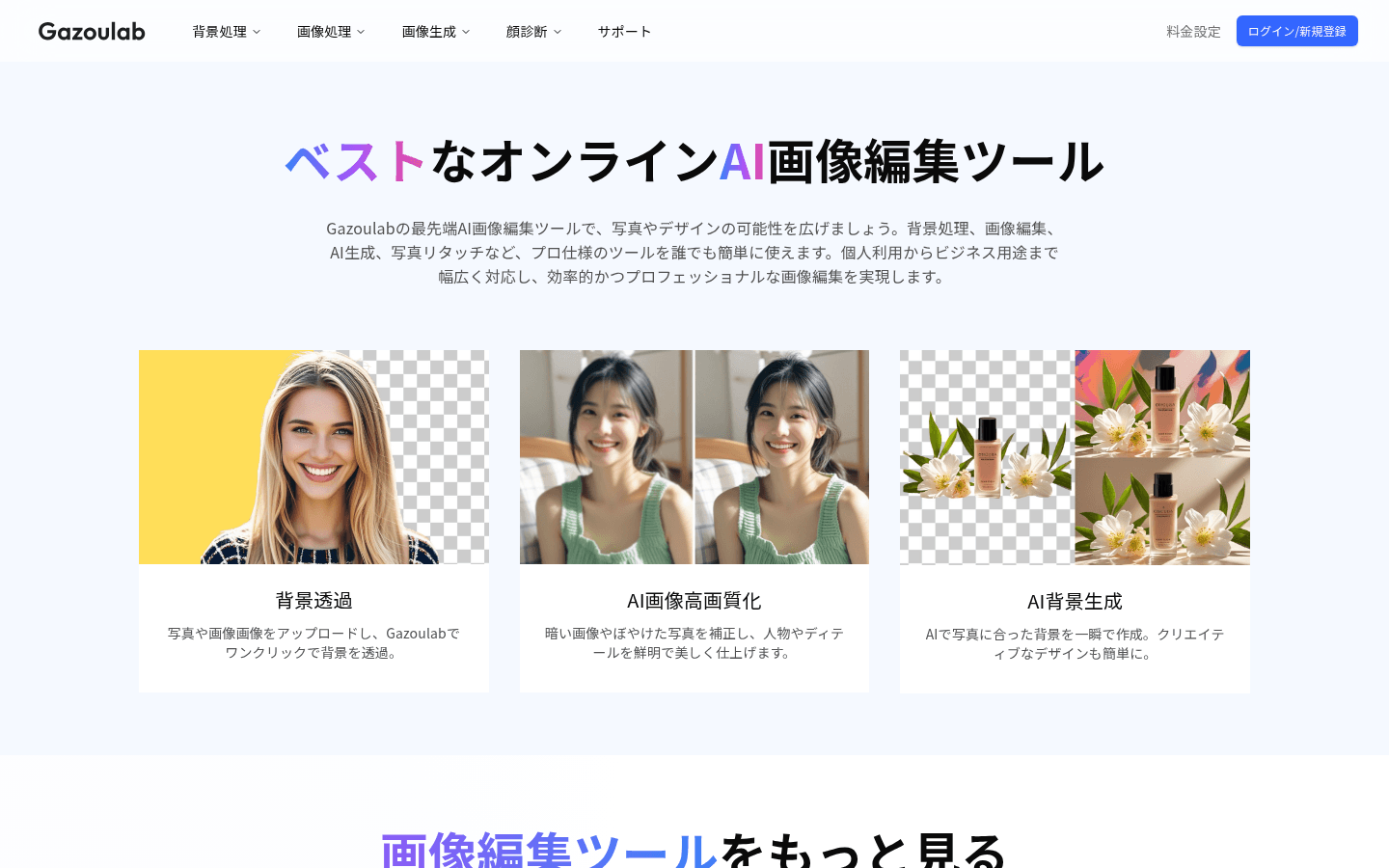
Screenshot archived from the listing page, for preview only.











