
GanttPRO AI Gantt chart maker
AI generator for Gantt charts and timelinesDescribe a project, get a timeline in seconds
Highlights
What you can do with it
- Plan the stages of a website build from requirements to testing
- Schedule tasks for an e-commerce store launch
- Organise venue, guests, and promotion for a product launch event
How to use it
- 1 Open the GanttPRO AI Gantt chart maker page
- 2 Type a brief project description or pick a ready made prompt
- 3 Click generate and wait a few seconds
- 4 Edit the chart: task times, dependencies, and resources
- 5 Save it and use it to track progress
Who it is for
Pros
- A first draft timeline appears in seconds
- Templates cover several industries and project types
- Free to try before paying for advanced features
Limitations
- Free use has limits, and paid package terms can change
- Generated task breakdowns are generic and need manual editing
- Dependencies and resource detail still require real project knowledge
What GanttPRO AI Gantt chart maker is
GanttPRO AI Gantt chart maker is an online generator that builds a project timeline from a short written description. Instead of starting from an empty grid, you describe the project or choose from ready made prompts for common project types such as a website build, an e-commerce store launch, or a product launch event. The tool produces the chart within a few seconds. After that you edit it like any Gantt chart: move task dates, add or remove tasks, and assign resources. Templates cover construction, manufacturing, IT, consulting, and marketing. The tool is free to use, with paid packages for advanced features and enterprise needs.
What you can do with it
- Generate a project timeline from a short description in seconds.
- Start from a template instead of a blank page.
- Edit tasks, dates, and resources once the draft exists.
- Track overdue tasks and use custom fields and filters on paid plans.
Who it is for
- Project managers who need a quick first draft to argue over.
- Construction and manufacturing teams sequencing staged work.
- Marketers and developers coordinating multi task launches.
What to watch out for
The generated breakdown is a starting point, not a plan. Task lists tend to be generic, so you will spend real time editing dates, adding dependencies, and assigning resources, and no tool can substitute for knowing the work. Free use has limits, and the paid package structure and pricing can change. Check that the free version still covers what you need before you build a process around it. For best results, start with a small test file and review the output carefully before working on anything important.
FAQ
Is the AI Gantt chart maker free?
The tool offers free use, and paid packages are available for advanced task management and enterprise features such as SSO.
What do I need to give it?
A brief description of the project, or you can select a project type from the ready made prompts.
Can I edit the chart afterwards?
Yes. You can change task times, add or remove tasks, and allocate resources on the generated chart.
Why it is free
What the official page says: 免费使用免费
Free limits, trial length and features are decided by the official site and can change at any time.
Product preview
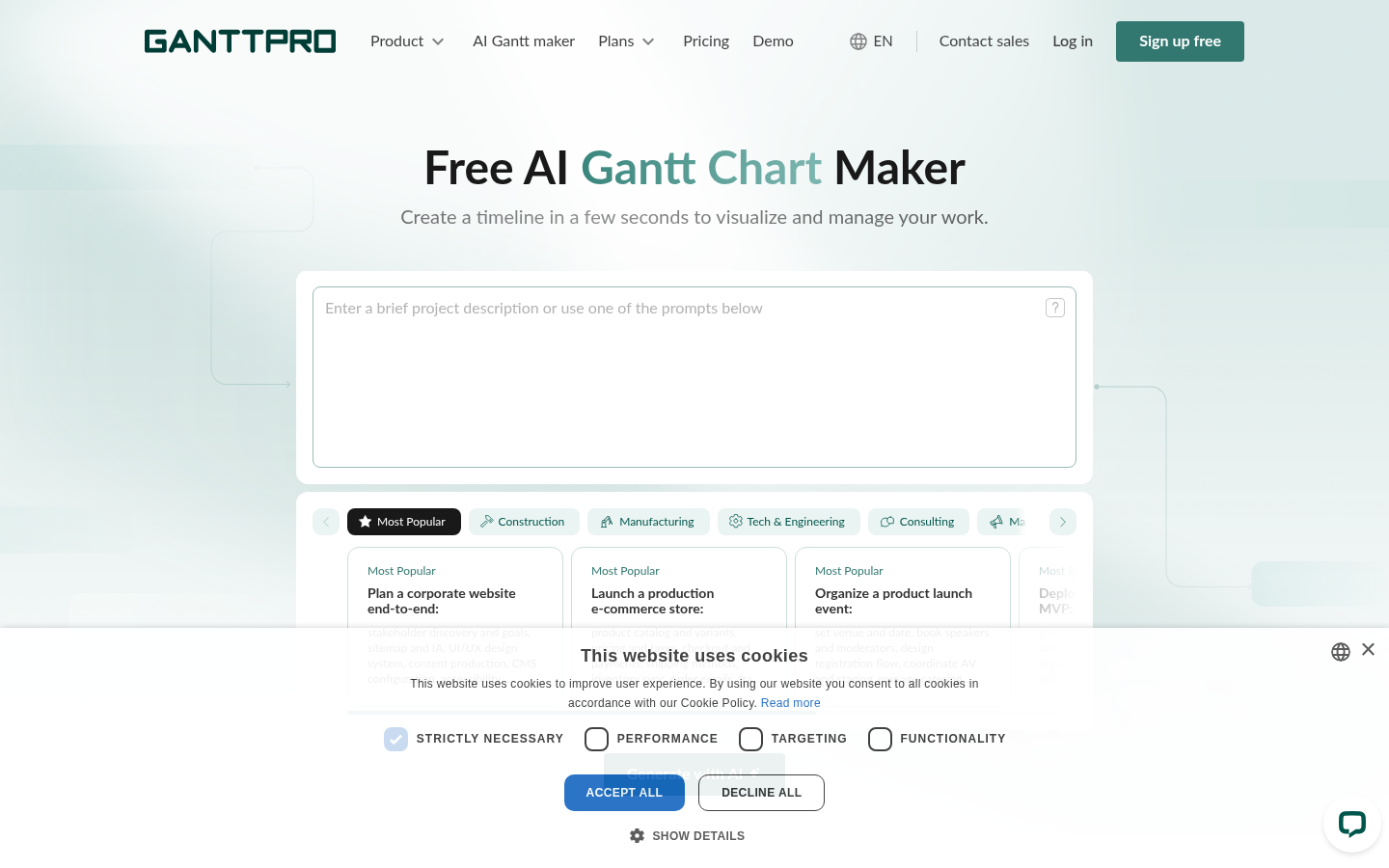
Screenshot archived from the listing page, for preview only.











