Gan.AI Avatar
Create AI avatar videos from scriptsTurn a script into an avatar video
Highlights
What you can do with it
- A real estate team makes virtual property tour videos
- A clinic produces personalized health education videos
- A brand creates product demo videos with an AI avatar
How to use it
- 1 Register an account on the Gan.AI Avatar site.
- 2 Upload a roughly two-minute video sample to create your avatar.
- 3 Enter the script you want the avatar to say.
- 4 Choose settings such as language and style.
- 5 Generate the video and download the result.
Who it is for
Pros
- Turns a simple script into video without re-recording
- 175-language support helps with localization
- An API lets developers build avatar video into apps
Limitations
- Creating an avatar uses a person's likeness, so you need clear consent and authorized material
- Misusing avatars to impersonate others may break platform rules or the law
- The free trial is limited and full use needs a paid plan
What Gan.AI Avatar is
Gan.AI Avatar lets you create virtual avatars using AI and quickly generate video content. You upload a short video sample to build an avatar, type a script for it to speak, and the tool produces videos with realistic expressions and voices. It can create multiple versions without re-recording, supports 175 languages for localization, and offers an API for developers. It is aimed at commercial use in areas such as real estate, healthcare, and consumer brands, with a free trial and paid plans available.
What you can do with it
- Build an AI avatar from a short video sample
- Turn a written script into a spoken avatar video
- Produce multiple video versions without filming again
- Localize content across 175 languages or integrate it via the API
Who it is for
- Real estate companies creating property tour videos
- Healthcare teams making patient education content
- Brands and marketers producing product demos at scale
What to watch out for
Because the avatar is built from a real person's video, you must have clear consent and use only your own likeness or material you are authorized to use. Misusing avatars to impersonate someone may break platform rules or the law, and any consequences fall on you. The free trial is limited, and full access requires a paid plan. Video quality also depends on the sample footage you provide. Generated suggestions are for reference only, so verify anything that affects professional judgment or important data. Start with a small sample to confirm the output meets your expectations before processing the full batch. Start with a small sample to confirm the output meets your expectations before processing the full batch.
FAQ
How do I create an avatar?
You upload a short video sample of about two minutes, and the tool builds an avatar from it.
Is there a free trial?
Yes. Gan.AI offers a free trial along with paid plans.
Can I use anyone's video to make an avatar?
No. You should only use your own likeness or material you are authorized to use, since misuse can violate rules or laws.
Why it is free
What the official page says: free trial
Free limits, trial length and features are decided by the official site and can change at any time.
Product preview
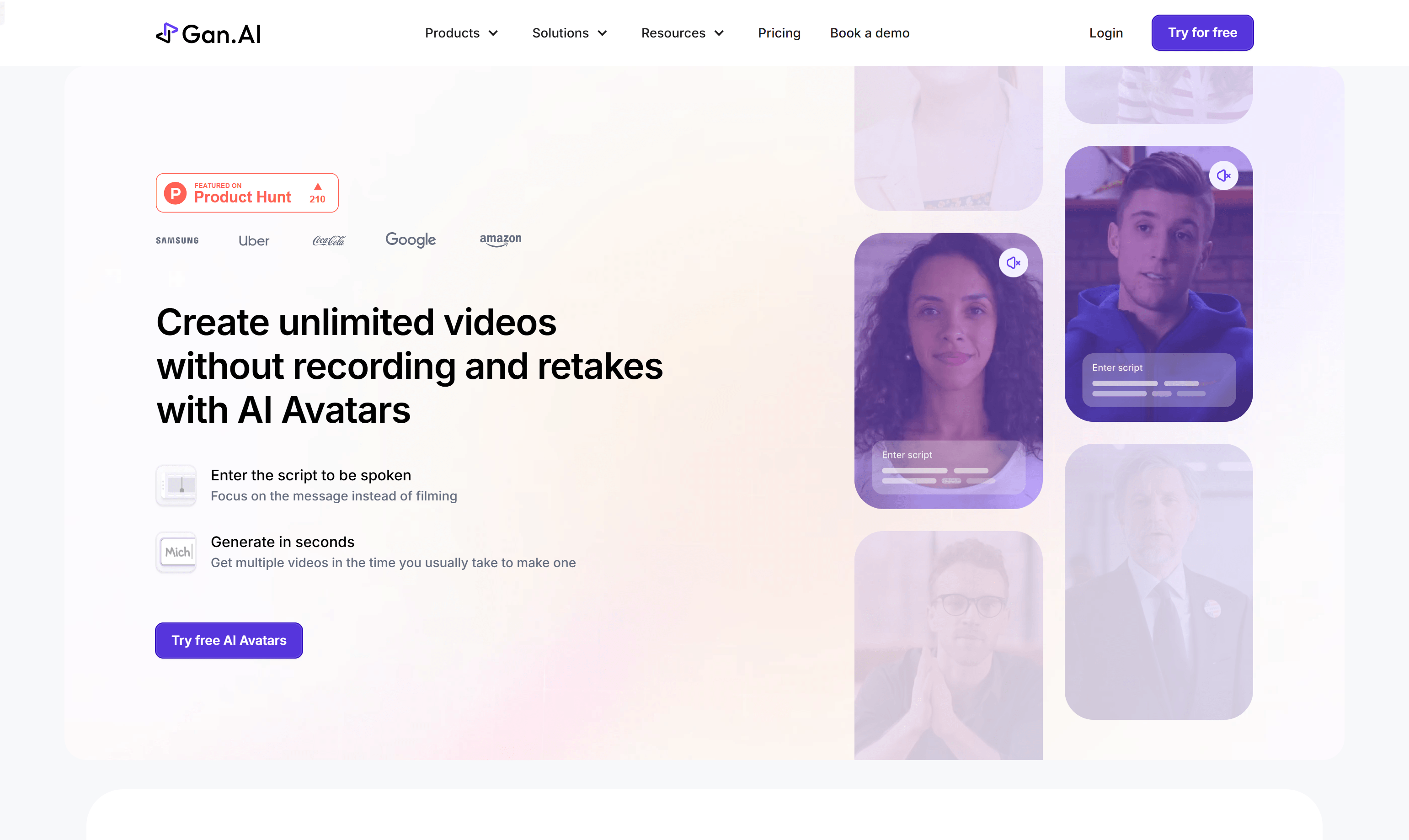
Screenshot archived from the listing page, for preview only.











