Gamma
AI tool for fast, visual presentationsTurn ideas into slides, docs, and webpages
Highlights
What you can do with it
- Build a business or corporate presentation quickly
- Create training or educational material as a document or webpage
- Draft a personal creative project and share it online
How to use it
- 1 Open Gamma and start a new project
- 2 Enter a topic or outline for the AI to work from
- 3 Review the generated draft and pick a style
- 4 Customize layout, text, and embedded media
- 5 Preview and share the result or export it
Who it is for
Pros
- Fast generation of clean-looking slides and pages
- No formatting or design background required
- Works in the browser and shares across devices
Limitations
- Full access depends on a paid plan after the free trial ends
- AI drafts still need review and editing to fit your message
- Less control than dedicated design software for complex layouts
What Gamma is
Gamma is an AI-powered content creation tool that helps you build presentations, documents, and webpages that look visually appealing without the usual formatting struggle. Instead of starting from a blank slide, you describe your topic and the AI produces a first draft with a sensible structure. From there you can change styles, adjust the layout, and embed media such as images and video. The editor updates in real time, so you can see how each change looks as you make it. You are not tied to one output type, since the same project can become a deck, a document, or a live webpage. A free trial is available, which lets you explore the workflow before committing to a paid subscription.
What you can do with it
- Generate presentations, documents, and webpages from a short prompt
- Choose from multiple style options and customize the result
- Embed images, video, and other media into your pages
- Preview work live and share it across devices
Who it is for
- Professionals who need clean presentations without design training
- Teachers and trainers building course or workshop material
- Individuals who want a quick way to publish a personal project online
What to watch out for
The free trial only covers part of the experience; continued use generally requires a paid plan, and pricing or trial limits can change. Because the AI writes the first draft, the output still needs a human pass to make sure the message, facts, and tone match your goals. If you need pixel-level control or highly custom layouts, a dedicated design tool may give you more freedom than Gamma's template-driven approach, so weigh how much design control your project really needs.
FAQ
Does Gamma have a free option?
Gamma offers a free trial so you can test the creation workflow before moving to a paid subscription.
What can I create with it?
You can generate presentations, documents, and webpages, then customize styles and embed media.
Do I need design skills?
No. The AI handles layout and formatting, and you adjust styles and content afterward.
Why it is free
What the official page says: free trial
Free limits, trial length and features are decided by the official site and can change at any time.
Product preview
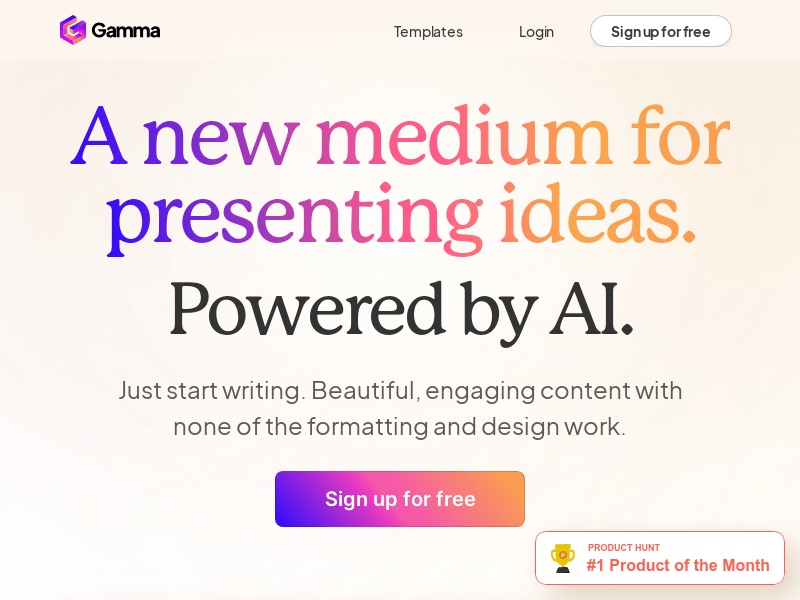
Screenshot archived from the listing page, for preview only.