FullReviews
AI replies to Google reviewsAnswer reviews automatically and support local SEO
Highlights
What you can do with it
- Answering customer reviews for a restaurant
- Improving local visibility for a repair shop
- Automating review management for an online store
How to use it
- 1 Register a FullReviews account
- 2 Authorise your Google account to connect review data
- 3 Set automatic reply rules and templates
- 4 Monitor replies and adjust the approach
- 5 Read the analysis reports and refine strategy
Who it is for
Pros
- Keeps reply volume manageable without writing each one
- Templates keep tone consistent across responses
- Trial lets you check output quality first
Limitations
- Free trial is limited and continued use is paid
- Automated replies can read as generic, so templates need care
- Local SEO improvement is a claim, not a guaranteed outcome
What FullReviews is
FullReviews is a tool that uses artificial intelligence to reply to Google reviews automatically. The setup is straightforward: register an account, authorise Google to connect your review data, then set reply rules and templates. From there the system watches incoming reviews and generates responses, which is aimed at businesses that receive enough volume that answering every one by hand is not realistic. The vendor says this improves local search engine optimisation because replying increases interaction on your listing, and it supports that claim with real-time monitoring of reply status and data analysis reports on review interaction. Reply content can be customised to fit a business, and the tool can be extended beyond Google to other social platforms. A free trial is available.
What you can do with it
- Reply to Google reviews automatically
- Set reply rules and templates to control tone
- Monitor review and reply status in real time
- Read data analysis reports on interaction
- Extend replying to other social platforms
Who it is for
- Local businesses such as restaurants and repair shops with steady review flow
- Teams without staff time to answer every review individually
- Marketers tracking online reputation across platforms
What to watch out for
The free trial is limited and continued use is paid, so check how many reviews or locations the trial covers. Automated replies can read as generic, and a template that ignores what the customer actually said is worse than no reply at all, so invest time in templates that acknowledge specifics. On the SEO claim: replying to reviews is generally reasonable practice, but the improvement in local ranking is a vendor claim rather than a guaranteed outcome, and it will not compensate for weak service or thin listing information. Negative reviews in particular deserve a human response, because a canned answer to a complaint tends to make things worse.
FAQ
What does FullReviews do?
It uses AI to automatically reply to Google reviews on behalf of a business.
Does it help local SEO?
The vendor says replying to reviews and increasing interaction improves local search results, but this is not guaranteed.
Is there a free trial?
Yes, users can try FullReviews for free.
Why it is free
What the official page says: free trial
Free limits, trial length and features are decided by the official site and can change at any time.
Product preview
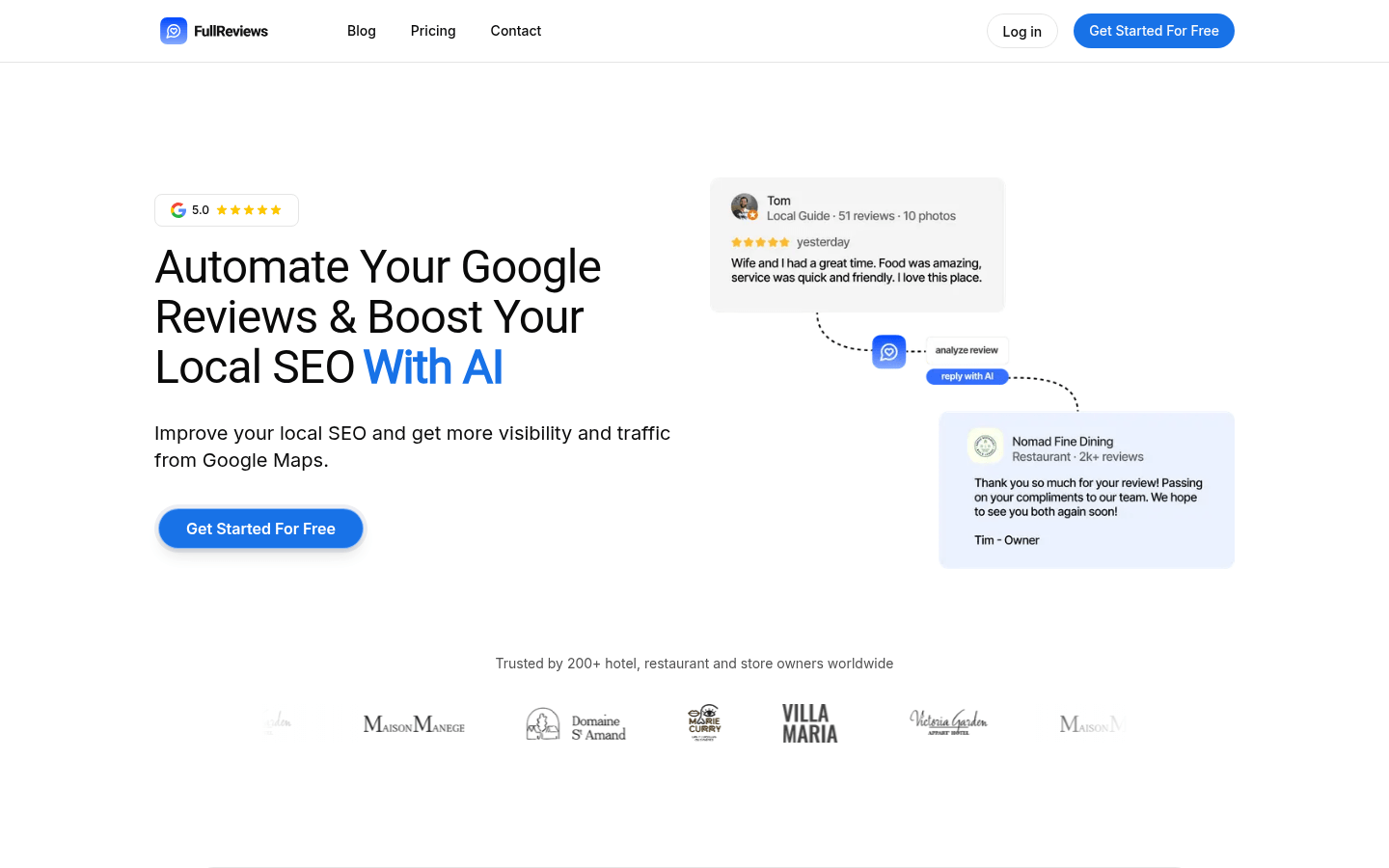
Screenshot archived from the listing page, for preview only.