
FridgeSnap.AI
AI recipes from your fridge photoPhotograph the fridge, get chef recipes in seconds
Highlights
What you can do with it
- Decide dinner in seconds from four random ingredients instead of ordering takeaway
- Plan a week of meals that fit a low-sugar or gluten-free diet
- Cut grocery waste and grocery bills by cooking what you already bought
How to use it
- 1 Open the app and photograph the fridge, pantry or the ingredients you have
- 2 Let the AI identify each item and estimate how much you have
- 3 Read the three recipes with photos and instructions
- 4 Cook following the steps and log the meal if you are tracking macros
- 5 Repeat whenever the fridge changes, and check your diet history for past plans
Who it is for
Pros
- Removes the daily what-should-we-eat decision in about ten seconds
- Recipes follow the preferences you set rather than generic suggestions
- Macro tracking is built in, so it doubles as a light nutrition log
- Unlimited scanning means you can use it every night during the trial
Limitations
- The 7-day free trial is short, and after that it is a paid subscription or a $499 lifetime purchase
- Priority AI processing is reserved for paid plans, so free users may wait longer
- Recipe quality depends on how well the photo shows your ingredients, and dietary data is an estimate, not clinical advice
What FridgeSnap.AI is
FridgeSnap.AI is a mobile app that turns a photo of your fridge, pantry or whatever is on the counter into recipes. The AI identifies each ingredient, estimates how much you have, and factors in the dietary preferences you have set, then returns three chef-designed recipes with food photography and step-by-step instructions. Scanning is unlimited, so you can point the camera at the fridge every night. There is a 7-day free trial before the paid options kick in: $9.99 per month, $99 per year, or a one-time $499 for lifetime membership. Paid plans also get priority AI processing, and the app keeps a history of your diet plans.
What you can do with it
- Photograph the fridge and get three recipes matched to what is actually in there
- Filter by dietary preference such as vegetarian, low-sugar or gluten-free
- Track calories, protein, fat and carbohydrates for what you cook
- Scan without limits and revisit past meal plans in your history
Who it is for
- Home cooks who lose twenty minutes a night deciding what to eat
- Budget-conscious shoppers trying to use up food before it spoils
- People managing a specific diet who need meals that fit it
- Busy parents who need dinner decided in the time it takes to open the fridge
What to watch out for
The 7-day free trial is short, and the pricing after that is a real commitment: a monthly or annual subscription, or a single $499 lifetime purchase. Free users do not get the priority processing that paid plans advertise, so generation may take longer during the trial. Ingredient recognition depends on a clear photo, and the macro figures are estimates from the model rather than lab-tested nutrition data, so treat them as a guide rather than a clinical measurement.
FAQ
Is there a free version?
There is a 7-day free trial. After that the options are $9.99 per month, $99 per year, or a one-time $499 lifetime membership.
How many recipes do I get per scan?
Each scan returns three chef-designed recipes with photos and step-by-step instructions.
Can it handle dietary restrictions?
Yes. You set preferences such as vegetarian, low-sugar or gluten-free and the recipes are built around them.
Does it count calories?
It tracks macros including calories, protein, fat and carbohydrates for the recipes it generates.
Why it is free
What the official page says: free trial
Free limits, trial length and features are decided by the official site and can change at any time.
Product preview
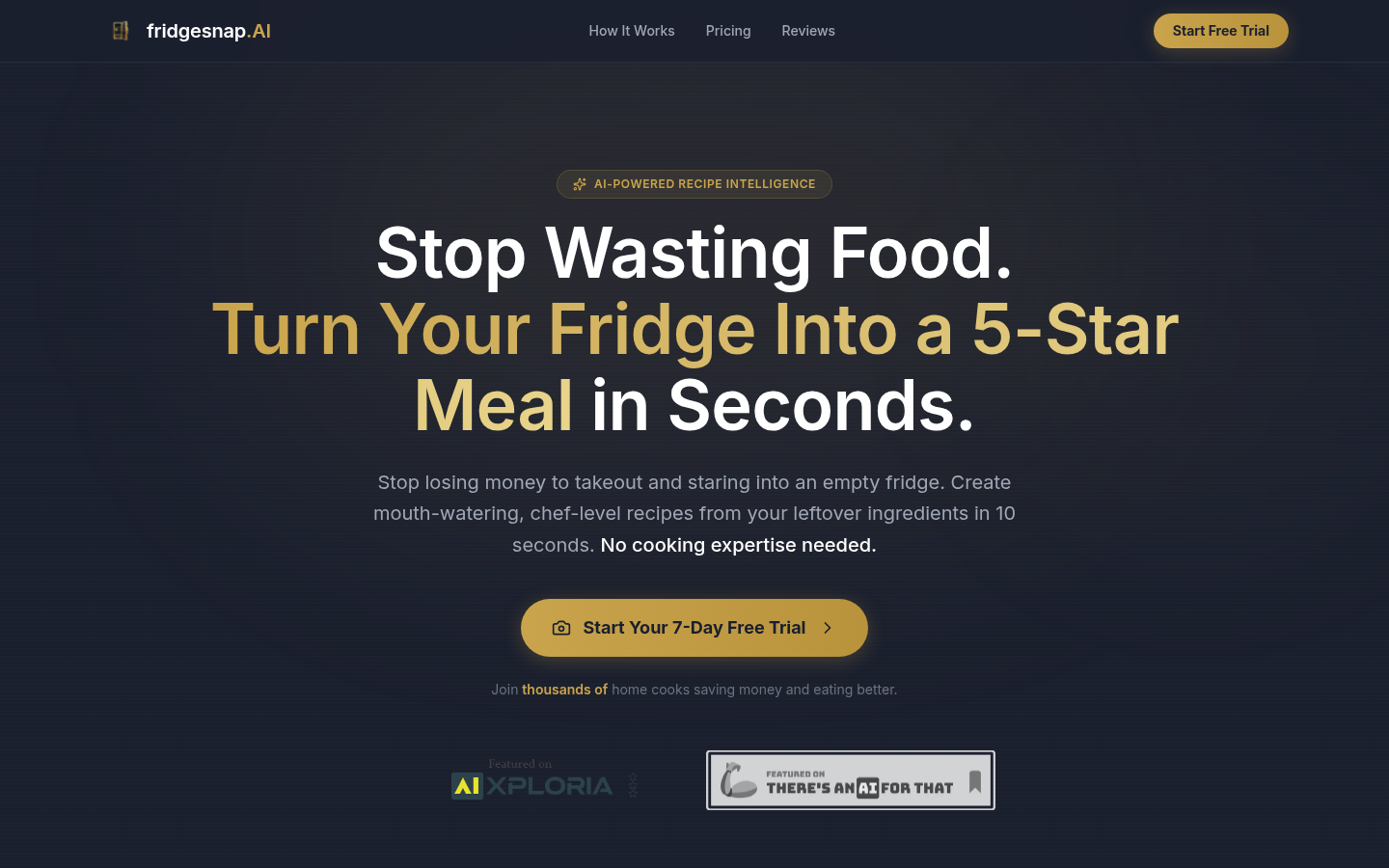
Screenshot archived from the listing page, for preview only.











