
Free PDF to Video Generator
Free PDF to video makerTurn PDFs into videos, no signup
Highlights
What you can do with it
- Turn study notes into short review videos.
- Convert course material into explainer videos for students.
- Turn a product guide into a promotional video.
How to use it
- 1 Upload the PDF you want to convert, such as notes, a guide, or slides.
- 2 Let the AI generate video frames and narration automatically.
- 3 Adjust text, images, voice, style, or timing as needed.
- 4 Preview the video to check the result.
- 5 Download the MP4 and share it.
Who it is for
Pros
- Free with no registration for the core workflow.
- Narration covers multiple languages, accents, and intonations.
- Frame-level editing gives control over the final cut.
Limitations
- The operator says advanced or paid features may be added later, so the free scope can change.
- It is powered by Vireto, so availability follows that upstream provider.
- Result quality depends on how cleanly the PDF text can be read and structured.
What Free PDF to Video Generator is
Free PDF to Video Generator is a free online tool that turns a PDF file into an MP4 video. It reads the document, builds a video structure from it, adds narration, animations, and visual effects, and exports the result. No registration is required: you upload a file and start. The tool is powered by Vireto and is aimed at students, teachers, and content creators who need document-based video quickly. The operator states that the core workflow, including PDF analysis, frame generation, AI narration, and MP4 export, is provided for free.
What you can do with it
- Convert notes, guides, manuals, or slide decks into a video.
- Add automatic voice narration in several languages, accents, and intonations.
- Upload your own audio if you would rather record the voice track.
- Edit frames: change text, swap images, reorder scenes, and adjust timing and style.
Who it is for
- Students who want their notes in a watchable format.
- Teachers and tutors building explainer material for a class.
- Content creators turning documents into shareable clips.
- Teams that need a quick walkthrough video from a written guide.
What to watch out for
The operator says advanced or paid features may be introduced later, so the scope of what stays free can change over time. The service depends on Vireto, which means availability follows that upstream provider rather than this site alone. Results also depend on how cleanly the PDF text can be read: scanned pages, unusual fonts, or image-heavy layouts will produce weaker narration and structure. Always preview the video before sharing, since automatic narration and scene order may not match what you intended.
FAQ
Does it cost anything?
The core workflow, covering PDF analysis, frame generation, AI narration, and MP4 export, is free. Advanced features may become paid later.
Do I need an account?
No. You can upload a PDF and convert it immediately.
Can I use my own voice?
Yes, you can upload your own audio instead of using the AI narration.
Why it is free
What the official page says: for freeno registration
Free limits, trial length and features are decided by the official site and can change at any time.
Product preview
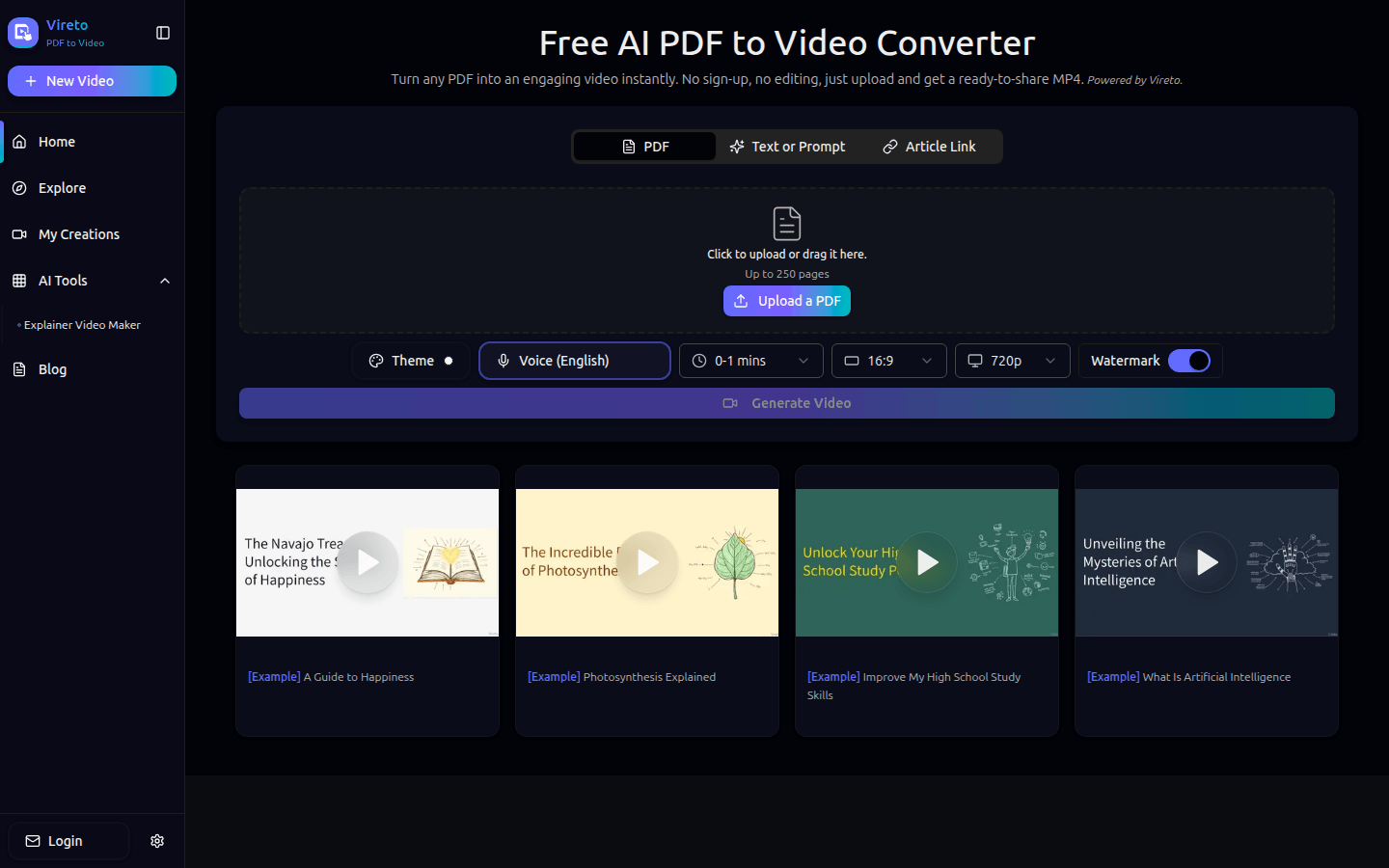
Screenshot archived from the listing page, for preview only.











