Free Online Text-to-Speech Converter
Free online text to speech converterType text, get natural speech as MP3
Highlights
What you can do with it
- Voiceover for advertising and marketing
- Narration for YouTube videos
- Audiobook production
- Making educational content more accessible
How to use it
- 1 Open the converter in your browser
- 2 Paste your text
- 3 Pick a language and voice
- 4 Adjust rate and volume, then generate
- 5 Listen online or download the MP3
Who it is for
Pros
- No install, works in the browser
- Rate and volume are adjustable
- MP3 download for offline reuse
Limitations
- Character limits apply, so long text must be split
- Voice naturalness varies by language
- Free usage limits and any paid tiers need checking
- Site terms can change
What Free Online Text-to-Speech Converter is
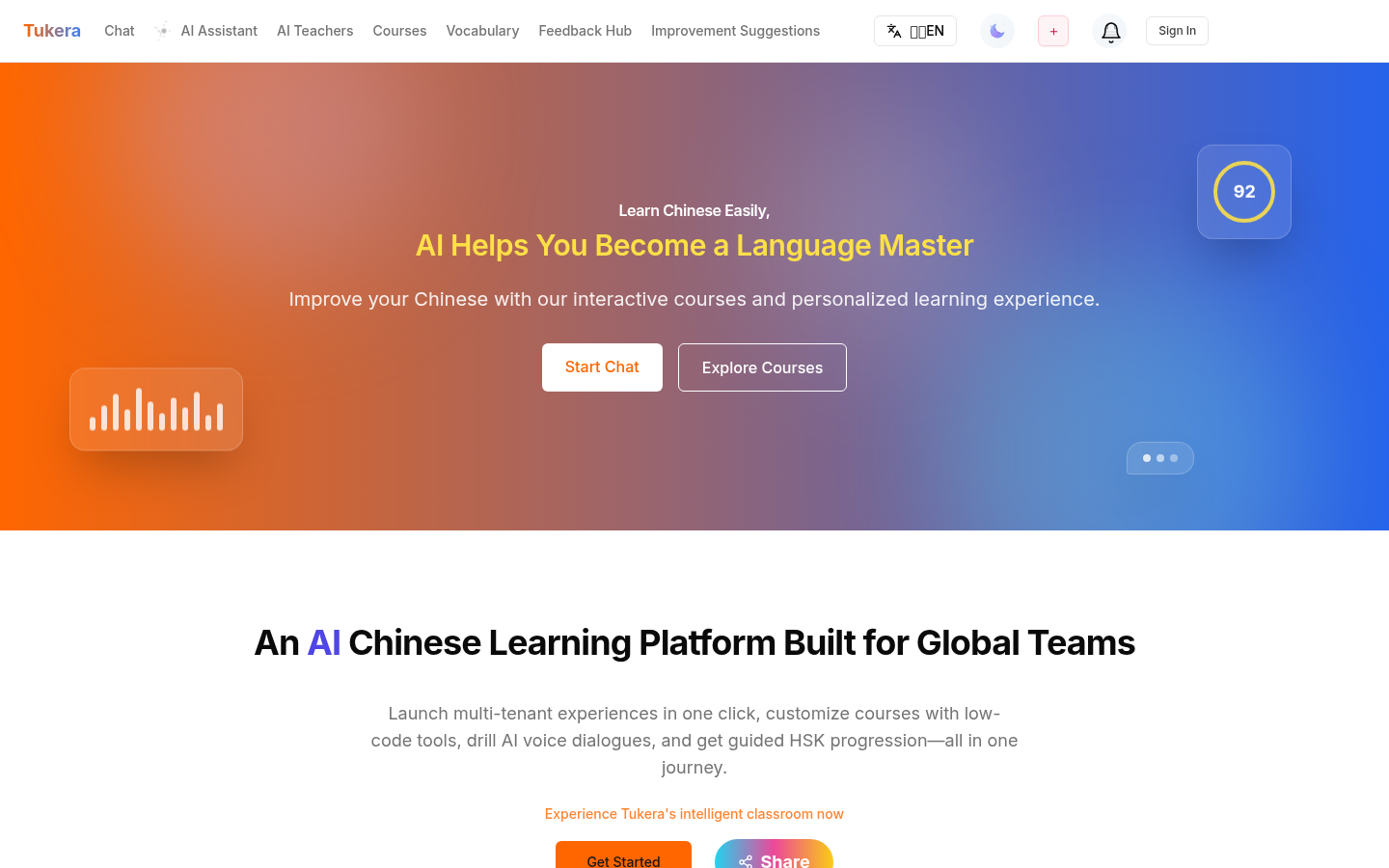
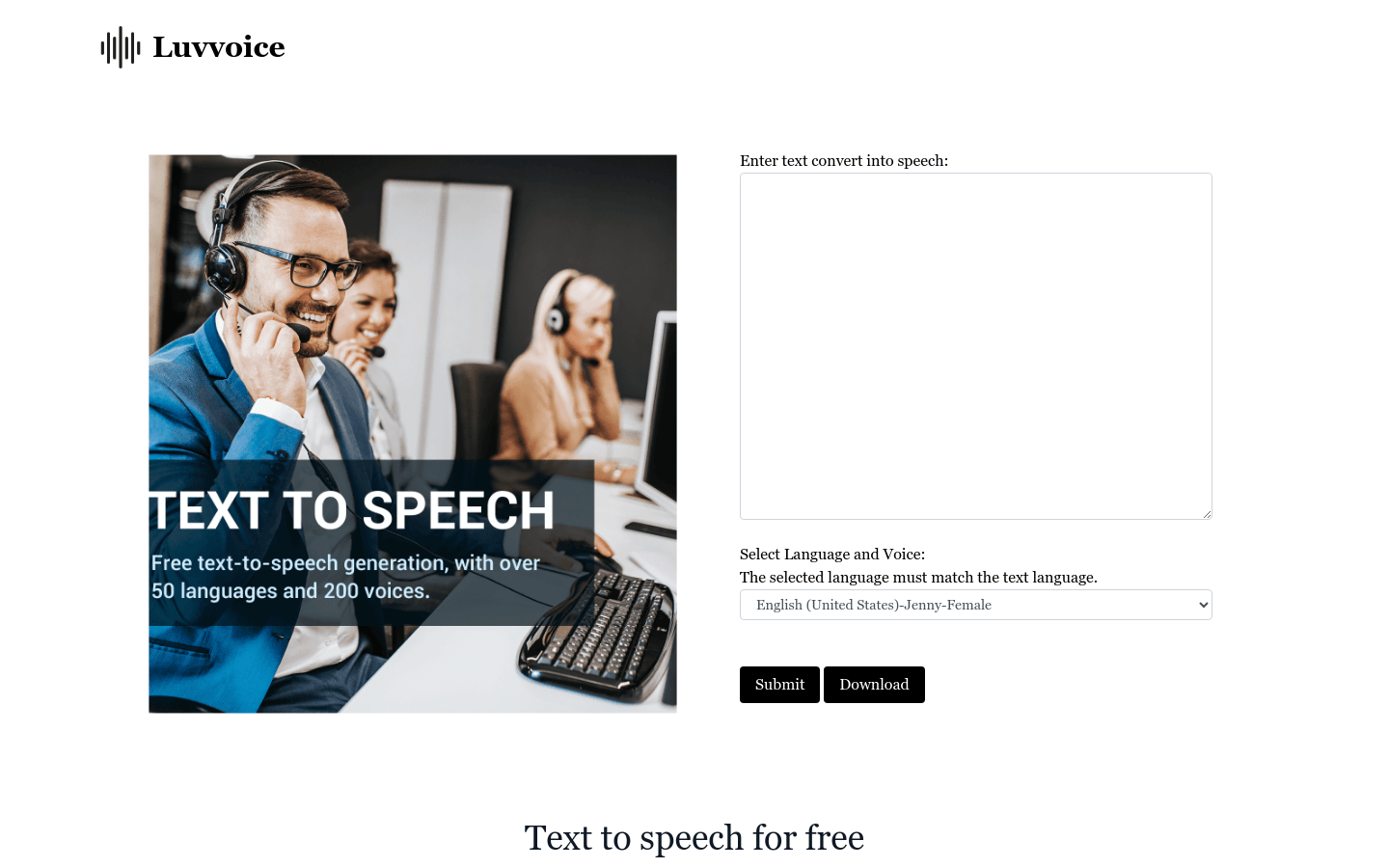
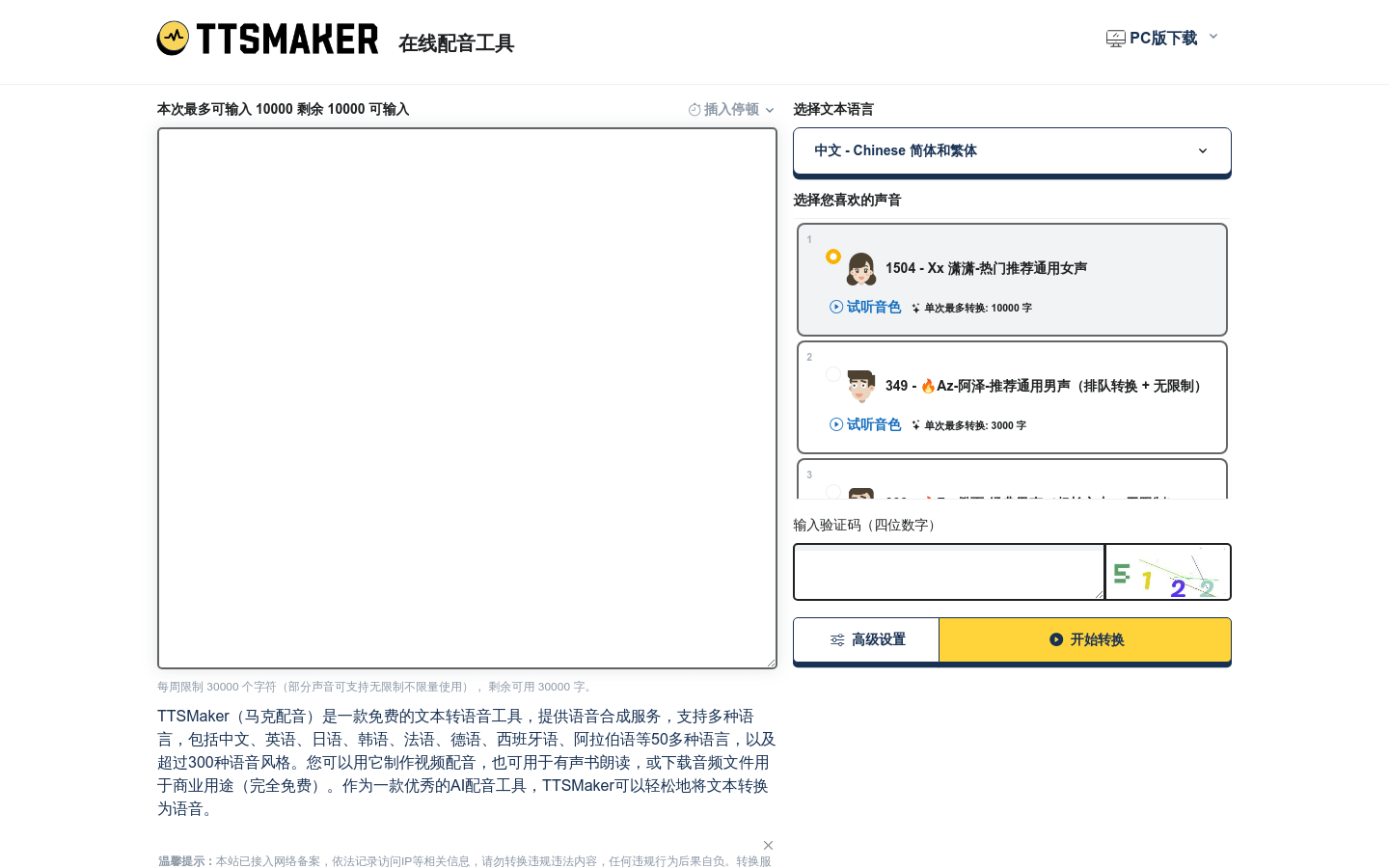
This free online text-to-speech converter uses artificial intelligence to turn written text into speech that sounds natural. It supports multiple languages and voice styles, including male, female, and child voices from different countries, which matters when a script needs a specific register rather than a generic robot voice. Speaking rate and volume are adjustable, so you can match pacing to a video or a lesson. The generated audio can be played in the browser or downloaded as MP3 for offline use, and the tool is described as accessible across iPhones, laptops, and desktop computers. Stated use cases include advertising, video narration, and audiobook production.
What you can do with it
- Convert pasted text into natural-sounding speech
- Choose from multiple languages and voice styles
- Adjust speaking rate and volume to fit your project
- Listen online or download an MP3 for offline use
Who it is for
- Digital marketers producing advertising voiceovers
- YouTube creators adding narration to videos
- Audiobook authors turning text into audio
- Educators making material more accessible to students
What to watch out for
Character limits apply. The tool offers example conversions at different lengths, which means long documents have to be split into chunks and stitched together afterward, adding work you should plan for. Voice naturalness also varies by language, so audition before committing to a full recording. Free usage limits and any paid tiers are not clearly documented, and site terms can change, so confirm current conditions. As with any synthetic speech, listen through the whole output before publishing, since mispronounced words are easy to miss when you wrote the text yourself.
FAQ
What voices are available?
Multiple languages and styles, including male, female, and child voices from different countries.
Can I download the audio?
Yes, generated speech can be downloaded as MP3 for offline use.
Are there length limits?
The tool offers example conversions with varying character limits, so long text may need to be split.
Why it is free
What the official page says: 免费
Free limits, trial length and features are decided by the official site and can change at any time.
Product preview
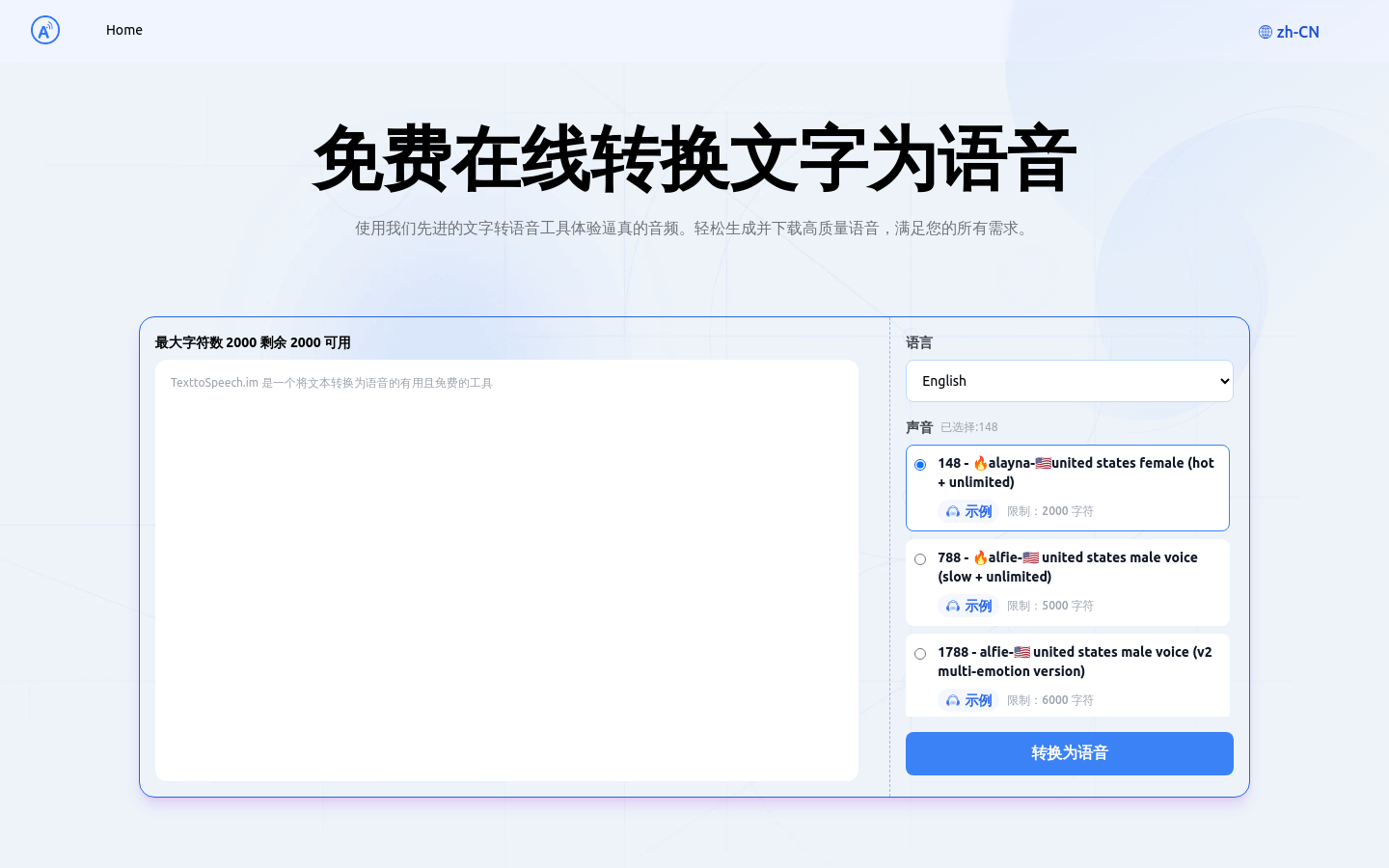
Screenshot archived from the listing page, for preview only.