Free Nano Banana 2 Image Generator — Google Nano Banana 2 AI Online
Free AI image generator onlineTurn text and images into new visuals
Highlights
What you can do with it
- Designers draft creative poster images from short text prompts
- Content creators generate scenic images to illustrate travel articles
- Everyday users make cartoon-style images for cards and personal posts
How to use it
- 1 Open the Nano Banana 2 page on the website
- 2 Type a description or upload a reference image
- 3 Select a style and an aspect ratio for the output
- 4 Click Generate and wait a few seconds
- 5 Download or copy the finished image
Who it is for
Pros
- Free to use, with 10 credits per month after signing up
- No design skills needed to get usable results
- Simple workflow: prompt or upload, choose style, generate
Limitations
- Free credit limits may change over time
- Output quality depends on the prompt and the reference image you provide
- Focused on image generation, so it is not a full editing suite
What Free Nano Banana 2 Image Generator is
Free Nano Banana 2 Image Generator is an online image creation tool that turns text prompts or reference photos into new pictures. It runs on the Nano Banana 2 model, which is the display name for Google's Gemini 3.1 Flash image model. The tool is designed so that people without design training can still produce usable images: you describe what you want, or upload an image to guide the result, and the system handles the rest. It is free to use, and after you register you receive 10 credits each month. Output covers styles such as realistic, cartoon, anime, art, and photo, with aspect ratios including 1:1, 2:3, and 3:2. Each generation takes only a few seconds, and you can save the result or copy it once it is ready.
What you can do with it
- Create images from a written description in a few seconds.
- Upload a reference image and generate related new versions.
- Switch between realistic, cartoon, anime, art, and photo styles.
- Pick the aspect ratio that fits your layout, then download or copy the result.
Who it is for
- Designers who need quick visual drafts for posters and concepts.
- Content creators who want images to illustrate articles and posts.
- Everyday users who need simple graphics without any design background.
What to watch out for
The free credits are generous for trying the tool, but the monthly allowance and other free terms can change, so check the current rules before you build a workflow around them. Results depend heavily on how clearly you write the prompt and on the quality of any reference image, so vague instructions tend to produce weaker output. The service is focused on generating images rather than editing them, which means tasks like detailed retouching or complex compositing will need other software. If you plan to use the images commercially, review the terms first so you know exactly what is allowed.
FAQ
Is the generator free?
Yes. It is free to use, and registered users get 10 credits per month to create images.
What can I create with it?
You can generate images from text descriptions or from an uploaded reference image, in styles such as realistic, cartoon, anime, art, or photo.
Do I need design experience?
No. The tool is built so that anyone can type a prompt or upload an image and get a result without design skills.
Why it is free
What the official page says: 免费使用免费
Free limits, trial length and features are decided by the official site and can change at any time.
Product preview
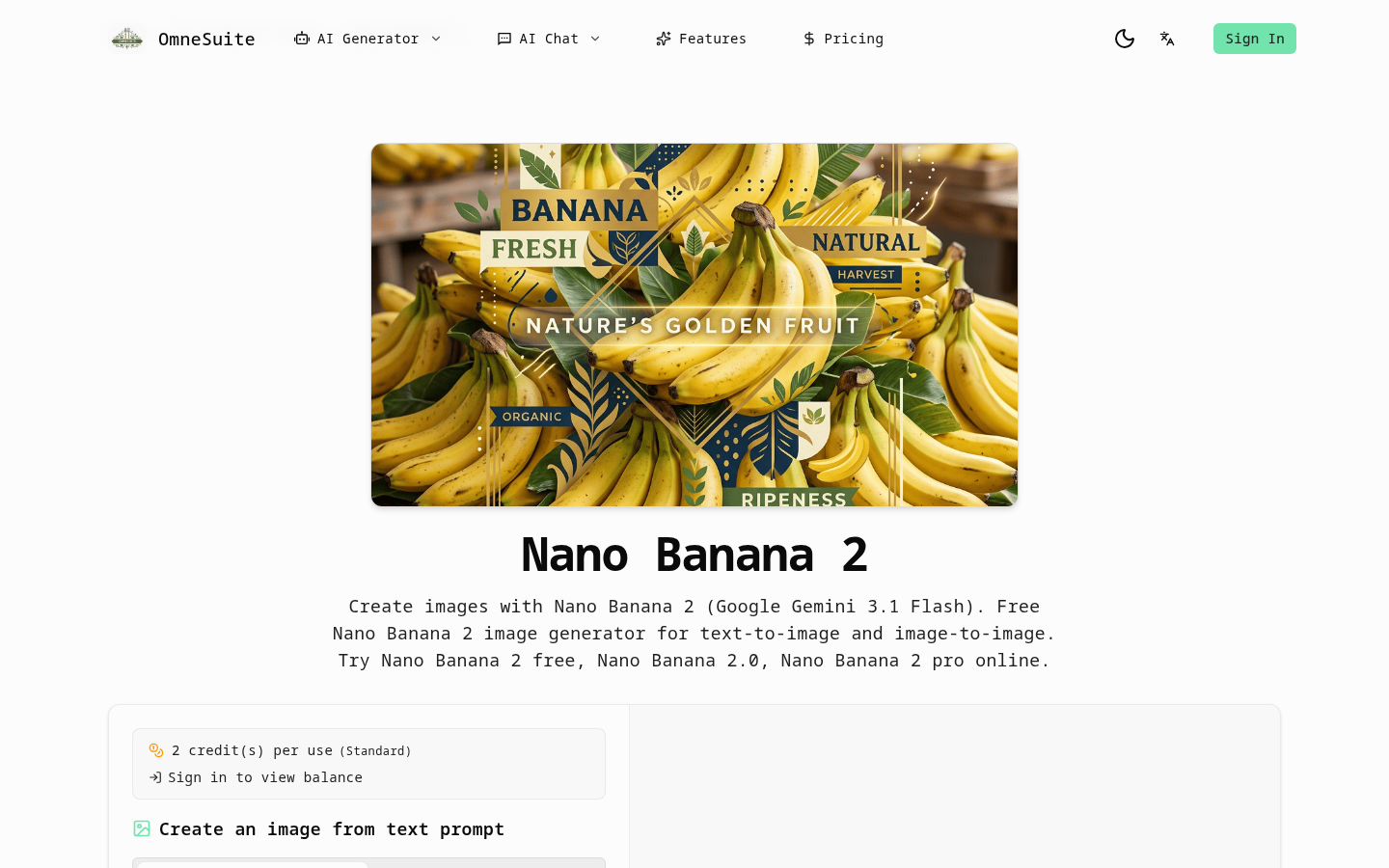
Screenshot archived from the listing page, for preview only.











