
Free Music Creator AI
AI music and audio toolkitSongs, lyrics, stems, and instrumentals
Highlights
What you can do with it
- A vlogger generates a royalty-free lo-fi beat for a daily video
- A singer strips vocals from a pop song for a cover
- A DJ splits an old track into stems for a remix
How to use it
- 1 Open the site and type a description, or upload your own lyrics
- 2 Click the generate button and wait a few seconds
- 3 Preview the clip and adjust the prompt if it is not right
- 4 Edit or remix further using the page tools
- 5 Download according to your plan, in MP3, WAV, MIDI, or stems
Who it is for
Pros
- No music theory or production background needed
- Free basic quota to test before paying
- Generation and audio processing sit in one place
- Export options suit both editing and direct publishing
Limitations
- The free quota is limited; commercial monetisation needs a paid plan
- Stem and vocal separation quality depends on the source recording
- Hitting a specific sound usually takes several prompt attempts
- Royalty-free terms depend on the plan you are on
What Free Music Creator AI is
Free Music Creator AI is an AI music generation platform aimed at people who need music but cannot score or produce it. Traditional music creation carries a high cost in skills, software, and licensing, and this tool is built to remove the first two. You enter a text prompt, a lyric, or a style idea, and the system returns a complete track with melody, rhythm, and harmony in seconds. It goes past generation into everyday audio work: a lyrics generator turns a title, theme, emotion, or genre into editable words, a voice remover strips vocals from an existing song, and a stem splitter separates vocals, drums, bass, and piano. Style coverage spans lo-fi, pop, EDM, rap, rock, and cinematic work, and exports include MP3, WAV, MIDI, and dry vocal tracks. The pricing model is freemium, with a free basic quota and paid plans for those who monetise.
What you can do with it
- Turn a short description into a finished song in seconds
- Turn your own lyrics into a produced track
- Generate structured, editable lyrics from a theme or genre
- Remove vocals to build a clean instrumental for a cover
- Split a track into vocal, drum, bass, and piano stems
- Export in MP3, WAV, MIDI, or dry vocal form for further editing
Who it is for
Vloggers and short video creators use it to get background music that fits a specific mood instead of a generic library cue. Singers use the voice remover to build accompaniments for covers, and DJs use the stem splitter to pull an old record apart for a remix. Creators running monetised channels sit on the paid side, because commercial use needs a plan that covers it. Anyone who has a song in their head and no way to get it out will find the barrier noticeably lower here.
What to watch out for
The free quota is a trial, and commercial monetisation needs a paid plan, so check the licence before you publish on a revenue-generating channel. Stem and vocal separation depend on the source: a clean, well-mixed track splits far better than a lo-fi or heavily processed one. Getting a precise result takes iteration, since a vague prompt returns a vague track. The tool produces material quickly, but arrangement choices, mixing, and final quality control are still yours, and a generated demo usually needs editing before it is releasable.
FAQ
Is the music royalty-free?
The product positions itself around royalty-free use. Confirm the exact terms for your plan, especially if the work is monetised.
Can I remove vocals from a song?
Yes. The AI Voice Remover separates vocals from a track so you can keep an instrumental or extract the vocal.
What can I export?
MP3 and WAV for audio, plus MIDI and separated stems for further production work.
Do I need to know music theory?
No. The tool is designed so a text description or lyric is enough to get a finished track.
Why it is free
What the official page says: freemium
Free limits, trial length and features are decided by the official site and can change at any time.
Product preview
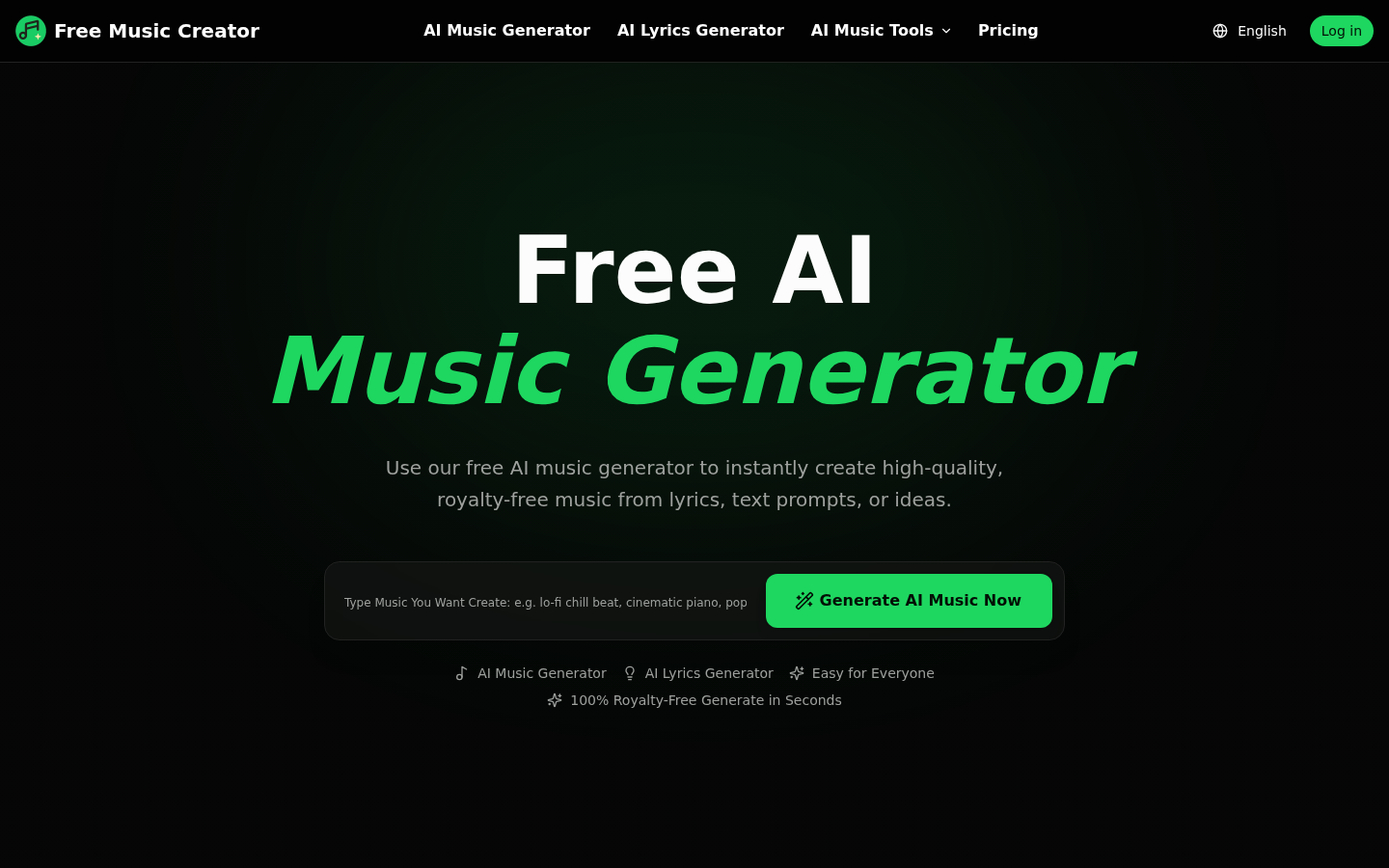
Screenshot archived from the listing page, for preview only.










