
Free AI Video Generator, Image Generator, Text to Video & Avatar Maker | VidpexAI
Free all-in-one AI image and video toolkitGenerate and edit images and videos in one place
Highlights
What you can do with it
- A digital marketer produces a campaign clip without switching tools
- A content strategist turns an event brief into a short video in minutes
- A beginner tries image generation and face swapping with no editing background
How to use it
- 1 Open vidpexai.com and choose a function such as Image to Video or Text to Video.
- 2 Enter a text prompt for text-based tools, or upload a reference image.
- 3 Wait for the model to generate the image or video.
- 4 Edit the result, adding effects or adjustments.
- 5 Download the finished image or video.
Who it is for
Pros
- One site covers image generation, video generation, and avatars
- Described as free of charge, with no paid tiers listed
- No professional editing background required
Limitations
- Face swapping and avatar tools raise consent and platform rules questions
- Free access may change or add limits at any time
- Output quality varies by model and prompt, so expect retries
- The site was returning an access error when this listing was recorded, so availability is not guaranteed
What VidpexAI is
VidpexAI is a free all-in-one AI tool for generating and editing images and videos. It runs in the browser at vidpexai.com, and the listing describes it as a workspace where a text prompt or a reference image becomes finished visual content without professional editing skills. Several model families sit behind the interface, including Wan, Kling, and Seedance for video, and Nano, Banana, Wan, and Gemini for images. There is also an avatar generator that produces speaking, moving characters. The pitch is consolidation: instead of stitching together three or four subscriptions, you handle generation and editing in one place. The tool is listed as free of charge.
What you can do with it
- Turn a still photo into a video with camera motion, depth, and physical effects.
- Generate images from text, from photorealistic to abstract.
- Convert a written idea into a high-definition video sequence.
- Build a speaking avatar for content or presentation work.
- Edit the generated result and download the final file.
Who it is for
- Digital marketers who need campaign assets quickly and do not want to switch tools.
- Content strategists turning event briefs into short videos in minutes.
- Beginners testing image and video generation with no editing background.
What to watch out for
Face swapping and avatar tools are part of the feature list, and that carries real risk. Putting a real person's face into a video without their permission can break platform terms and local law, and the consequences fall on you rather than the tool. Use only images you own or have written permission to use. Free access can also change without notice, and the site was returning an access error when this listing was recorded, so treat availability as uncertain. Results vary a lot by model and prompt, so plan for several attempts and some manual editing before you get something you can publish.
FAQ
Is VidpexAI free?
The listing describes it as free of charge. There is no pricing detail beyond that, so confirm on the site.
Can it make a talking avatar?
Yes. The avatar generator is described as creating avatars that can speak, move, and interact.
Is face swapping safe to use?
It is listed as a feature, but putting a real person's face into a video without permission may break platform terms or local law. Only use images you have the rights to.
Why it is free
What the official page says: free of charge
Free limits, trial length and features are decided by the official site and can change at any time.
Product preview
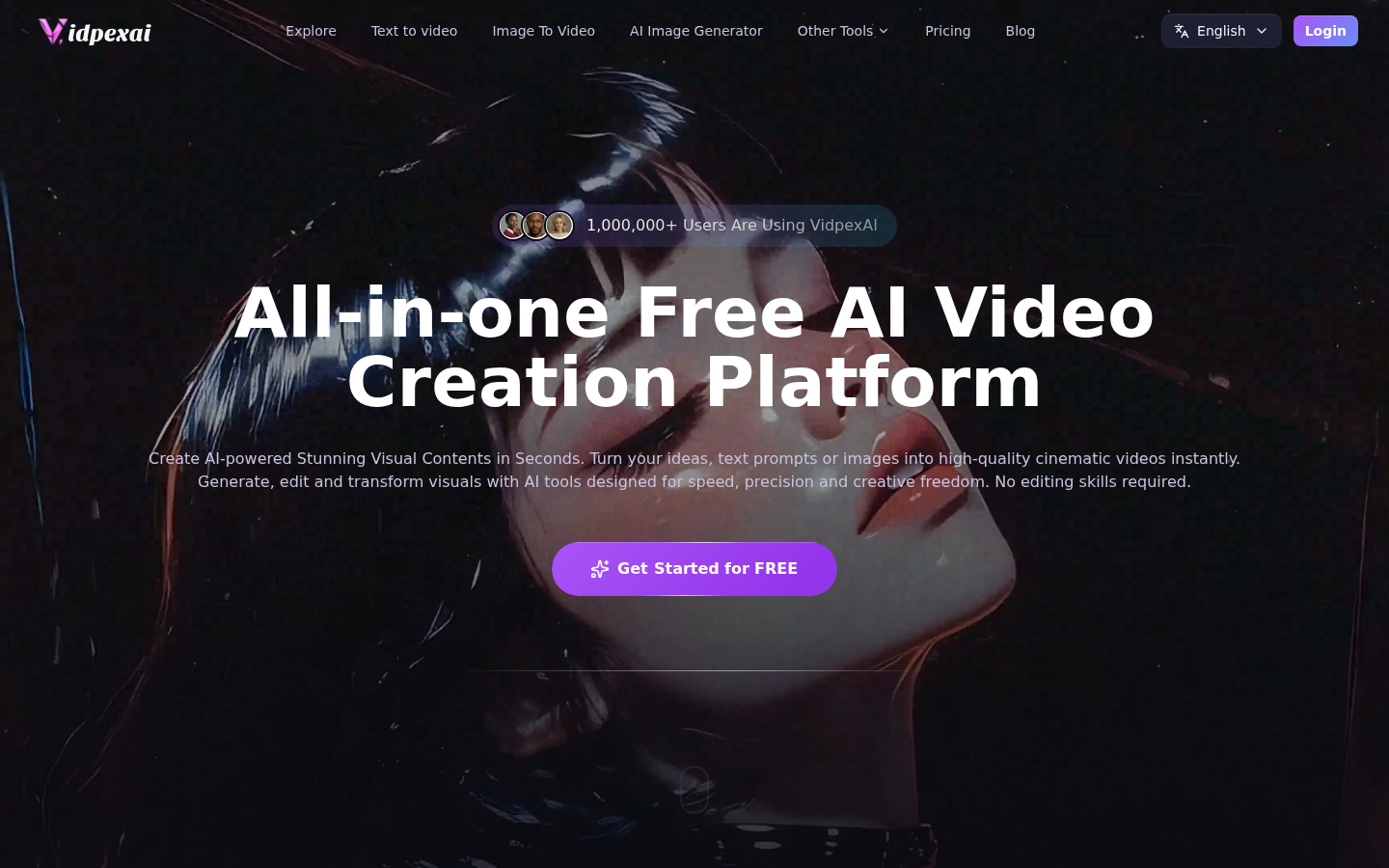
Screenshot archived from the listing page, for preview only.











