
Free AI Photo Editor | YuzuTime AI
Free online AI photo editor with text promptsEdit photos by describing the change, no registration needed
Highlights
What you can do with it
- An e commerce seller fixes lighting and clutter on a product photo
- A designer swaps a background to create seasonal campaign material
- An individual retouches a portrait for social or professional use
How to use it
- 1 Upload a photo in PNG, JPG or WEBP format
- 2 Type the change you want, such as changing the background to a clean studio wall
- 3 Select the Yuzu model that fits the job
- 4 Preview the result, compare with the original, then download without a watermark
Who it is for
Pros
- No registration needed to start
- Free to use with a daily watermark free quota
- Prompt based editing removes the brush learning curve
Limitations
- The free daily quota for watermark free downloads is limited
- Complex edits may need several prompts to land right
- Results depend on prompt wording, so vagueness costs you attempts
What YuzuTime AI is
YuzuTime AI is an online AI photo editor driven by natural language prompts. Traditional editing means masks, layers and brushes, and here you instead describe the change you want, for example improving the lighting in a product studio, fixing harsh shadows, removing background interference, or replacing a scene with a cyberpunk street. It offers targeted models including Yuzu Edit Pro, Yuzu Retouch, Yuzu Product Clean and Yuzu Portrait Fix, so a portrait, a product photo and a general edit each get a model built for that job. No registration is required, use is free, and downloads come without a watermark within the free daily quota. Uploads accept PNG, JPG and WEBP.
What you can do with it
- Edit a photo by typing an instruction instead of using a brush
- Change the background to a described scene
- Retouch portraits with a dedicated model
- Clean up product photos, lighting and clutter
- Choose between targeted Yuzu models for different jobs
- Download without a watermark within the daily quota
Who it is for
- E commerce sellers processing large volumes of product photos
- Brand designers testing background and seasonal variations
- Marketers producing advertising material quickly
- Individuals retouching portraits for social or professional profiles
What to watch out for
The free daily quota for watermark free downloads is limited, so heavy editing days will run past it. Prompt based editing is fast but not precise, and a complex change often takes several attempts with differently worded instructions. Vague prompts produce vague edits, so describe the specific change you want rather than the outcome in general terms. Since the site status recorded in the listing shows an error, confirm the service is reachable before you plan a batch of work around it.
FAQ
Do I need to register?
No. The listing states no registration is required.
Are downloads watermark free?
Yes, within the free daily quota for watermark free downloads.
Which model should I choose?
There are targeted options: Yuzu Edit Pro for general edits, Yuzu Retouch for portraits, Yuzu Product Clean for product photos, and Yuzu Portrait Fix for portrait fixes.
Why it is free
What the official page says: no registration
Free limits, trial length and features are decided by the official site and can change at any time.
Product preview
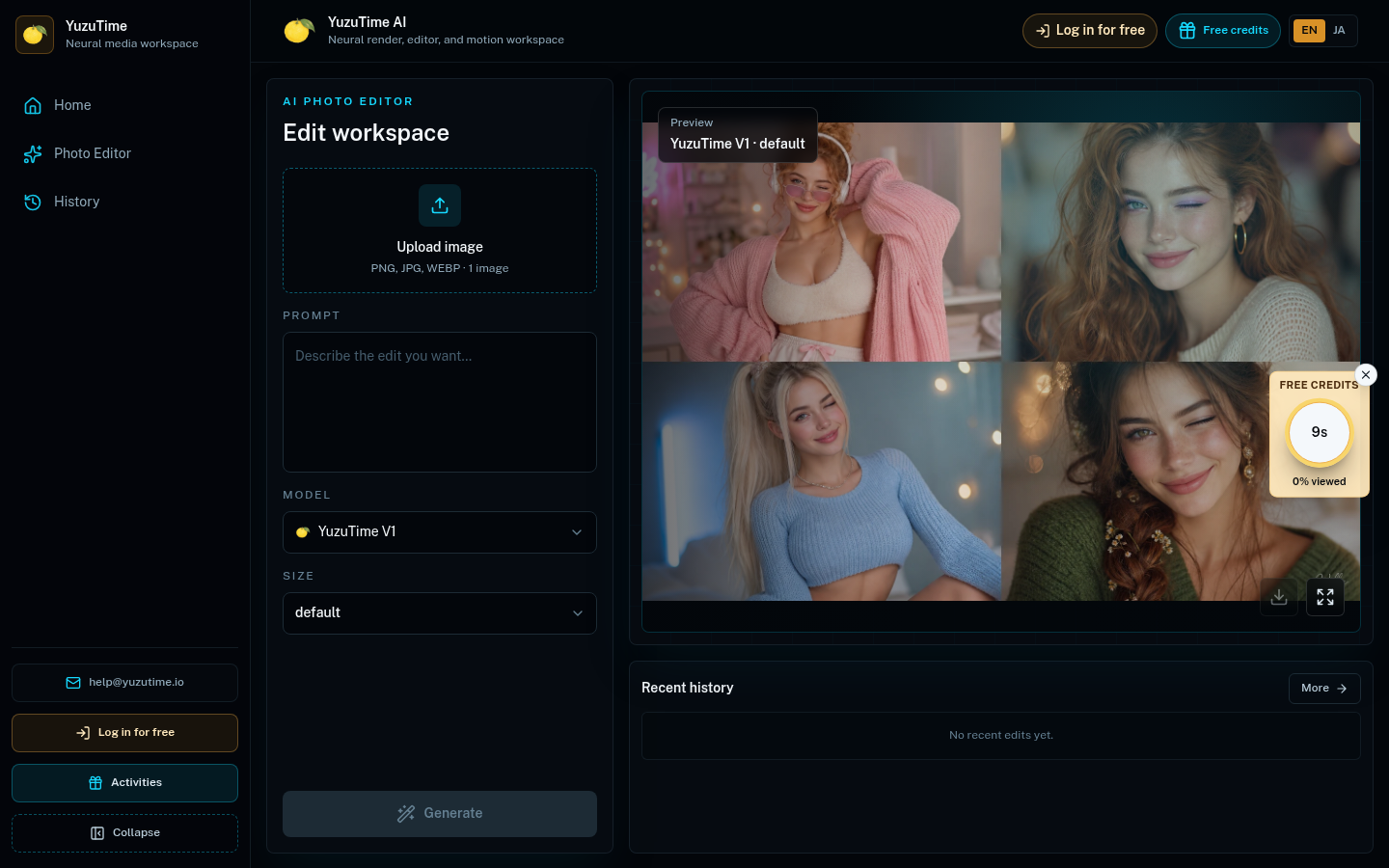
Screenshot archived from the listing page, for preview only.











