
FREE AI Image to Image Generator
Free AI image-to-image editorRestyle photos with text prompts, free and no signup
Highlights
What you can do with it
- Concept artists turn rough drafts into multiple refined variants
- Marketers produce campaign visuals in several styles
- Photographers restyle, restore, or enhance portrait photos
- Everyday users turn selfies into cleaner studio-style portraits
How to use it
- 1 Upload a source image in JPG, PNG, or WebP format
- 2 Write a plain language prompt describing the change you want
- 3 Preview the result the tool generates
- 4 Download the high-quality image once you are satisfied
Who it is for
Pros
- No account or payment needed to start
- Text prompts make advanced edits approachable
- Consistent output keeps the original photo recognizable
Limitations
- Free access rules may change over time
- Results depend on prompt wording and source image quality
- Getting the look you want takes some prompt practice
What FREE AI Image to Image Generator is
AI Image to Image Generator is a free online image conversion tool. It works without registration and without a credit card, and it presents itself as a free service. The idea is simple. You give it a reference photo, then describe the change you want in ordinary language, and the AI produces a new version of the image. Uploads come in JPG, PNG, and WebP, and the tool supports several common aspect ratios so you can pick the shape you need. The engine is designed to treat your original photo as a strict blueprint, which helps keep faces, textures, and proportions recognizable while the style changes around them. The site also says uploaded images stay private through the conversion process.
What you can do with it
- Turn a standard photo into a digital painting, 3D render, or anime style piece.
- Convert an ordinary selfie into a cleaner, studio-like portrait for work use.
- Start from a rough concept draft and generate several refined options in a short time.
- Reach for extra functions such as avatar generation, image enlargement, and old photo restoration.
Who it is for
- Concept artists who need to test many visual directions quickly.
- Marketers who want campaign visuals in more than one style.
- Photographers who need style swaps, restoration, or enhancement.
- Everyday users who want to edit photos without learning complex software.
What to watch out for
The free access rules may change, so treat the current no-cost and no-signup setup as a snapshot rather than a permanent promise. Output quality depends a lot on how you write the prompt and on the clarity of the image you upload, so plan for some trial and error. Because the tool reshapes real photos, only use images you have the right to edit, and check the terms before you rely on the results in commercial work. The conversion is automatic, so the final look is a starting point you may still want to refine in another editor.
FAQ
Is this tool really free to use?
Yes. It runs without registration and without a credit card, and the site presents it as a free tool.
Which image formats can I upload?
It accepts JPG, PNG, and WebP files.
Will my photo keep its original layout?
The tool treats your upload as a blueprint and aims to preserve facial structure, texture, and proportion.
Why it is free
What the official page says: 免费无需注册
Free limits, trial length and features are decided by the official site and can change at any time.
Product preview
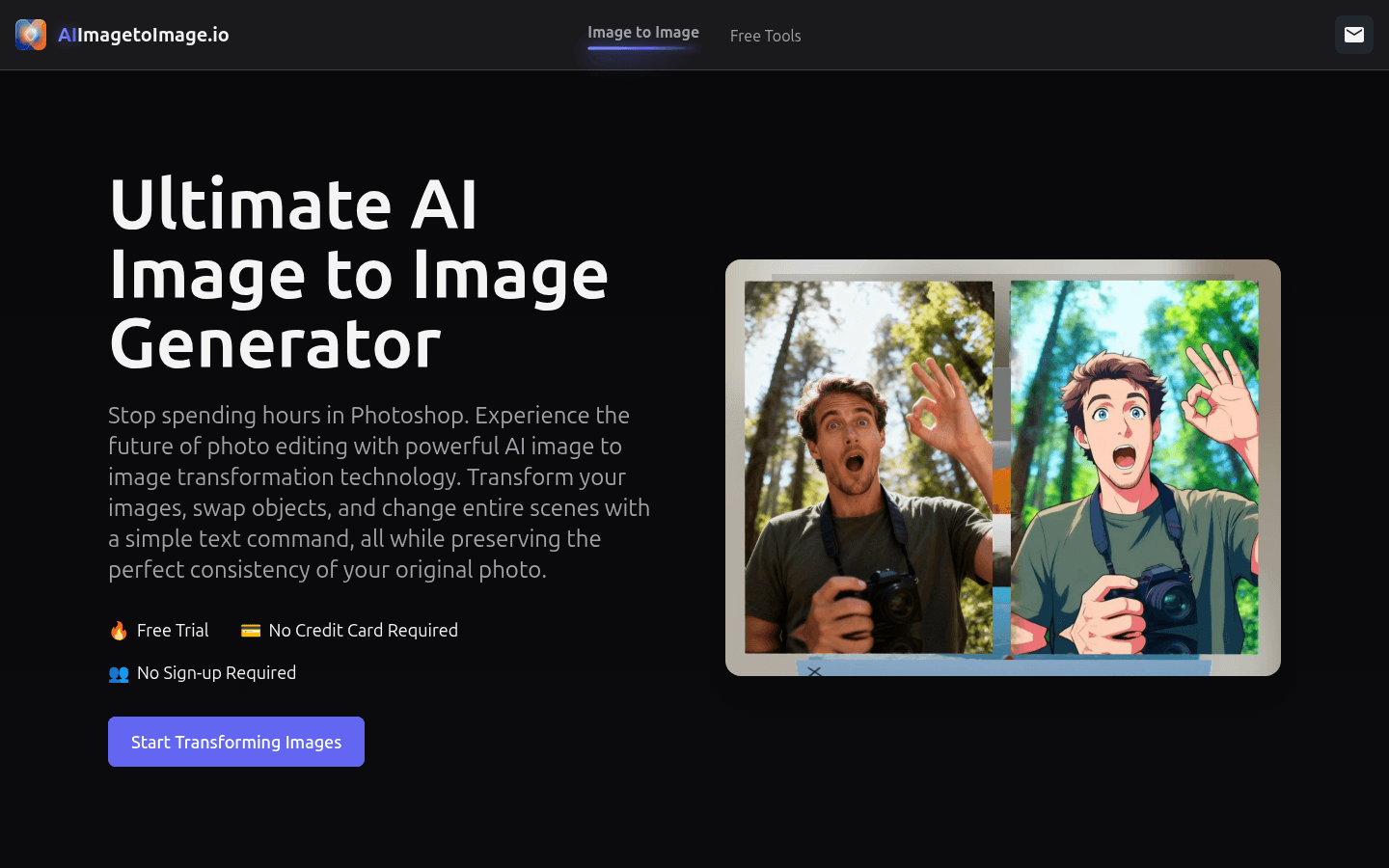
Screenshot archived from the listing page, for preview only.











