
Free AI Background Remover
Free browser-based AI background remover for any image typeRemove backgrounds in seconds, then fine-tune the edges
Highlights
What you can do with it
- E-commerce sellers strip backgrounds from product photos for consistent, professional listings
- Content creators cut out portraits with transparent backgrounds for personal branding
- Designers extract elements from images for layouts and presentations
- Social media managers produce clean thumbnails and visual posts
How to use it
- 1 Open the site in your browser and upload an image in a common format
- 2 Let the AI detect the subject and remove the background automatically
- 3 Preview the result, then use the eraser to adjust edges or remove extra areas
- 4 Download the finished image with a transparent background
Who it is for
Pros
- No download or installation, it runs in the browser
- Free to use for background removal
- Automatic detection plus a manual eraser gives control over edges
- Transparent background export suits web, e-commerce, and presentations
Limitations
- The free rules can change at any time, so check the site before relying on it
- Complex edges like hair or fur may still need manual touch-up
- It only handles background removal, it is not a full image editor
What Free AI Background Remover is
Remover AI is a free online AI background removal tool that runs directly in your browser. There is no download and no installation, you just open the site and upload an image in a common format. The system uses AI to detect the subject, then removes the background in a single pass. According to the site, it is free to use and positioned for creative and commercial scenarios. The goal is to make background processing much faster than manual editing, while still giving you tools to fix the result by hand before you export a clean file.
What you can do with it
- Remove backgrounds automatically from portraits, group photos, pets, products, and complex objects, with the AI preserving edges and details
- Fine-tune the cut-out with an eraser tool to clean up edges and remove leftover areas the AI missed
- Export a high-definition image with a transparent background for websites, online stores, and slide decks
- Reuse the output as design assets, personal brand portraits, or product listing images without opening other software
Who it is for
- E-commerce sellers who need consistent, background-free product photos across a whole catalog
- Content creators building a personal brand with clean portrait cut-outs for profiles and covers
- Designers pulling elements out of reference images for creative layouts and presentation slides
- Social media experts making thumbnails, posts, and visual content that needs a tidy subject
What to watch out for
The free rules can change at any time, so confirm current terms on the site before you build a workflow around it. Automatic detection handles clear subjects well, but fine details such as hair, fur, glass, or overlapping objects often need manual touch-up with the eraser. It is a focused background remover, not a full image editor, so heavy retouching, color work, and compositing still belong in other software. Since images are uploaded to the service for processing, avoid sending anything sensitive you cannot share, and always keep a copy of your original files.
FAQ
Is Remover AI free to use?
Yes, the site describes itself as free to use. Free terms can change, so confirm on the page before you depend on it.
Do I need to install anything?
No. It runs online in the browser with no download or installation.
Which image types can it process?
It is described as handling portraits, group photos, pets, products, and complex objects.
Can I fix the edges after removal?
Yes, an eraser tool lets you adjust edges and remove extra areas before download.
Why it is free
What the official page says: free to use
Free limits, trial length and features are decided by the official site and can change at any time.
Product preview
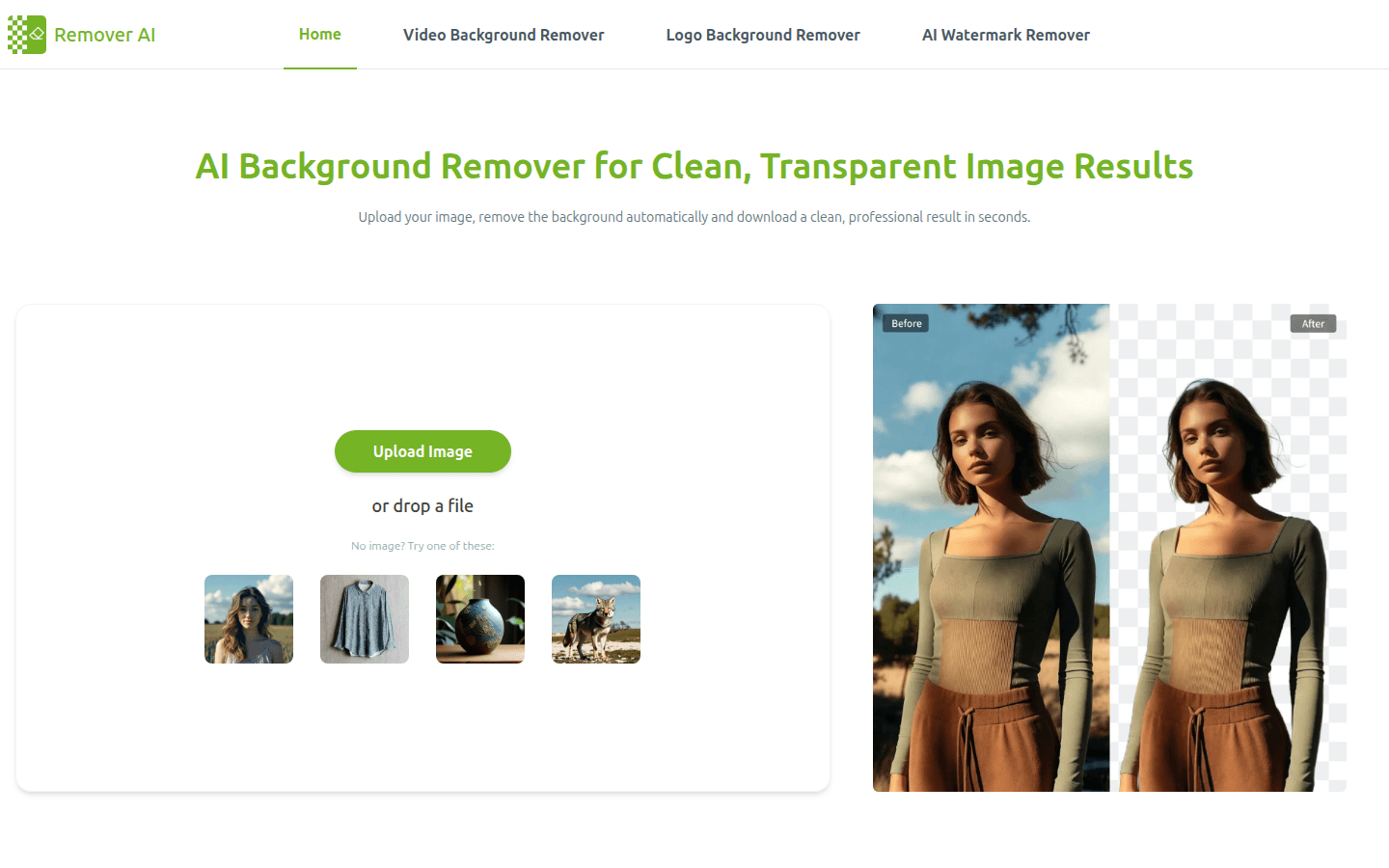
Screenshot archived from the listing page, for preview only.











