
Framedrop
AI livestream highlight clipperAuto-clip your best stream moments
Highlights
What you can do with it
- Turn a long stream into short highlight clips
- Share best gaming moments on social media
- Save editing time after a broadcast
How to use it
- 1 Connect or upload your livestream to Framedrop
- 2 Let the AI find the most exciting moments
- 3 Review the clipped highlight reel
- 4 Export and share it to social media
Who it is for
Pros
- Automatic clipping saves rewatching and editing time
- Free to use with paid features optional
- Built-in export to social platforms
Limitations
- Free status and paid extras can change over time
- Game support is limited to certain titles for now
- AI picks moments, so some clips may miss your taste
What Framedrop is
Framedrop is an AI clipping tool that finds the most exciting moments in your livestream and turns them into highlight reels automatically. No download is needed to use it. It saves you from rewatching long recordings or setting timestamps during a stream so you can focus on creating content. The service is described as always free, with paid features as an added bonus. It currently supports games such as Valorant, Apex Legends, and COD: Warzone, and more are being added over time.
What you can do with it
- Let AI spot the best moments in a livestream
- Generate highlight reels automatically
- Export clips quickly and share them to social media
- Skip rewatching long recordings or manual timestamps
Who it is for
- Streamers who want highlight clips without editing
- Gamers who post short clips on social media
- Creators looking to cut down post-stream work
What to watch out for
The free status and any paid extras can change, so confirm the current terms on the site. Game support is limited to certain titles for now, so a stream outside those games may not clip well. AI moment detection follows patterns, so some clips may not match your taste and you may still trim by hand. Treat generated highlights as a first draft to review before you post. For team use, agree on naming and editing conventions in advance to avoid version conflicts or duplicated work. Name and archive exported files consistently so you can find and reuse them, and keep a backup copy of key data. Save a backup of the original file before large batch jobs, and keep an exported copy of key results in case the page or service becomes temporarily unavailable.
FAQ
Is Framedrop free?
It is described as always free, with paid features as an added bonus. Confirm current terms on the site.
Which games does it support?
It currently supports Valorant, Apex Legends, and COD: Warzone, with more being added.
Do I need to download anything?
No download is needed to use the clipping service.
Why it is free
What the official page says: 免费
Free limits, trial length and features are decided by the official site and can change at any time.
Product preview
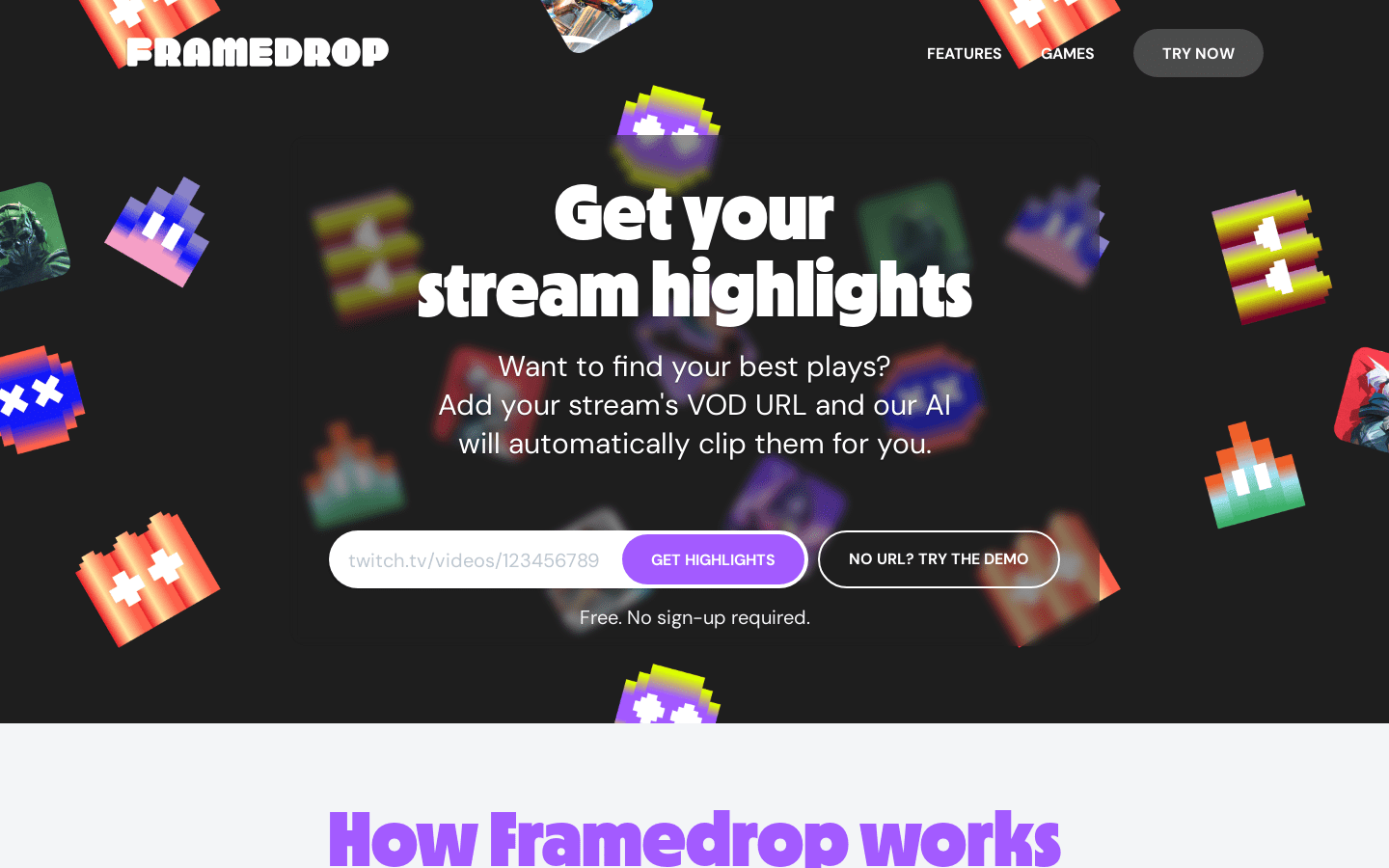
Screenshot archived from the listing page, for preview only.











