
FragCut
AI game clip generator for social videoFind the highlights, cut vertical clips
Highlights
What you can do with it
- Turn a long stream recording into short vertical clips
- Add automatic subtitles to gameplay videos
- Stitch several highlights into one montage
How to use it
- 1 Upload your game video in MP4 or MOV, up to four hours
- 2 Let the AI analyse and edit the highlights
- 3 Fine-tune the clip boundaries and order in the browser
- 4 Download the clips and share them to TikTok or YouTube
Who it is for
Pros
- Automates the slow part of clip making
- Vertical output is ready for short video platforms
- Frame-level control when the AI cut is close but not right
Limitations
- Free access is a trial, with paid plans after that
- AI highlight picks will not match your taste every time
- Long uploads take time to process
What FragCut is
FragCut is a game clip generator built on AI. You upload a gameplay video, the AI analyses it and finds the exciting moments, and those moments are cut into clips ready for social media. Rather than leaving you with a horizontal recording, it converts the output to a 9:16 vertical format that suits TikTok and Shorts without manual cropping. Subtitles are generated automatically from the video's audio through voice recognition, and the editor lets you fine-tune each clip in the browser, including setting start and end points by frame. A single upload can produce five to eight clips at once, which is the part that matters most for creators posting daily. Uploads accept MP4 and MOV files up to four hours long, and a free trial is offered so you can test the detection quality on your own footage.
What you can do with it
- Turn a long gameplay recording into short vertical clips
- Generate five to eight clips from one video in a single pass
- Add automatic subtitles generated from the audio
- Fine-tune clip boundaries and order in the browser
- Stitch several clips into one highlight montage
Who it is for
- Streamers who need clips from long recordings
- Game content creators who do not want to learn an editor
- Social media users posting gameplay moments regularly
What to watch out for
Free access is a trial, and continued use requires a paid plan, so budget for it if clip output becomes part of your schedule. AI highlight selection will not match your taste every time, and you should expect to discard some picks and keep others. Long uploads take time to process, so do not leave a four-hour file until the last minute before a post is due. Subtitle quality follows the audio, so quiet or heavily compressed recordings need editing before they go live.
FAQ
What does FragCut do?
It finds exciting moments in game videos and turns them into vertical social clips.
How long can the uploaded video be?
Uploads support up to four hours in MP4 or MOV.
Is there a free trial?
Yes, FragCut offers a free trial.
Why it is free
What the official page says: free trial
Free limits, trial length and features are decided by the official site and can change at any time.
Product preview
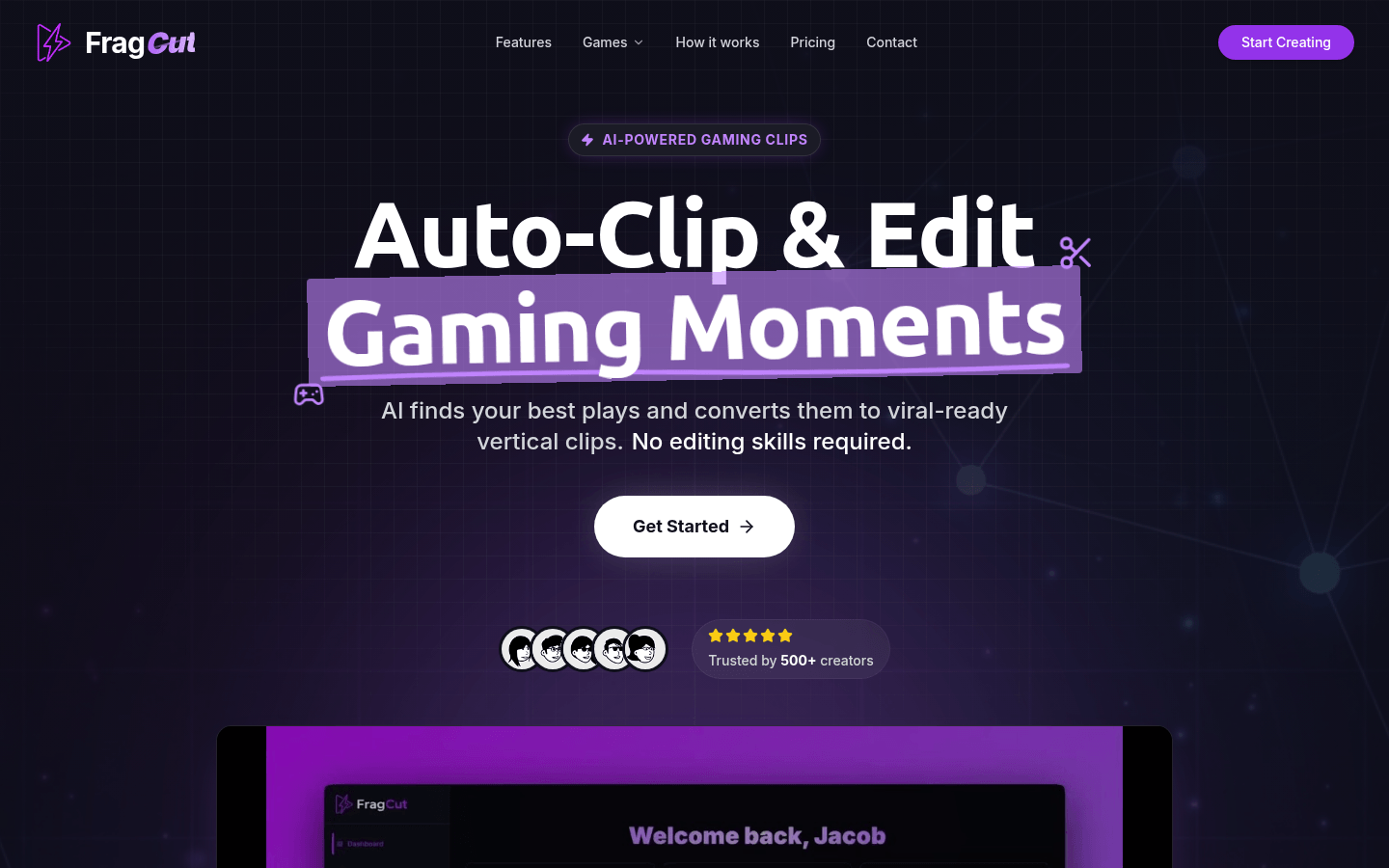
Screenshot archived from the listing page, for preview only.











