
ForthWrite
AI email writing assistantReplies drafted in your own voice
Highlights
What you can do with it
- Save hours a week on routine email replies
- Answer a long, multi-question thread without re-reading everything
- Keep replies consistent with your own voice instead of generic AI phrasing
How to use it
- 1 Add ForthWrite to Chrome and complete the short personal setup
- 2 Open an email thread in Gmail and click Generate draft
- 3 Review the draft, edit if needed, and send
- 4 Keep sending so the tool learns what to keep and what to drop
Who it is for
Pros
- Voice matching improves as you send more mail
- Background drafting removes the blank-page problem
- Full-thread context means multi-question emails get fully answered
- Free weekly drafts with no card, plus a 60-day refund guarantee
Limitations
- Only 10 free drafts per week, and paid pricing is not published
- It works inside Gmail via Chrome, so other mail clients are not covered
- Voice matching needs a body of sent mail before output feels like you
What ForthWrite is
ForthWrite is an AI email writing tool built around one idea: replies should sound like you. It learns your style from the emails you actually send, capturing tone, sentence rhythm and the way you sign off, and it keeps adjusting as you edit its drafts. When mail arrives it writes a reply in the background, so there is a draft waiting when you open the thread. It reads the full thread, including forwarded and nested quoted content, and addresses each question raised rather than giving a generic acknowledgement. It supports several models including OpenAI, Claude and Gemini, and includes a prompt laboratory with version control, A/B testing and an optimizer. There are 10 free drafts per week with no credit card required, plus a 14-day professional trial and a 60-day refund guarantee.
What you can do with it
- Generate reply drafts in your own voice from a full email thread
- Get a draft waiting in the background when mail arrives
- Handle multi-question threads without re-reading everything
- Test and version prompts, and track acceptance rate, similarity and time saved
- Batch process multiple threads at once
Who it is for
- Professionals who spend hours a day answering email
- Fast-paced workers who need quick, consistent replies
- People who care that their correspondence sounds like them rather than like a bot
- Teams that want measurable time savings on routine correspondence
What to watch out for
The free tier is 10 drafts per week, which runs out fast if email is a big part of your job, and paid pricing is not published on the page. The workflow described is a Chrome extension writing into Gmail, so if you live in Outlook or a webmail client, that flow does not apply. And voice matching needs a decent body of sent mail before the output genuinely sounds like you; in the first days the drafts will be close but generic, and editing them is part of the training process.
FAQ
Is ForthWrite free?
It offers 10 free drafts per week with no credit card required. Paid pricing is not published on the page.
How does it learn my style?
It analyses the emails you actually send, capturing tone, sentence rhythm and endings, and adjusts as you edit its drafts.
Which models does it use?
It supports mainstream models including OpenAI, Claude and Gemini, and you choose the one you want.
Does it work outside Gmail?
The setup described is a Chrome extension that writes drafts in Gmail, so other clients are not covered by that flow.
Why it is free
What the official page says: 免费
Free limits, trial length and features are decided by the official site and can change at any time.
Product preview
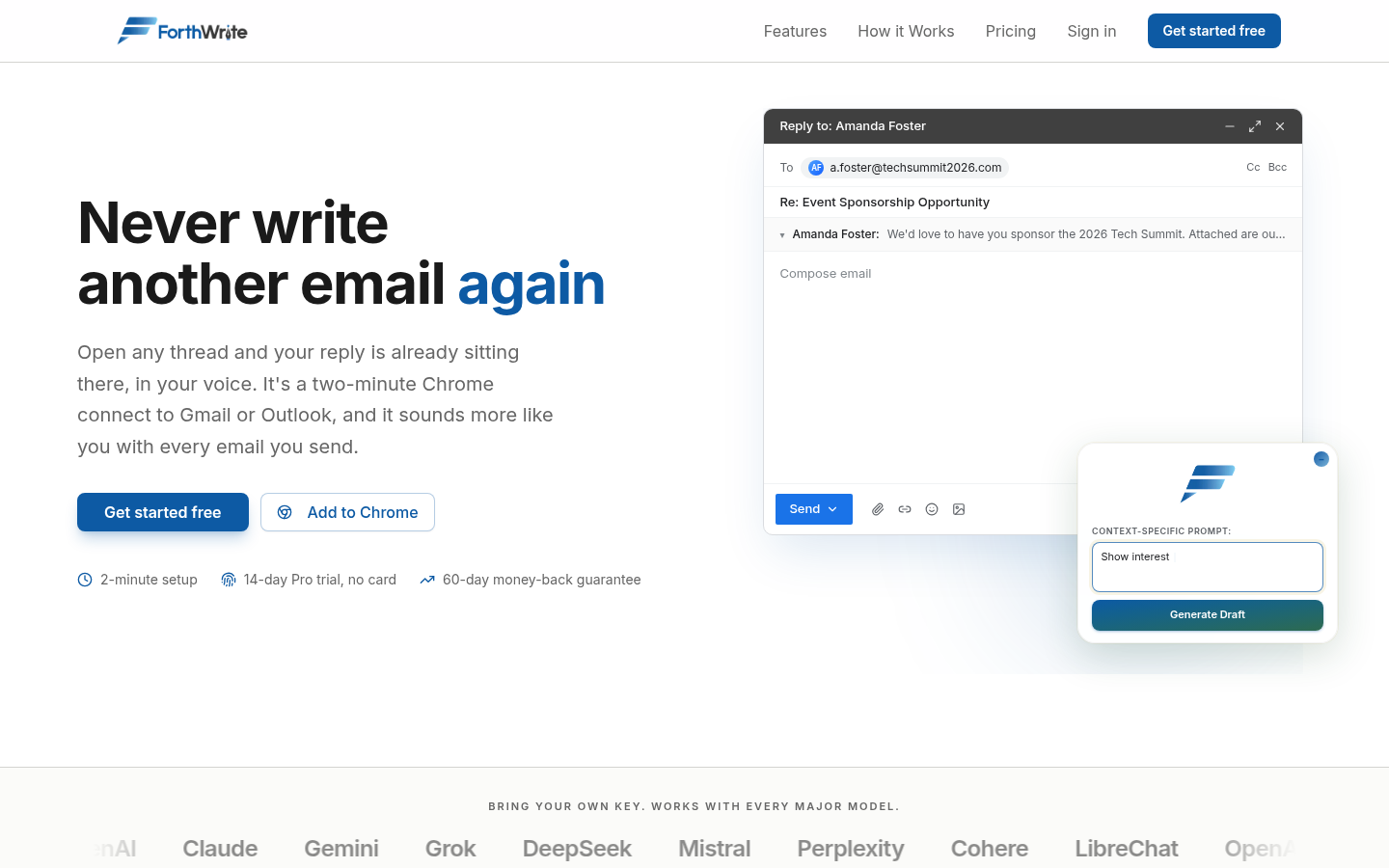
Screenshot archived from the listing page, for preview only.











