
Forms.app
Free online form and survey builderBuild forms, surveys, and quizzes with zero code
Highlights
What you can do with it
- Collecting leads and contact requests on a website
- Running surveys and quizzes for an audience
- Gathering registrations and feedback for events
How to use it
- 1 Open forms.app and start a new form
- 2 Choose a template or build from scratch
- 3 Customize the design and add your fields
- 4 Share the link or embed the form on your site
- 5 Read submissions and analyze the results
Who it is for
Pros
- Free to use for building forms
- Zero code setup with customizable design
- Submission tracking and analysis included
Limitations
- Advanced features and higher limits sit behind paid plans
- Free plan limits can change
- You are responsible for the data you collect
What Forms.app is
Forms.app is a free online form builder. It covers the whole loop: you design a form, survey, or quiz, customize how it looks, share it by link or embed it on a page, then collect and read the submissions. The builder is zero code, so no developer is needed, and the design can be adjusted to match a brand rather than looking like a generic widget. Collected responses can be reviewed in place, and analysis features help you spot patterns in the answers.
What you can do with it
- Build forms, surveys, and quizzes from scratch or a template
- Customize colors, fields, and layout
- Share a link or embed the form on any webpage
- View and analyze submission data
- Connect other tools and automate what happens after a submission
Who it is for
- Marketers collecting leads and contact requests
- Teams running surveys, feedback, and registrations
- Anyone who needs a working form without writing code
What to watch out for
The free builder is genuinely usable, but advanced features, higher submission limits, and deeper integrations typically sit behind paid plans, and those limits can change. Building the form is the easy part; the responsibility for how you handle responses is yours, so be deliberate about what personal data you ask for and where it is stored. Test the form end to end before you share it widely, since a broken field wastes real responses. When quality matters, export a small draft first to confirm the result before producing the final file. Generated suggestions are for reference only, so verify anything that affects professional judgment or important data.
FAQ
What can I build with Forms.app?
You can build forms, surveys, and quizzes, then share them by link or embed them on a webpage.
Is it free?
Forms.app offers a free online form builder, with paid options for more advanced needs.
Can I see submission data?
Yes. You can view submission data and use advanced data analysis features.
Why it is free
What the official page says: 免费
Free limits, trial length and features are decided by the official site and can change at any time.
Product preview
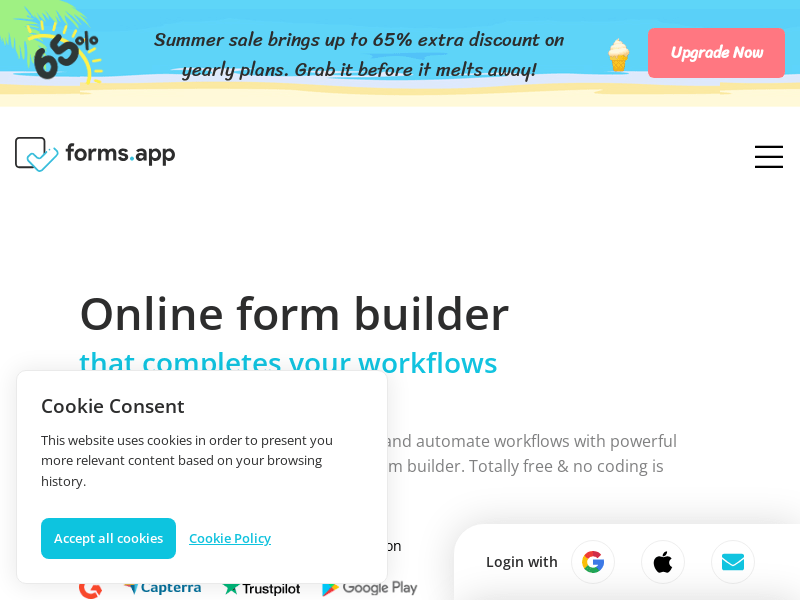
Screenshot archived from the listing page, for preview only.











