
FormHug
AI form builder for registrations, surveys, and quizzes, no coding needed.Describe the form, get it built in seconds with a QR poster.
Highlights
What you can do with it
- Event organizers building registration forms with scheduling and confirmations
- Educational institutions creating quizzes with automatic radar reports
- Marketing teams collecting feedback with real-time survey analysis
How to use it
- 1 Visit formhug.ai and click Start for Free, no credit card needed
- 2 Describe the form you need in simple language
- 3 Let the AI generate the form, cover image, and QR poster
- 4 Personalize, set self-service query fields, publish, and monitor analytics
Who it is for
Pros
- Fast generation removes manual form building
- Free plan available with no credit card to start
- Self-service query reduces respondent support requests
Limitations
- Advanced features sit behind the $29 and $59 paid tiers
- AI-generated forms still need review for right questions and logic
- Free plan limits may change over time
What FormHug is
FormHug is an AI-driven form builder covering event registration, surveys, quizzes, assessments, bookings, and order payments. Its central trick is speed: you describe the form you need in plain language, and the AI generates a complete form, a cover image, and a QR code poster within seconds, with no coding or design skills required. Beyond generation, it packs in features that usually require separate tools, including a built-in self-service data query where respondents find their own records by ID or email, real-time response analysis with satisfaction scores and visualized ratings, instant scoring for quizzes and exams, structured assessments with radar reports, and calendar-based booking with immediate confirmations. It serves users globally and scales across industries from SaaS and small businesses to finance, law, education, and events. Pricing includes a free plan, with professional at $29 and business at $59 for teams needing more capacity and features.
What you can do with it
- Generate registration, survey, quiz, and booking forms from a short description
- Let respondents query their own submissions securely by ID or email
- Track responses in real time with ratings, satisfaction scores, and visualized feedback
- Run scored quizzes and structured assessments with automatic radar reports
Who it is for
- Marketers who need quick registration forms and market research surveys
- Business owners creating onboarding applications and operational forms
- Educators building quizzes and assessments with automatic scoring
- Event organizers and creators running sign-ups with calendar scheduling
What to watch out for
AI generation is fast but not clairvoyant: it builds what you describe, so vague prompts yield generic forms, and you should still review questions, logic, and required fields before publishing. The free plan covers basic needs, but meaningful volume, advanced features, and higher limits live on the paid tiers, so estimate your response volume first; plan details can also change over time. Self-service data query improves respondent experience, but make sure you configure which fields are exposed so private information stays protected. Finally, as with any SaaS form tool, export your data periodically rather than letting important records live only inside the platform, and confirm any compliance requirements your industry imposes before collecting sensitive responses.
FAQ
Is FormHug free to try?
Yes. There is a free plan and a free trial without a credit card. Professional and business plans cost $29 and $59.
What is the self-service data query?
Respondents can look up their own submission by ID or email, so they get answers without contacting you, while privacy is maintained.
Does it support quizzes?
Yes, with instant scoring for trivia and exams, plus structured assessments with automatically generated radar reports.
Why it is free
What the official page says: free trial
Free limits, trial length and features are decided by the official site and can change at any time.
Product preview
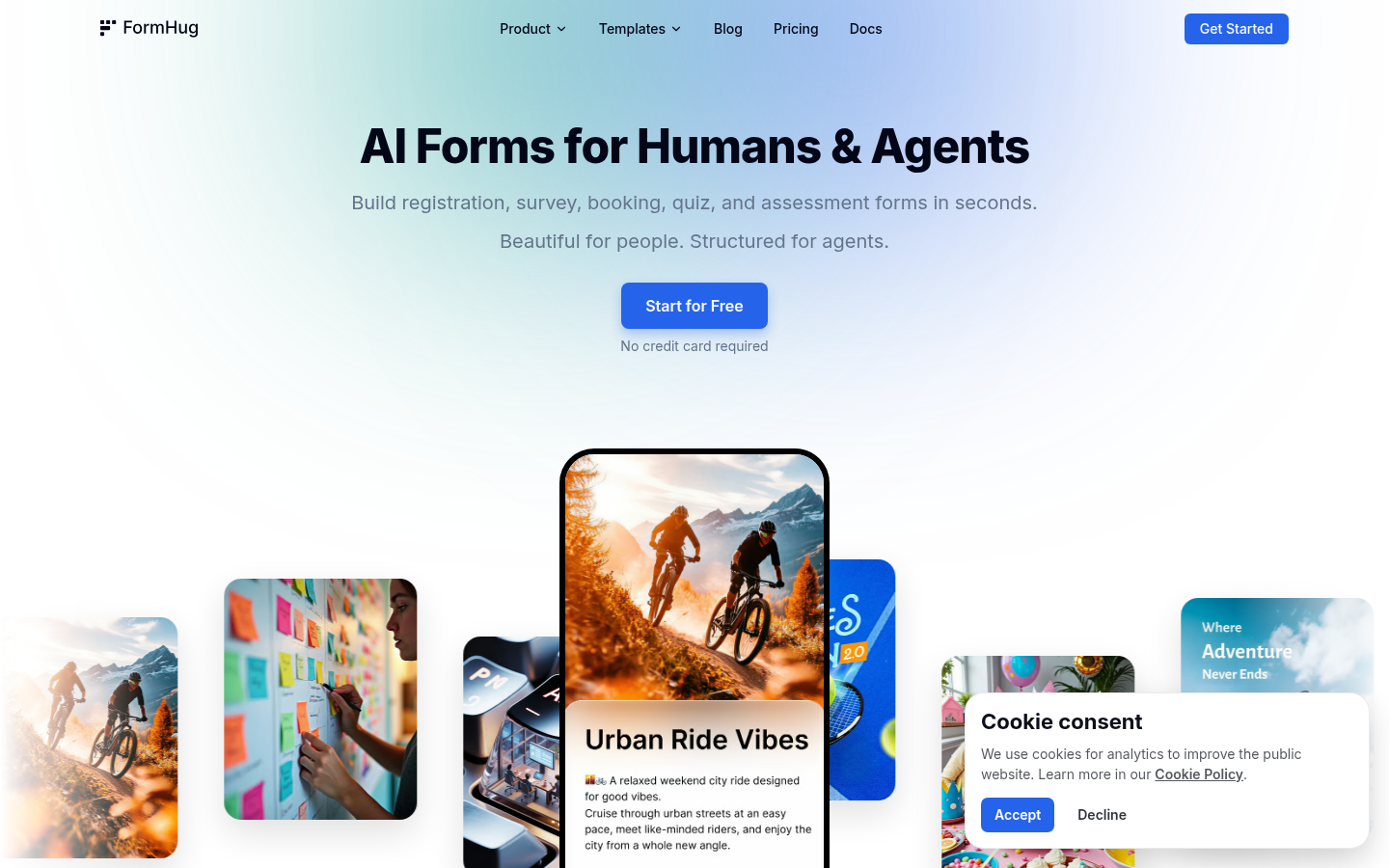
Screenshot archived from the listing page, for preview only.











