
Footage
AI video generatorImages and text become video
Highlights
What you can do with it
- Turning travel photos and notes into shareable social videos.
- Making product promo videos for e-commerce listings.
- Creating teaching videos from course materials.
How to use it
- 1 Open the Footage site and start a project.
- 2 Upload images and enter a text prompt for the scene.
- 3 Choose the resolution and video length.
- 4 Generate the video, then edit and export it.
Who it is for
Pros
- No complex video production skills are required.
- Both images and text can guide the generated video.
- Built-in editing helps you finish clips faster.
Limitations
- Pricing is not clearly stated, so costs are uncertain.
- Free trial terms and available features can change over time.
- Output quality and control may be limited for professional edits.
What Footage is
Footage is an AI video generation tool that turns images and text prompts into video content. You give it source images and a written description of the scene, and it produces a clip you can then adjust. The point is to make video creation fast for people who do not have complex production skills. You can pick a resolution such as 480p, set how long the video runs, and use editing tools such as adding subtitles. It also supports converting the output into formats that suit different platforms. The page mentions pricing but does not give clear figures, which suggests a free trial or a paid model, so confirm the current offer before you rely on it. It is aimed at individual creators, corporate publicity teams, and video studios.
What you can do with it
- Generate video from images and text prompts.
- Choose a resolution such as 480p for your needs.
- Adjust the duration to control the length of the clip.
- Convert formats and add subtitles with the editing tools.
Who it is for
- Individual creators who want quick social videos.
- Corporate teams that need promotional clips.
- Video studios handling many small production jobs.
What to watch out for
Pricing is not clearly stated on the page, so treat costs as uncertain and confirm them before you plan work. Output control may be limited compared with a full editor, so professional projects might still need extra polish. Free trial terms and available features can change over time, and because the tool relies on external AI models, results can vary between runs. Test a few clips first to see whether the quality matches your needs before you commit to a larger project.
FAQ
What does Footage create?
It generates video content from images and text prompts you provide.
Do I need video editing skills?
No. It is designed so you can create videos quickly without complex production skills.
Is there a free trial?
The page mentions pricing without clear figures, which suggests a free trial or paid model, so check the current offer.
Why it is free
What the official page says: free trial
Free limits, trial length and features are decided by the official site and can change at any time.
Product preview
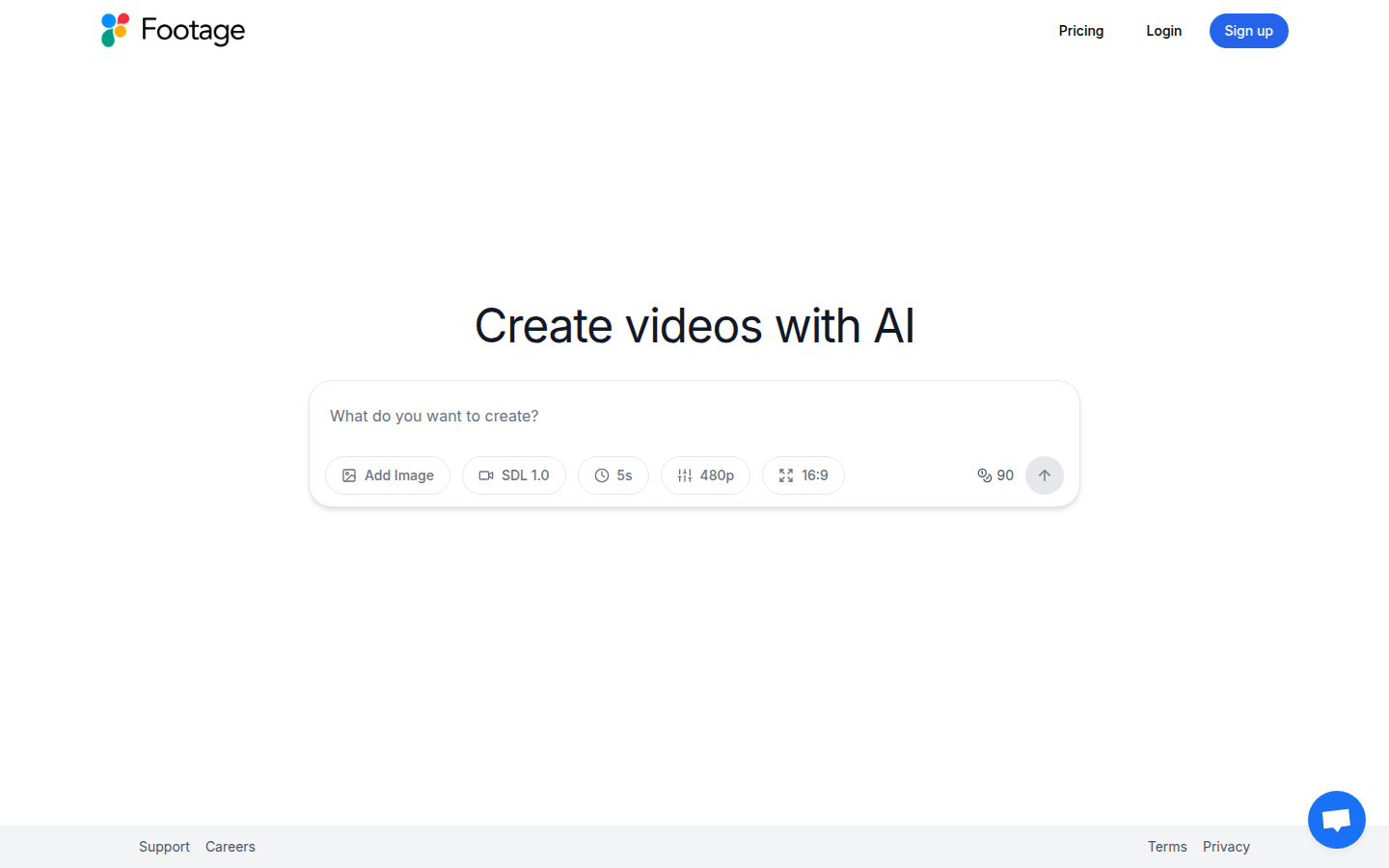
Screenshot archived from the listing page, for preview only.











