
Focu App
Local-first Mac productivity app with AI task helpStay focused with a Pomodoro timer and AI tasks
Highlights
What you can do with it
- Run 25 minute focus sessions with breaks
- Pull tasks out of meeting notes automatically
- Keep daily goals on track with check-ins
How to use it
- 1 Download and install Focu App on your Mac.
- 2 Open the focus page and add tasks or extract them with AI.
- 3 Start the Pomodoro timer for focused work blocks.
- 4 Use keyboard shortcuts and pick dark or light mode.
Who it is for
Pros
- Runs locally with no subscription fee
- AI task extraction plus a Pomodoro timer
- One-time purchase with lifetime free updates
Limitations
- Mac only, so it will not run on Windows
- Local AI features may need your own model setup
- Small tool, so it will not replace a full project manager
What Focu App is
Focu App is an AI driven productivity tool for Mac that helps you stay focused through a dedicated focus page, a Pomodoro timer, and AI task extraction. You can type tasks yourself or let AI pull them out of conversations, use keyboard shortcuts to cut friction, and switch between dark and light modes. All functions run locally, so it works without an internet connection and without subscription fees. Advanced users can pick their own AI models and customize the system prompts. The app has shipped many updates, and a one-time purchase includes lifetime free updates.
What you can do with it
- Run focused work blocks with a built in Pomodoro timer.
- Add tasks by hand or extract them from conversations with AI.
- Move faster with keyboard shortcuts and less distraction.
- Customize the AI model and prompts for your own workflow.
Who it is for
- Mac users who want a simple, private focus timer.
- People whose tasks are scattered across chats and notes.
- Anyone who prefers local tools over cloud subscriptions.
What to watch out for
It is Mac only, so it will not run on Windows or other systems. Local AI features may need your own model setup, which adds a learning step for advanced use. It is a small, focused tool, so it will not replace a full project manager if you need team features, timelines, and shared boards. Processing speed depends on file size and network conditions, so retry later if a task stalls during peak hours. Run one full task end to end first, then expand once you are comfortable with the workflow and the result quality.
FAQ
Does Focu App need a subscription?
No. Functions run locally without subscription fees, and a purchase includes lifetime free updates.
What platforms does it run on?
It is a Mac app.
Can it pull tasks from my notes?
Yes, AI can extract tasks from conversations and add them to your list.
Why it is free
What the official page says: 免费
Free limits, trial length and features are decided by the official site and can change at any time.
Product preview
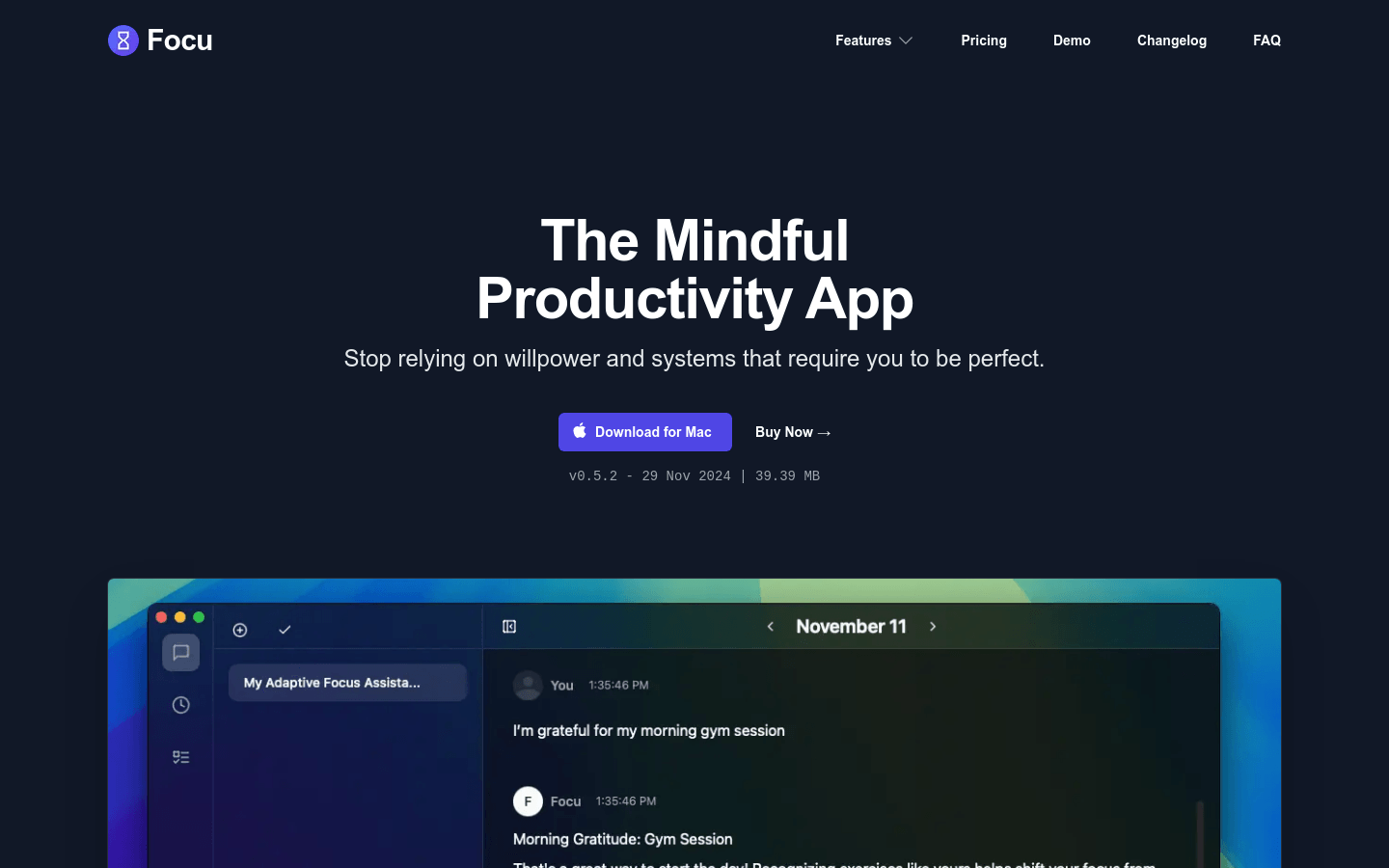
Screenshot archived from the listing page, for preview only.











