
Flux Image Generator
Open-source AI image generatorCreate and edit images from text for free
Highlights
What you can do with it
- Generate concept images from text descriptions
- Turn sketches into detailed artwork with AuraFlow
- Quickly create social media images with SDXL-Lightning
How to use it
- 1 Visit the Flux Image Generator site
- 2 Choose a generation or editing tool
- 3 Enter a text prompt or upload an image to edit
- 4 Follow the tool's instructions and wait for the result
- 5 Download or further edit the image
Who it is for
Pros
- Open source and free
- Both generation and editing tools
- Several models for different needs
Limitations
- The Flux model is large, roughly 4 to 5 GB, so it needs resources
- Output quality varies by model and prompt
- Open-source projects can change or pause
What Flux Image Generator is
Flux Image Generator is an open-source AI image generator that creates images from text using the large Flux neural network. Beyond generation, it supports editing such as filling in missing parts or making infinite variations from text instructions. It bundles several models and tools in one place, including Flux Controlnet Canny, SDXL-Lightning, Stable Diffusion XL, Latent Consistency Models, AuraFlow, and Diffuse The Rest for turning sketches into images. It is free to use and aimed at designers, artists, and content creators who want flexible image tools without paying for a subscription.
What you can do with it
- Generate images from text descriptions
- Edit images, such as filling in missing parts
- Create variations of an image from text instructions
- Turn sketches into detailed artwork with Diffuse The Rest
Who it is for
- Designers creating concept images
- Artists turning sketches into finished work
- Content creators making images for posts
- Anyone who wants free, open-source image tools
What to watch out for
The Flux model is large, roughly 4 to 5 GB, so it needs a reasonably capable machine and enough storage and memory to run well. Output quality varies by model and by how you write the prompt, so expect to experiment before you get results you like. As an open-source project, it can change or pause without notice, and results depend on the specific model you pick. Treat it as a flexible toolkit rather than a one-click solution, and give yourself time to learn the different tools. Name and archive exported files consistently so you can find and reuse them, and keep a backup copy of key data.
FAQ
Is Flux Image Generator free?
Yes. It is an open-source AI image generator that is free to use.
Can I edit images?
Yes. It supports editing such as filling in missing parts or generating variations from text.
What models does it include?
It includes tools such as Flux Controlnet Canny, SDXL-Lightning, Stable Diffusion XL, Latent Consistency Models, AuraFlow, and Diffuse The Rest.
Why it is free
What the official page says: 免费
Free limits, trial length and features are decided by the official site and can change at any time.
Product preview
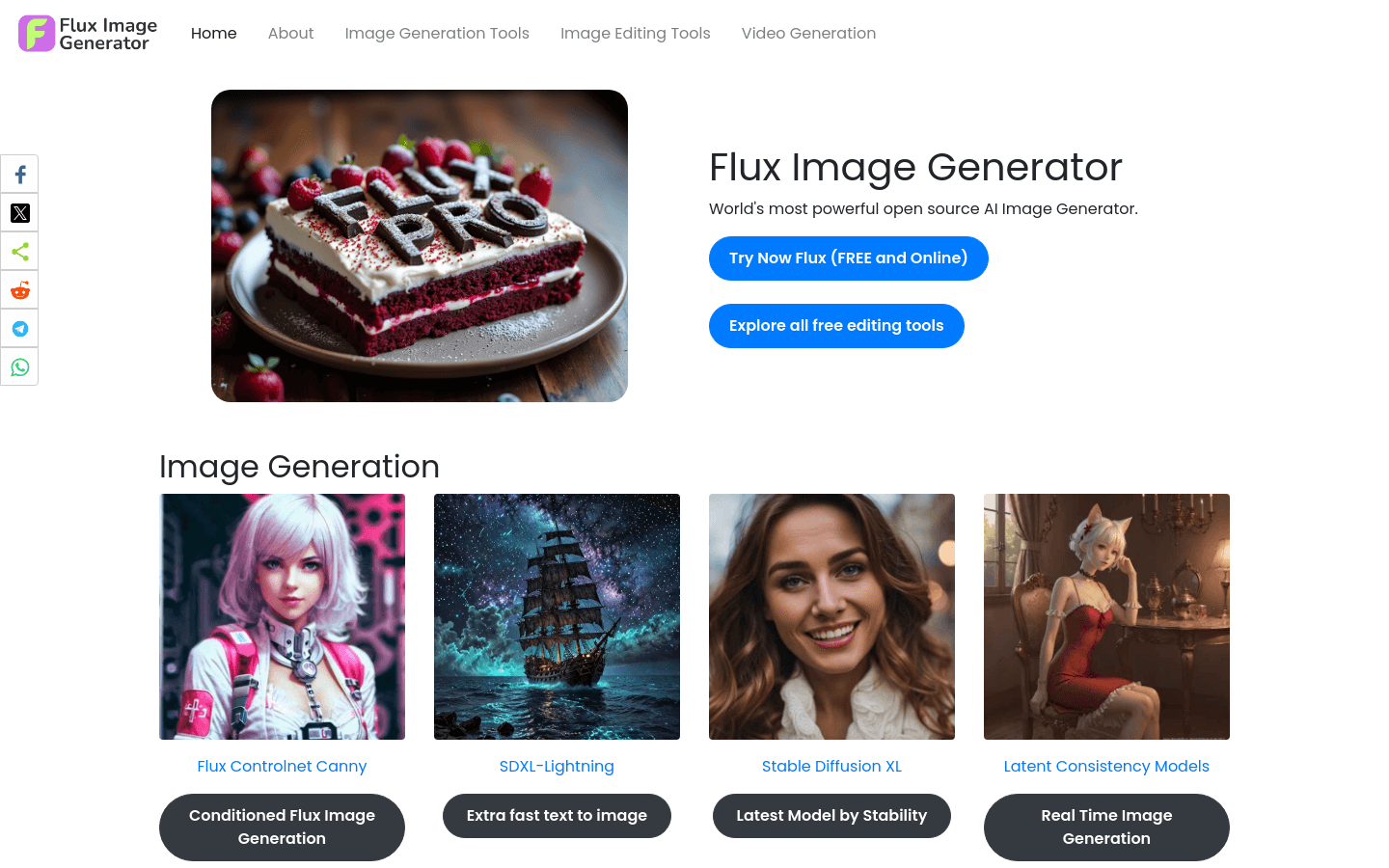
Screenshot archived from the listing page, for preview only.











