
Flux 3 Video Generator
Online AI text and image to video generatorTurn text or images into smooth, watermark-free video
Highlights
What you can do with it
- Turn a photo into a lively street celebration scene.
- Generate full-body character views and change clothing details.
- Place your photo into a cinematic coastal scene with storm motion.
How to use it
- 1 Enter a detailed prompt or upload a base image.
- 2 Set the aspect ratio, motion intensity, and camera controls.
- 3 Click generate, preview the motion, and download the video without a watermark.
Who it is for
Pros
- No install; it runs in the browser
- Watermark-free output you can publish
- Several aspect ratios for different platforms
- AI audio sync adds ambient sound
Limitations
- Free trial is limited and premium is paid, with pricing subject to change
- Complex prompts can still produce imperfect motion
- High-frame-rate rendering needs a decent connection and patience
- Generated video should be checked for accuracy before public use
What Flux 3 Video Generator is
Flux 3 Video Generator is an online AI video model that converts text or images into video. It is built on an advanced transformer architecture and a motion diffusion pipeline, with the goal of stable motion and faithful prompt following. You can start from a written description or a still image, and it aims for high visual fidelity and accurate spatial depth in lighting and movement. It supports several aspect ratios, including 16:9 for widescreen, 9:16 for vertical social, and 1:1 square, so the same idea fits different platforms. It can also generate synchronized ambient audio. Exports are stated to be watermark-free, and it runs in the browser with no install.
What you can do with it
- Turn a text prompt or a base image into a video clip.
- Choose aspect ratio, motion intensity, and camera controls.
- Rely on detail rendering for lighting, fluid motion, and depth.
- Download a watermark-free video with AI-synced ambient audio.
Who it is for
- Visual artists who want to animate still artwork.
- Marketers producing ad and promo videos for social.
- Video editors who need fast B-roll and extra shots.
What to watch out for
The free trial is limited and premium is paid, with pricing subject to change, so confirm current terms. Complex prompts can still produce imperfect motion or artifacts, so expect some iteration. High-frame-rate rendering can take time and a stable connection. Always review generated video for accuracy and rights before you publish or monetize it. Features and interface details may change between versions, so review the latest notes on the page before you start. For team use, agree on naming and editing conventions in advance to avoid version conflicts or duplicated work.
FAQ
What does Flux 3 Video Generator do?
It turns text prompts or images into high-frame-rate AI video.
Are videos watermark-free?
The vendor states all generated videos are completely free of watermarks.
Which aspect ratios are supported?
It supports formats such as 16:9, 9:16, and 1:1.
Is there a free trial?
Yes. A free trial is offered, along with a paid premium version.
Why it is free
What the official page says: free trial
Free limits, trial length and features are decided by the official site and can change at any time.
Product preview
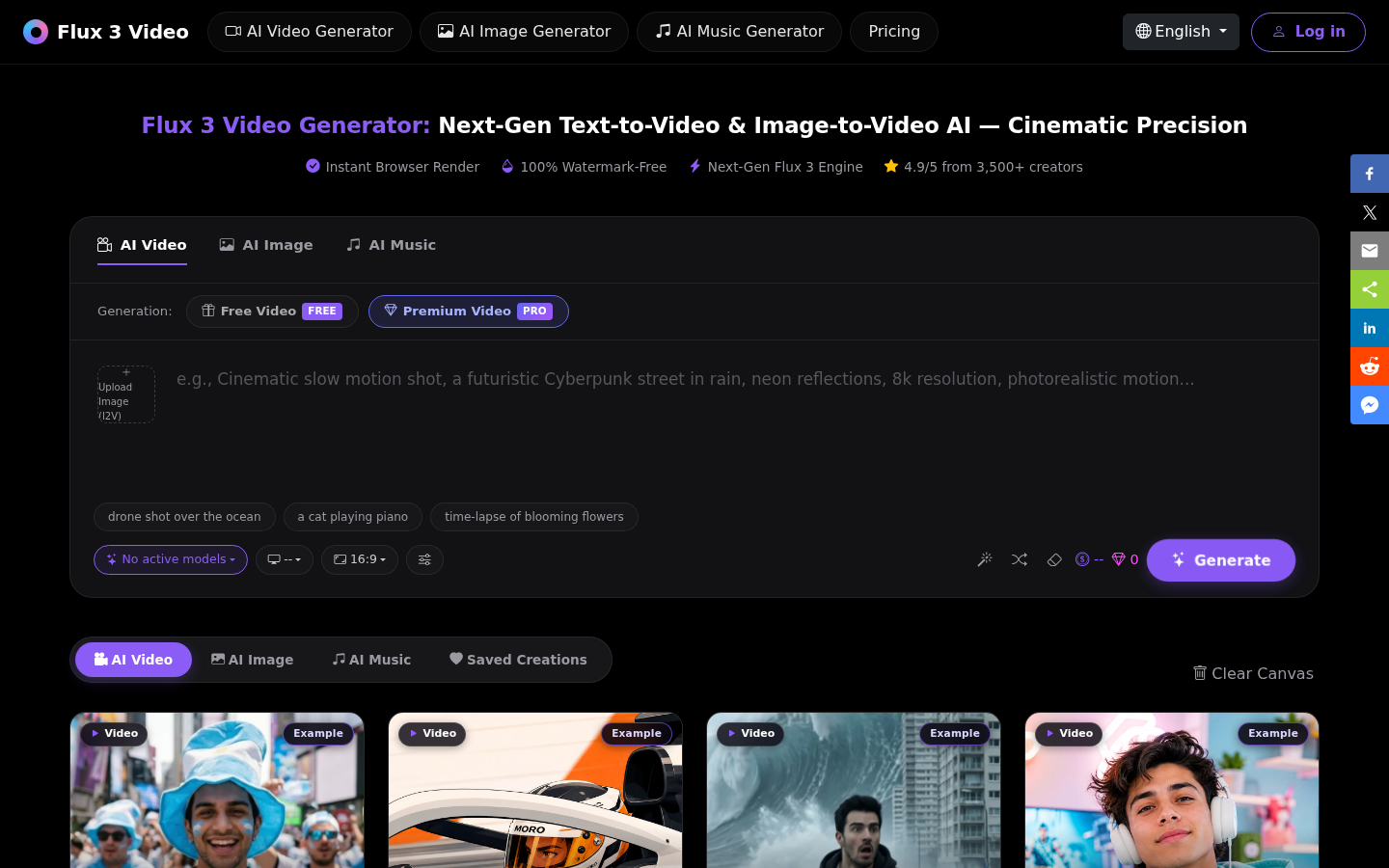
Screenshot archived from the listing page, for preview only.











