Flux 3 AI
Multimodal AI model for image and video creationGenerate images, edit photos, and make video with audio
Highlights
What you can do with it
- Creators generating images and editing photos in one tool
- Users turning text or images into short videos with audio
- Teams that want a single model for still and moving visuals
How to use it
- 1 Start the free trial and claim the listed free credits.
- 2 Choose whether to generate an image, edit a photo, or make a video.
- 3 Enter your prompt or upload the image you want to use.
- 4 Generate and review the result, adjusting as needed.
- 5 Buy more credits only if you need additional usage.
Who it is for
Pros
- Handles image, photo editing, and video in one model
- Adds native audio to text or image to video output
- Free credits for new users to test the model
Limitations
- Free credits and trial terms can change, so confirm on the site
- Depends on Black Forest Labs' model, so availability can shift
- Heavier use needs purchased credits or packages
- Complex prompts may need iteration to get the result you want
What Flux 3 AI is
Flux 3 AI is a unified multimodal foundation model released by Black Forest Labs. Unlike tools that handle one medium at a time, it is designed to learn images, videos, and audio together, using a method the company calls Self Flow self-supervised flow matching. In everyday terms, that means the same model can work across still and moving visuals, which can simplify a creator's workflow and reduce the need to switch between services. According to the product, it can generate images, edit photos, and turn text or images into videos with native audio. The positioning is a one-stop service for creators who want image and video creation in one place. New users can try it for free and receive free credits, and additional credits and paid packages can be purchased as needed.
What you can do with it
- Generate images from text prompts.
- Edit and refine photos.
- Turn text or an image into a video with native audio.
- Handle still and moving visuals with a single model.
- Test the model with free credits before buying more.
Who it is for
- Creators who work across both images and video.
- Users who want text-to-video output that includes audio.
- Teams looking for one model that covers multiple media types.
What to watch out for
Free credits and trial terms can change, so confirm current details on the site before you plan a project. Because the model comes from Black Forest Labs, availability and features can shift as the company updates it, so avoid building a critical workflow on a single version. Heavier or commercial use will likely need purchased credits or packages, so estimate your volume early. Complex prompts may take a few tries to reach the result you want, so leave room for iteration rather than expecting a perfect first output.
FAQ
What is Flux 3 AI?
It is a unified multimodal foundation model from Black Forest Labs that handles image, video, and audio together.
What can it create?
It can generate images, edit photos, and turn text or images into videos with native audio.
Is there a free option?
New users can try it for free and receive free credits; more usage needs purchased credits or packages.
Who is it for?
It is positioned for creators who want image and video creation in one place.
Why it is free
What the official page says: 免费试用免费
Free limits, trial length and features are decided by the official site and can change at any time.
Product preview
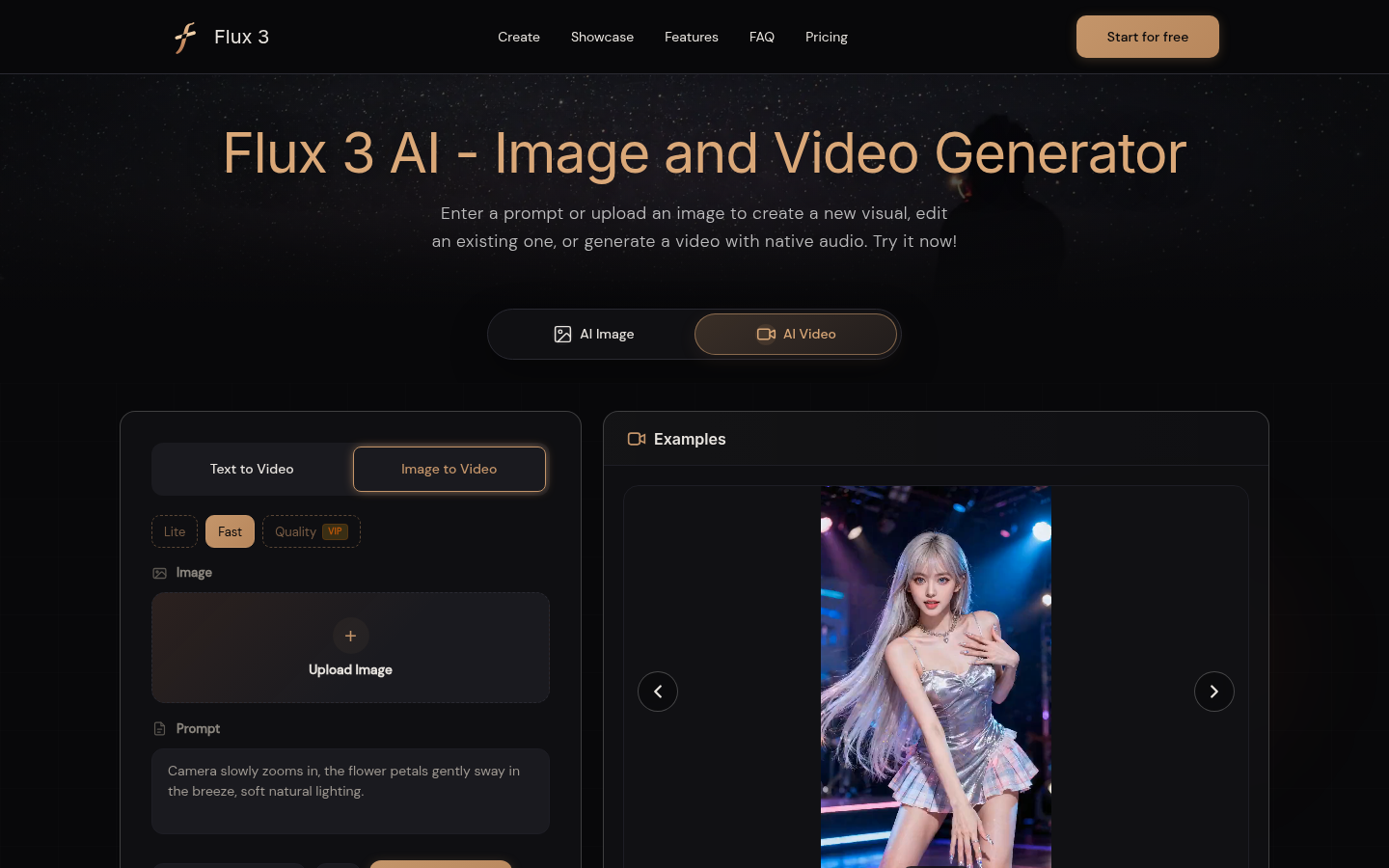
Screenshot archived from the listing page, for preview only.