
Flux 2 AI | Free Online Advanced Flux.2 AI Image Generator & Editor
Free online Flux.2 image generator and editorGenerate and edit realistic images in the browser
Highlights
What you can do with it
- Virtual fitting from a selfie to preview fabrics, cuts, and colors
- Product scene replacement for marketing images without a studio
- Concept art iteration for game assets
How to use it
- 1 Upload a clear, well lit photo
- 2 Describe the edit you want in terms of style, color, or change
- 3 Generate the result and preview it
- 4 Adjust as needed and save the high quality image
Who it is for
Pros
- A free version is available for generation and editing
- Preset packs cover common commercial styles
- Cloud rendering removes hardware requirements
- Batch export and color profile handling help cross-device accuracy
Limitations
- Complex compositing still needs manual review
- The free version's limits and speed may differ from paid tiers
- Output quality depends on the reference photo you upload
- Free availability can change without notice
What Flux 2 AI is
Flux 2 AI is a free online image generator and editor that wraps the Flux.2 engine in a browser tool. It takes text prompts and reference photos and produces realistic images, supporting both text-to-image and image-to-image work. One of its stated strengths is preserving scene structure: the key subject stays where it is while other parts of the picture change. Style switching, fine adjustment, and preset packs are built in, and all processing runs on cloud infrastructure so there is no install and no local GPU. A free version is currently offered.
What you can do with it
- Generate an image from a text description or edit an existing one
- Switch styles such as cinematic, pastel, or monochrome in seconds
- Adjust brightness, blur, color temperature, aspect ratio, and output count
- Use preset packs for fashion, products, scenery, and concept art
- Export in the right format with color profiles embedded
Who it is for
- Artists who iterate quickly on concepts and need preset starting points
- Marketers who produce product and campaign visuals without a studio
- Amateurs who want to test creative ideas without installing heavy software
What to watch out for
Editing precision has limits, so composite images may still need manual review before they go out. Results depend on the reference photo: clear, well lit inputs work much better than dark or blurry ones. The free version may carry different limits or queue times than paid tiers, and free availability is not guaranteed permanently. Check the output closely when it will be used commercially. Start with a small sample to confirm the output meets your expectations before processing the full batch.
FAQ
Is Flux 2 AI free?
The site describes a free version that you can use to generate and edit images online.
Do I need a powerful computer?
No. Processing happens on Flux 2's cloud infrastructure, so no install or local GPU is needed.
What kinds of edits does it support?
Style switching, precise adjustment of brightness, blur, and color temperature, plus image-to-image editing that preserves the main subject.
Are there preset styles?
Yes, preset packs cover fashion, products, scenery, and concept art, and they balance exposure and contrast automatically.
Why it is free
What the official page says: free version
Free limits, trial length and features are decided by the official site and can change at any time.
Product preview
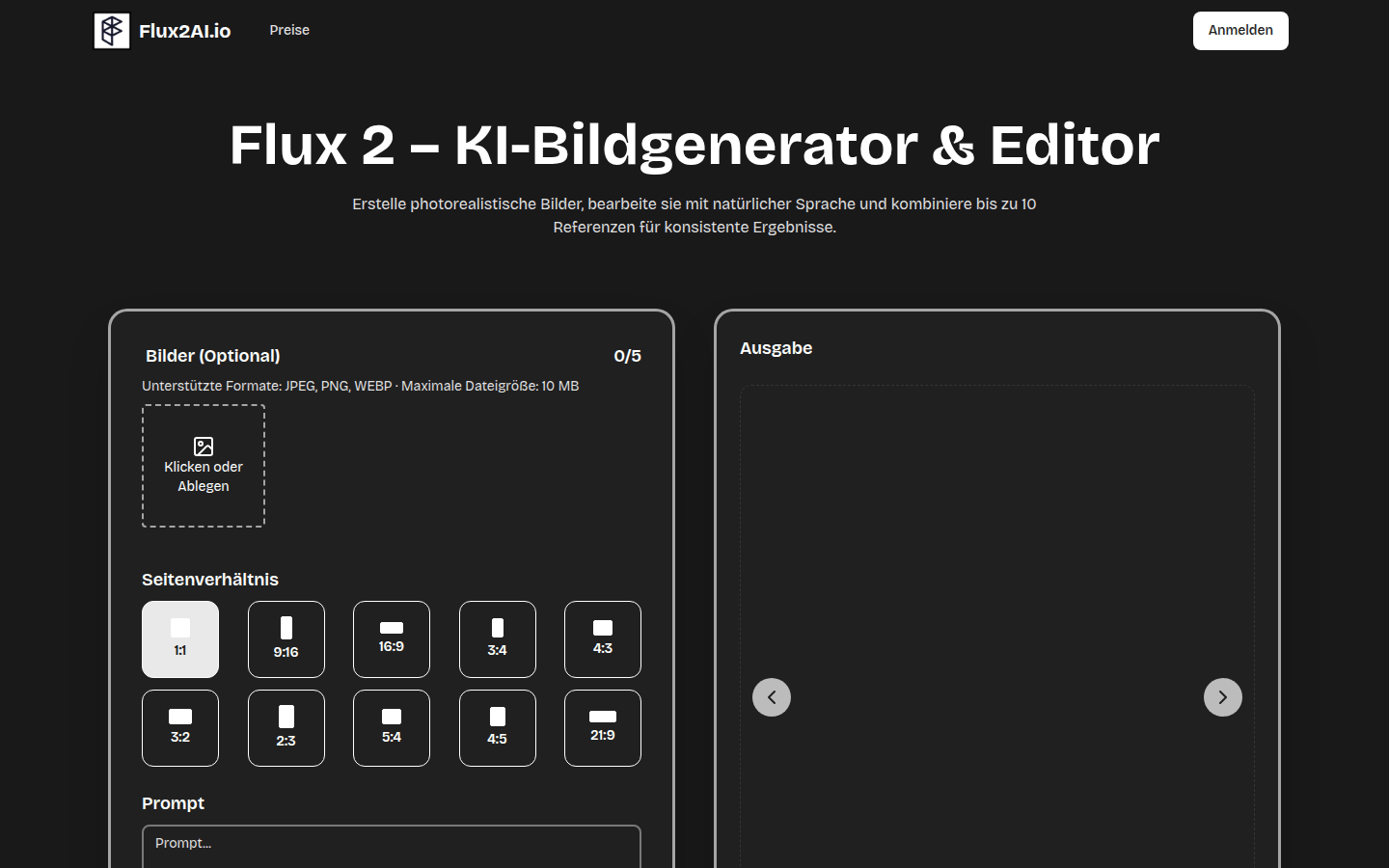
Screenshot archived from the listing page, for preview only.











