
Flux 2 AI
Free entry Flux 2 image generation studioText to image, editing, and reference mixing
Highlights
What you can do with it
- Draft visual concepts quickly from a text prompt
- Keep a set of images visually consistent with references
- Edit and refine generated images for campaigns
How to use it
- 1 Open the Flux 2 AI studio in your browser
- 2 Write a prompt or upload reference images
- 3 Pick the creative model that fits speed or quality needs
- 4 Generate, then edit the result before export
Who it is for
Pros
- One studio for generation and editing
- Reference merging helps consistent output
- Some features are free to try
Limitations
- Generating images may consume credits beyond the free parts
- Free and credit rules can change without notice
- Output quality varies by the model you pick
What Flux 2 AI is
Flux 2 AI is an online image generation studio powered by Flux 2. It is built for three jobs in one place: creating images from text prompts, editing existing images, and running multi-image workflows where several references feed one result. The system reads prompts, merges reference images, and aims to keep visuals consistent, which matters when you need a set of pictures that look like they belong together. The studio covers a range of work, from quick drafts to polished marketing campaigns, and it offers multiple creative models that trade speed against quality. Some features are free, while generating images may consume credits, and the product is aimed at creative teams and individuals who want an efficient, versatile tool. For a small team, that consolidation matters because moving between separate tools for generation, editing, and reference work is where most of the day disappears.
What you can do with it
- Generate images from text prompts in a browser studio
- Edit and refine results without switching tools
- Merge reference images to keep a visual set consistent
- Choose between models that favor speed or quality
- Move from a rough draft to a campaign ready visual
Who it is for
- Creative teams producing marketing and campaign visuals
- Individuals who want fast concept drafts from a prompt
- Anyone who needs a consistent look across several images
- Freelancers juggling several client looks in one session
What to watch out for
The free part of the product is limited: image generation may consume credits, and those credit rules can change as the service evolves, so read the current terms before you plan a large batch. Quality varies between the creative models, so expect to test more than one to find the right balance for your project. Reference merging helps consistency but will not perfectly clone a subject every time, so review outputs before they go into anything public. If you use the free features first, note exactly what they cover, because the boundary between free and credit based use is where most surprises appear.
FAQ
Is Flux 2 AI free?
Some features are free, but generating images may consume credits.
What can it generate?
Text to image, edited images, and multi-image workflow results.
Can I keep a set of images consistent?
It is designed to merge references and generate consistent visuals.
Who is it for?
Creative teams and individuals, from quick drafts to marketing campaigns.
Why it is free
What the official page says: 免费
Free limits, trial length and features are decided by the official site and can change at any time.
Product preview
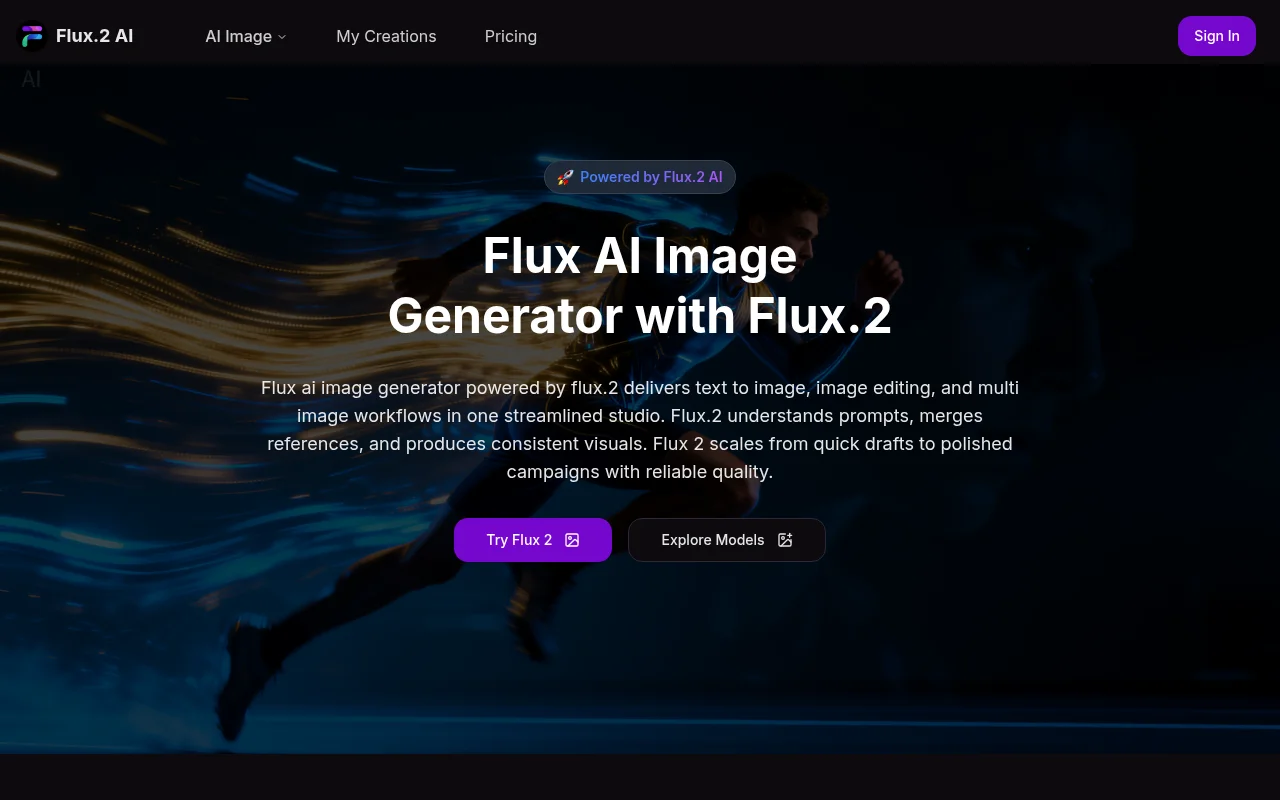
Screenshot archived from the listing page, for preview only.