Flush AI
Cloud studio for AI art creationStable Diffusion hosting without a GPU setup
Highlights
What you can do with it
- Generating images from text descriptions
- Fine-tuning a personal model from your own photos
- Chaining GPT text generation into an image model
How to use it
- 1 Sign up for the Flush AI free trial
- 2 Choose an image model such as Stable Diffusion XL or DALL-E
- 3 Enter a prompt or start a multi-modal workflow
- 4 Optionally upload photos to fine-tune your own model
- 5 Generate, review, and save the result
Who it is for
Pros
- No GPU configuration needed
- Fine-tuning available in the same place as generation
- Chaining models opens up complex workflows
- Free trial to test before subscribing
Limitations
- Free trial is limited and paid plans follow
- Cloud generation depends on the provider's capacity
- Fine-tuning needs a good set of training photos
- Uploading personal photos for training has privacy implications
What Flush AI is
Flush AI is an end-to-end AI art creation cloud studio. It hosts Stable Diffusion models, supports fine-tuning such as DreamBooth, and lets you chain different models into multi-modal workflows, which is where it gets interesting: a GPT model can write the prompt and an image model can render it in the same run. Several image models are supported, including Stable Diffusion XL and DALL-E. The core promise is that you never touch GPU configuration, since everything runs in the cloud and you work from a browser. A free trial is offered, with flexible paid plans behind it for heavier use.
What you can do with it
- Generate images from text prompts
- Fine-tune your own model from a set of photos
- Chain text and image models into one workflow
- Skip local hardware entirely and work in the browser
Who it is for
- Artists who want AI art without maintaining a GPU
- People who need model hosting and fine-tuning in one place
- Builders assembling custom multi-modal generation pipelines
What to watch out for
The free trial is a window, and continued use runs on paid plans whose prices and limits can change, so read the current page before committing. Cloud generation depends on provider capacity, so queues and slowdowns happen. Fine-tuning needs a decent, consistent set of training photos or the results disappoint, and uploading personal photos for training raises privacy questions you should settle before you start. Finally, multi-modal workflows are powerful but fiddly; expect to spend time tuning prompts and parameters rather than getting a perfect image on the first attempt. Behavior may vary across browsers and devices, so test before production use and consult the help docs if errors appear.
FAQ
Do I need my own GPU?
No. The listing describes it as a cloud studio where you create without worrying about GPU configuration.
Which models are supported?
Image models such as Stable Diffusion XL and DALL-E, plus GPT models for text, are listed.
Can I fine-tune a model?
Yes, model fine-tuning including DreamBooth is mentioned.
Is there a free trial?
Yes, a free trial is offered, with flexible paid plans for continued use.
Why it is free
What the official page says: free trial
Free limits, trial length and features are decided by the official site and can change at any time.
Product preview
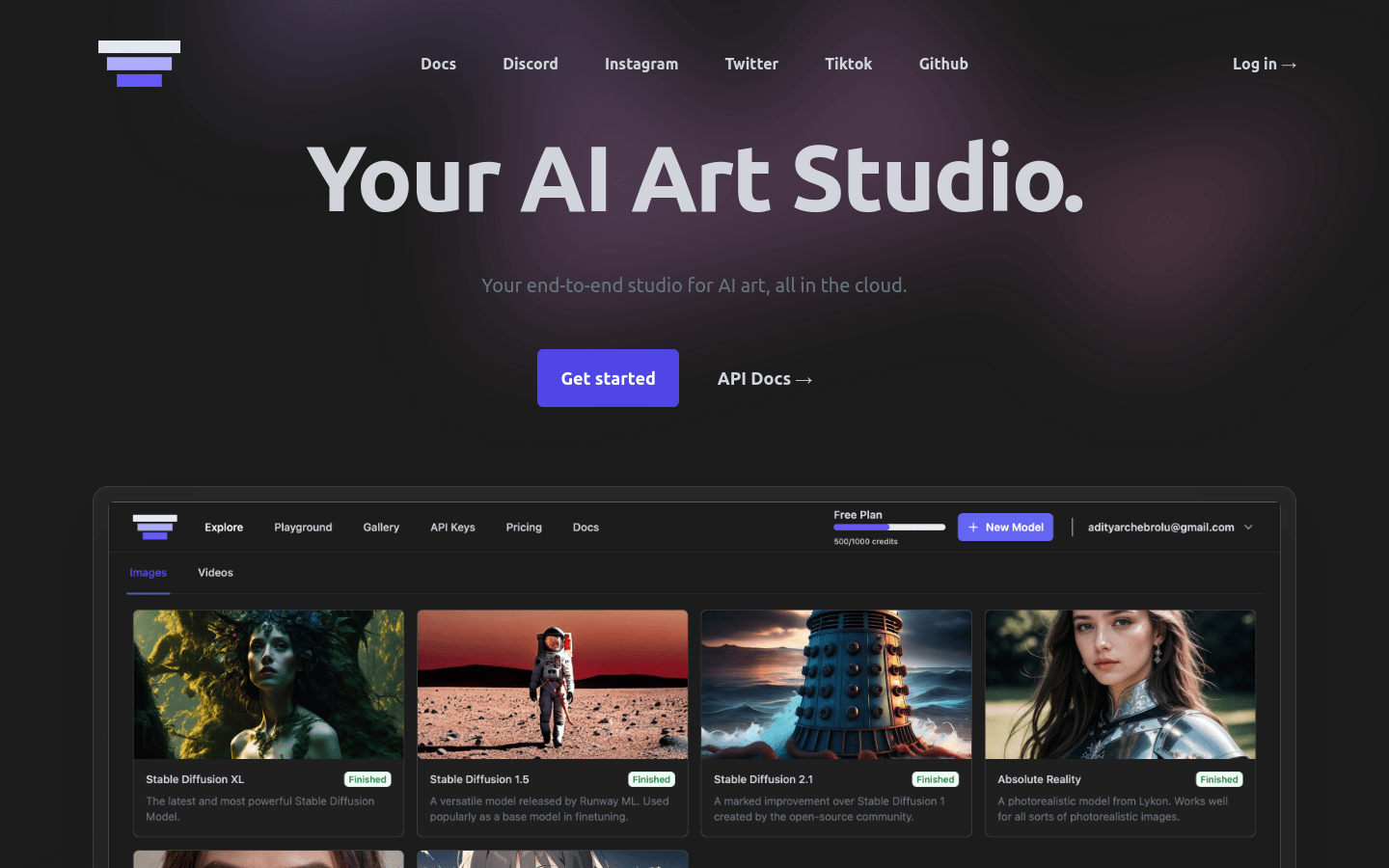
Screenshot archived from the listing page, for preview only.











