
FluentDictation
Practice English dictation with YouTubeAI subtitles, smart pause, instant feedback
Highlights
What you can do with it
- Improving listening by dictating English videos
- Creating custom dictation exercises for students
- Practicing field-specific English listening
How to use it
- 1 Find an English video on YouTube and copy its URL.
- 2 Paste the URL into FluentDictation.
- 3 Let it generate accurate subtitles and a sentence-controlled player.
- 4 Practice dictation and imitation with smart pauses.
- 5 Review your accuracy feedback and progress stats.
Who it is for
Pros
- Free trial available
- Works with any YouTube video you choose
- Smart pause and instant feedback save time
Limitations
- Full pricing is not clearly stated on the page
- Depends on YouTube and the subtitle generation working
- Practice still requires your own consistency
What FluentDictation is
FluentDictation is an online English learning platform focused on providing dictation practice through YouTube videos. It uses AI technology to generate accurate subtitles and offers features such as smart pausing, instant feedback, and practice analysis to help users improve their listening and speaking skills. It is aimed at learners at all levels and currently offers a free trial.
What you can do with it
- Turn any YouTube video into a dictation exercise.
- Get accurate AI-generated subtitles.
- Practice with sentence-based smart pauses, no rewinding.
- Track progress with instant feedback and practice analysis.
Who it is for
- Students improving English listening through videos.
- Language teachers building custom dictation exercises.
- Business professionals practicing English for work.
What to watch out for
FluentDictation offers a free trial, but full pricing is not clearly stated on the page, so check current terms before committing. It depends on YouTube and on subtitle generation working well for the video you choose. As with any practice tool, improvement still depends on using it regularly. Start with a small sample to confirm the output meets your expectations before processing the full batch. Free tiers and usage limits can change, so check the current rules on the official page before relying on it long term. Save a backup of the original file before large batch jobs, and keep an exported copy of key results in case the page or service becomes temporarily unavailable. Save a backup of the original file before large batch jobs, and keep an exported copy of key results in case the page or service becomes temporarily unavailable. Save a backup of the original file before large batch jobs, and keep an exported copy of key results in case the page or service becomes temporarily unavailable.
FAQ
What is FluentDictation?
It is an online platform for practicing English dictation through YouTube videos with AI subtitles.
Is there a free trial?
Yes, FluentDictation offers a free trial, though full pricing is not clearly stated on the page.
How does smart pause work?
It automatically segments and pauses by sentence, so you do not need to rewind the video.
Why it is free
What the official page says: free trial
Free limits, trial length and features are decided by the official site and can change at any time.
Product preview
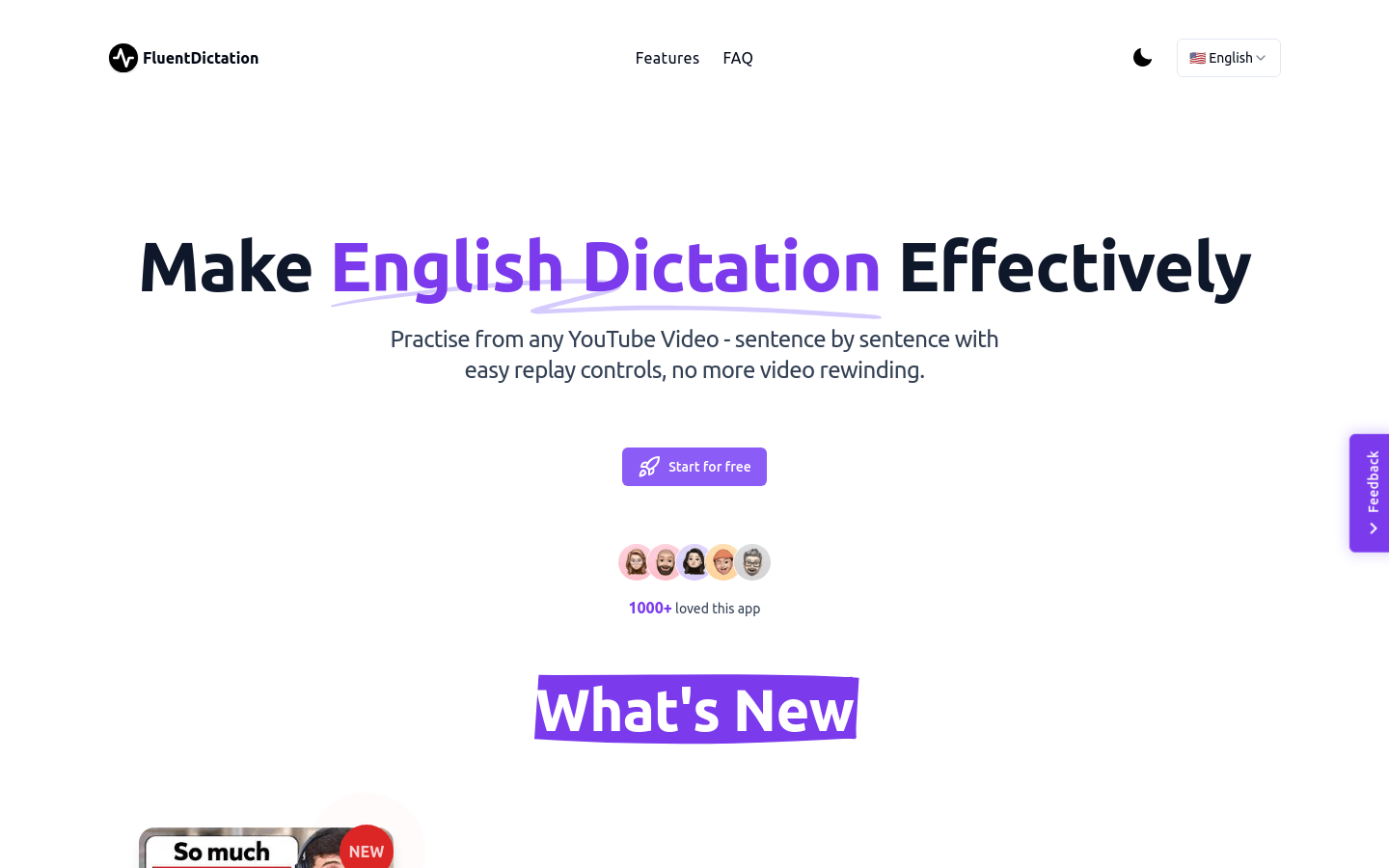
Screenshot archived from the listing page, for preview only.











