
Floyo
ComfyUI in the browserOpen-source image workflows, zero setup
Highlights
What you can do with it
- Designers produce poster concepts in several styles
- Developers test and tune image generation algorithms
- Small studios create promotional images for clients
How to use it
- 1 Open the Floyo site in a browser
- 2 Search for an open-source workflow or build a new one
- 3 Start the workflow and enter parameters such as size and style
- 4 Wait for the run to finish, then view, edit, save, or share the image
Who it is for
Pros
- No installation or configuration step
- Community workflows are searchable and start immediately
- Free to build with, which suits solo users and small teams
Limitations
- Free to use is the current state and can change without notice
- It depends on ComfyUI style workflows, so upstream changes affect it
- Browser based generation means you need a stable connection
What Floyo is
Floyo puts ComfyUI in the browser. ComfyUI is an open-source image generation workflow tool that normally needs local installation and configuration, and Floyo removes that step. You open the site, search for an open-source workflow or build your own, start it, and fill in parameters such as image size and style. The listing describes free construction, meaning you can assemble and run workflows without paying extra, and it states the product is currently free to use. There is no software to install and no environment to maintain, which is the main appeal for people who want image generation without the setup tax, and the browser based approach means you can work from any machine.
What you can do with it
- Find and start open-source image generation workflows
- Build your own workflow by combining and adjusting parts
- Set parameters like size and style before running
- View, edit, save, or share the finished image
Who it is for
- Graphic designers who need quick visual concepts in different styles
- Individual developers testing and tuning image generation approaches
- Small teams that cannot spare time for local environment setup
What to watch out for
Free to use is a description of the current state, not a guarantee, and a browser tool running heavy generation work can introduce quotas or pricing later. Because Floyo sits on top of ComfyUI style workflows, changes upstream can break or alter workflows you rely on, so keep notes on what you built. Running generation in a browser also means you depend on a stable connection and on the service having capacity when you need it. Finally, workflow tools have a learning curve: the first runs are slower while you work out which nodes and parameters actually matter, and community workflows vary in quality and documentation.
FAQ
What is ComfyUI?
ComfyUI is an open-source image generation workflow tool. Floyo makes it usable in a browser without setup.
Do I need to install anything?
No. The listing describes zero setup usage directly in the browser.
Is Floyo free?
The description says it is currently free to use and that building workflows is free to use extra.
Why it is free
What the official page says: for freefree to use
Free limits, trial length and features are decided by the official site and can change at any time.
Product preview
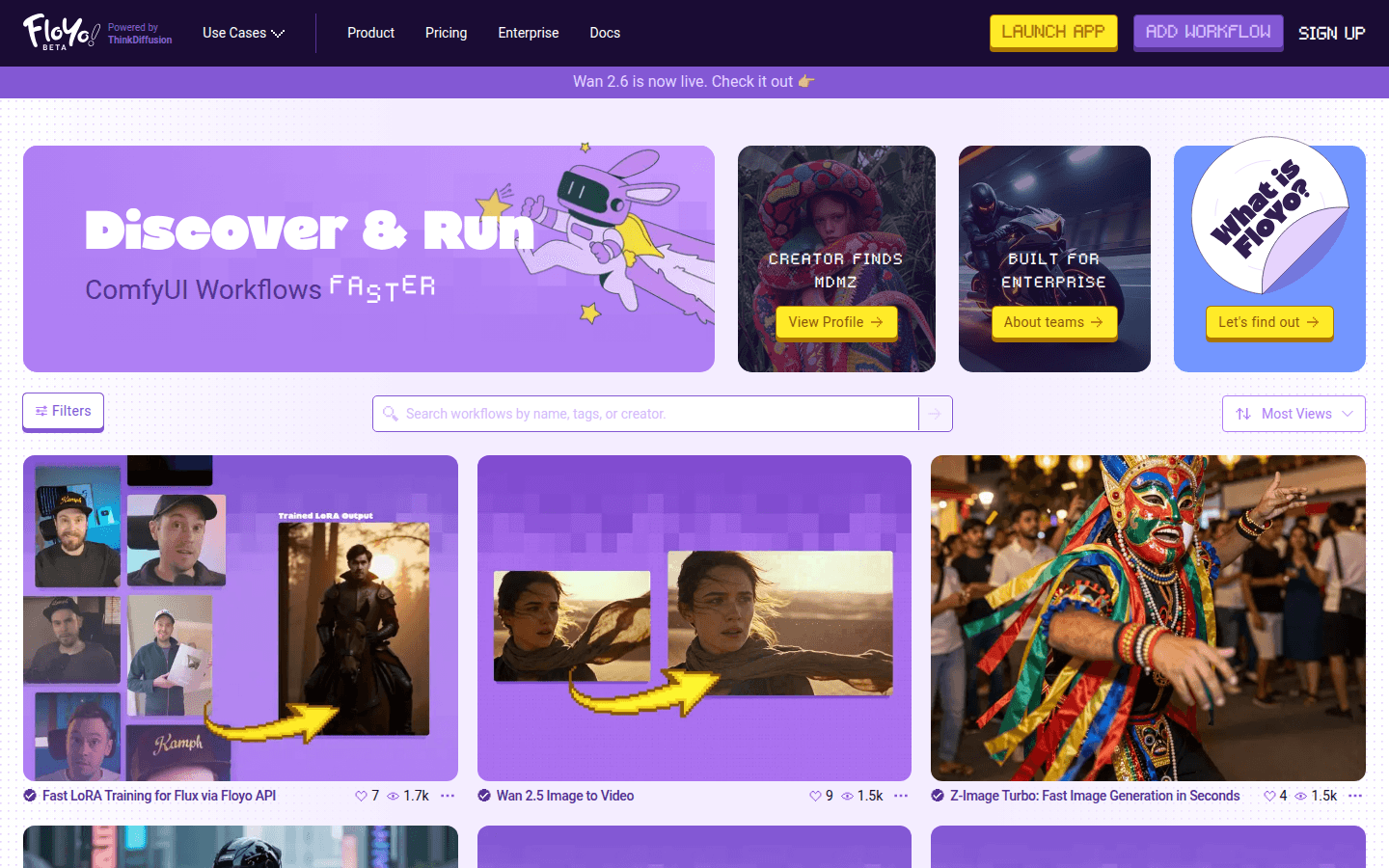
Screenshot archived from the listing page, for preview only.











