
FlowSubs
Subscription manager with renewal remindersTrack every subscription and stop paying for what you forget
Highlights
What you can do with it
- An office worker tracks video, music, and cloud subscriptions in one place
- A family splits streaming and course costs and manages them together
- A freelancer keeps software subscriptions under control
How to use it
- 1 Register at flowsubs.app
- 2 Add subscriptions manually or let it scan your email
- 3 Set reminder timing at 7, 3, or 1 day before renewal
- 4 Set a split ratio and share a link if you split with family
- 5 Check the dashboard and analysis to optimize your mix
Who it is for
Pros
- Free plan to manage 3 subscriptions
- Email scanning saves manual entry
- Reminders and analysis help catch waste
- Bill splitting is built in for households
Limitations
- The free plan only covers 3 subscriptions, and the lifetime package costs $29; free terms can change
- Email scanning needs access to your inbox, which is a privacy trade-off
- Detection depends on clear confirmation emails, so some subscriptions need manual entry
- It tracks spending, it does not cancel anything for you
What FlowSubs is
FlowSubs is a subscription management app. It brings all your subscriptions into one dashboard so you can see renewal dates, split shared costs, and spot spending you no longer need. It can scan your email for subscription confirmations and receipts and add them automatically, which removes most of the manual entry. Reminders can be set 7, 3, or 1 day before a renewal. The site says there is a free plan that manages 3 subscriptions, plus a $29 lifetime package. It also includes consumption charts, renewal calendars, category breakdowns, and AI analysis that flags subscriptions you may not need.
What you can do with it
- Collect subscriptions automatically by scanning your email
- Set renewal reminders 7, 3, or 1 day ahead
- Split a bill with family using a ratio such as 80:20 and a shared link
- Read consumption charts, subscription trends, and category breakdowns
- Use AI analysis to find subscriptions you can drop
Who it is for
- People who juggle many subscriptions across video, music, and cloud services
- Families who share streaming or course costs and want to divide them
- Anyone trying to cut unnecessary recurring spending
What to watch out for
The free plan only manages 3 subscriptions, and the lifetime package costs $29, so free terms can change and real use may cost money. Email scanning requires access to your inbox, which is a privacy trade-off you should be comfortable with before you connect an account. Detection relies on clear confirmation emails, so some subscriptions will still need manual entry. FlowSubs tracks and analyzes your spending, but it does not cancel anything for you, so the final call on each subscription stays in your hands.
FAQ
Is there a free plan?
Yes. The free plan manages 3 subscriptions, and a $29 lifetime package is also offered.
How does it find my subscriptions?
It can scan your email for subscription confirmations and receipts.
Can I split bills with family?
Yes. You set a ratio such as 80:20 and create a shared link.
Does it cancel subscriptions?
No. It tracks, reminds, and analyzes, but cancellation stays with you.
Why it is free
What the official page says: free plan
Free limits, trial length and features are decided by the official site and can change at any time.
Product preview
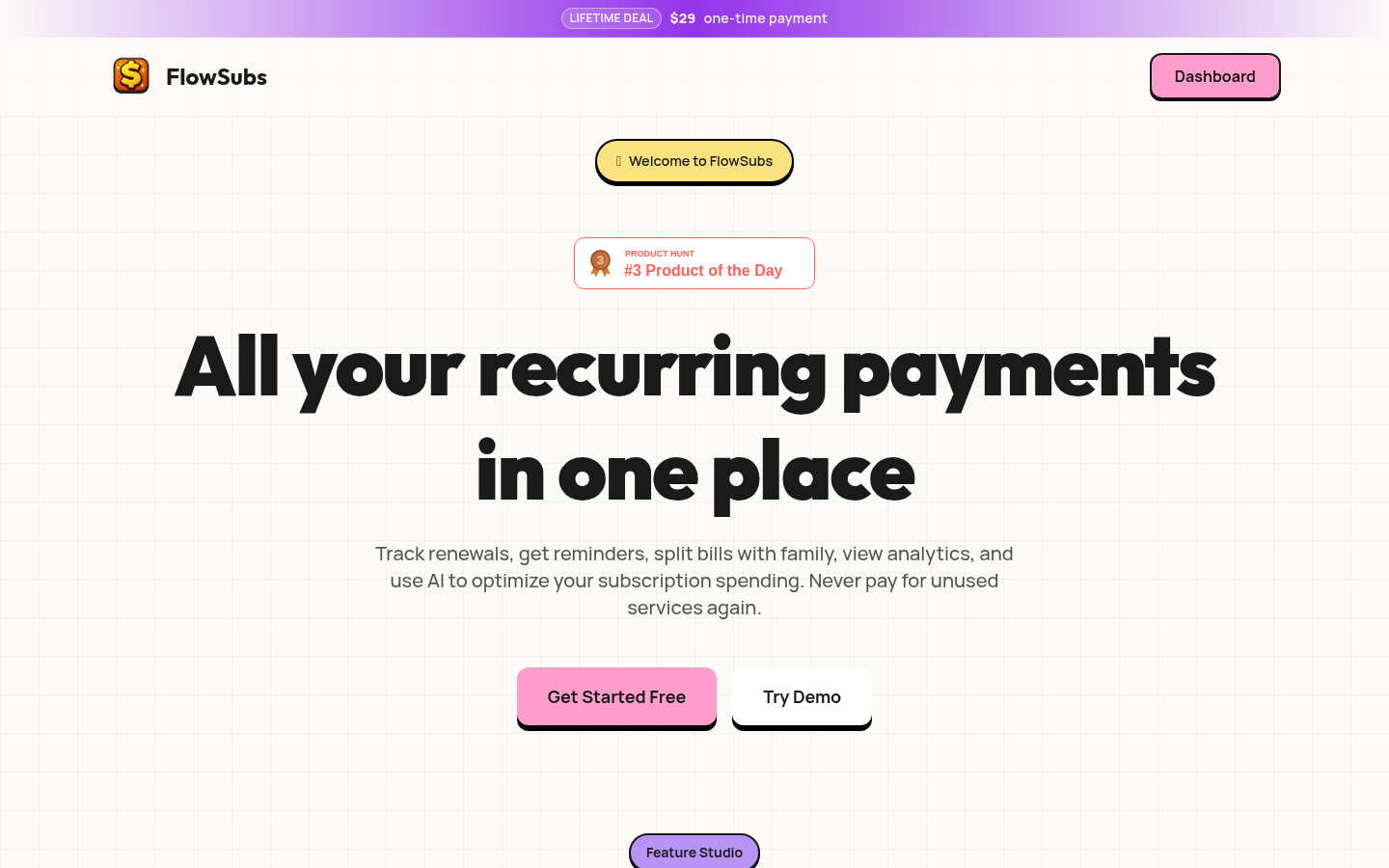
Screenshot archived from the listing page, for preview only.











