
Flowlio AI
All-in-one AI video generator with templatesText, image, or template to finished video
Highlights
What you can do with it
- A creator uploads a photo and picks a template for a shareable clip
- A marketer generates a product orbit shot for a launch screen
- A teacher turns a static diagram into a short explainer
How to use it
- 1 Open flowlioai.com and register an account.
- 2 Confirm the starting credits have arrived in your balance.
- 3 Choose text-to-video, image-to-video, or an effect template.
- 4 Enter a prompt or upload photos, and pick a model or template.
- 5 Set resolution, duration, and camera movement if needed.
- 6 Generate, preview in your library, then download or share.
Who it is for
Pros
- Starting free credits to explore the features
- Many models available without managing separate API keys
- Templates lower the barrier for non-editors
- Watermark-free output stored in a private library
Limitations
- Credits are consumed by render length, resolution, and model
- Templates built on someone's likeness need their permission
- Generation time varies with queue load
- Trending templates date quickly and need constant refreshing
What Flowlio AI is
Flowlio AI is an online video generation platform that puts several models behind one interface. You can start from text, from a still image used as the first frame, or from a reference clip or audio file that guides the style. Video models listed include Seedance, Wan, and HappyHorse, with image models such as GPT Image, Midjourney, and Flux, and you can switch between them inside the same creation screen rather than juggling separate subscriptions and keys. Alongside generation there is a library of trending effect templates that turn a single uploaded photo into a shareable clip. New users get a starting credit allowance, and output is described as watermark-free and kept in a private library.
What you can do with it
- Generate video from a text prompt with camera moves like push, pull, pan, and orbit.
- Animate a still image by using it as the first frame.
- Upload a reference clip or audio to constrain style, character, or motion.
- Switch between several video and image models in one interface.
- Apply a trending template to one photo and share the result.
Who it is for
- Short video creators who need fresh, shareable content regularly.
- Social media marketers producing product demos and event promos.
- E-commerce sellers turning product photos into dynamic clips.
What to watch out for
Credits are consumed by render length, resolution, and model choice, so a long high-resolution clip costs several times what a short test does. Experiment at low settings first. The templates are the part that needs judgment: only upload photos of yourself or images you have permission to use, because putting a real person into a generated performance without consent can break platform terms and local law, and the consequences are yours. Generation time depends on queue load and can stretch to a few minutes. Trending templates also date fast, so anything built around one has a short shelf life. Finally, generated video can still glitch on hands, faces, and text, so review before you publish.
FAQ
Is Flowlio AI free?
New users receive a starting credit allowance. After that, charges are based on render duration, resolution, and model, or you can take an annual plan.
Is the output watermarked?
The listing says generated videos are watermark-free and stored in a private library.
Are the effect templates safe to use?
Only use photos of yourself or images you have permission to use. Putting a real person into a template without consent can break platform rules and local law, and the responsibility is yours.
Why it is free
What the official page says: free credits
Free limits, trial length and features are decided by the official site and can change at any time.
Product preview
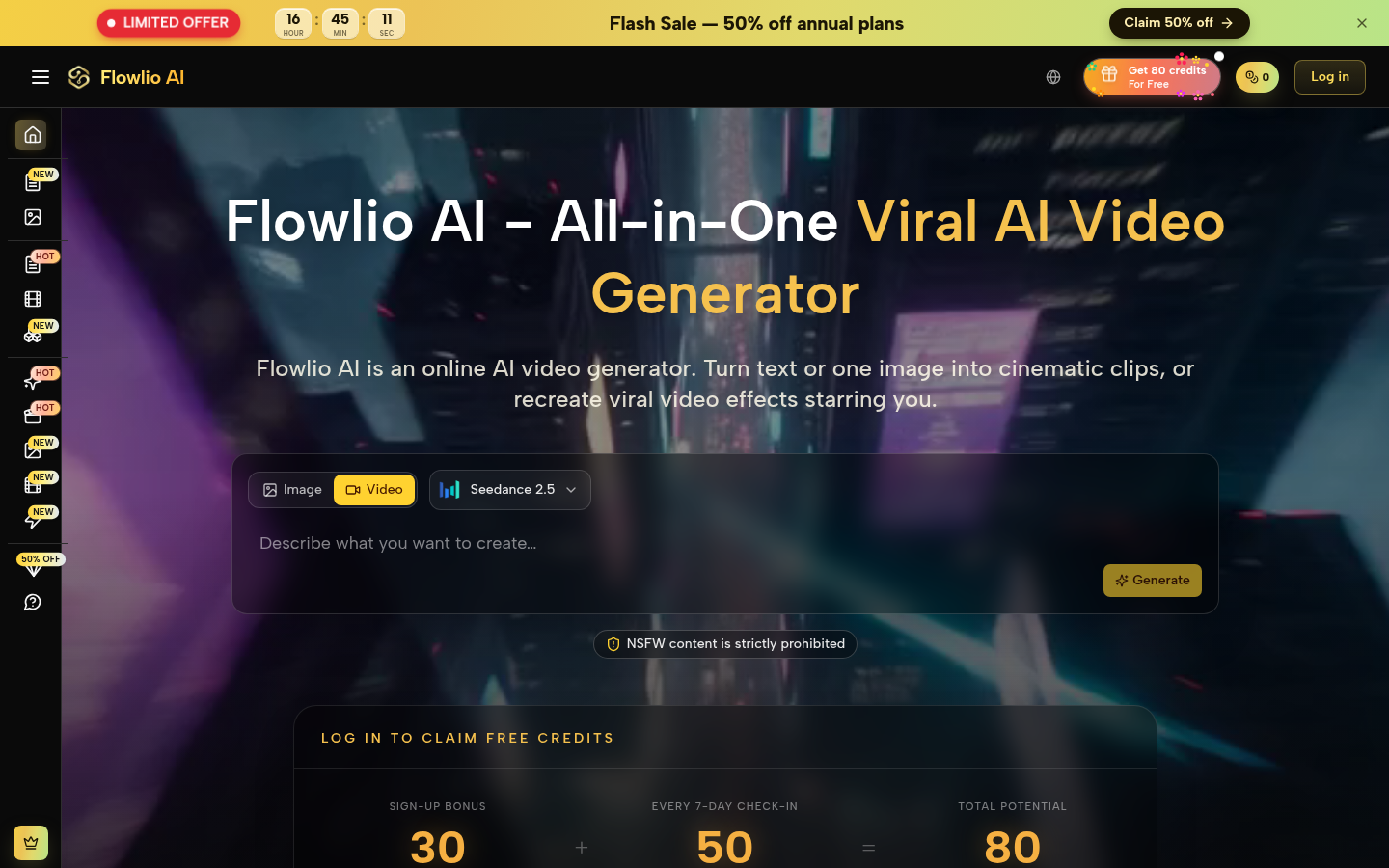
Screenshot archived from the listing page, for preview only.











