
FlowLens
Open-source AI debugging context toolCapture full browser context for AI agents
Highlights
What you can do with it
- Recording a hard-to-reproduce bug and sharing it with a team
- Debugging a complex single-page application with full context
- Giving GitHub Copilot accurate context to fix an issue
How to use it
- 1 Install the FlowLens extension and MCP server
- 2 Click Record and reproduce the bug
- 3 Generate a link to share the context
- 4 Let the AI agent read the context and fix the bug
Who it is for
Pros
- Free and open source
- Captures comprehensive debugging context
- Privacy protection with local data editing
Limitations
- Requires installing both an extension and MCP server
- Depends on compatible AI coding agents
- Site redirect status may affect direct access
What FlowLens is
FlowLens is an open-source AI debugging tool launched by Magentic AI for AI-native development. Its main job is to give AI coding agents complete browser context so they can debug more autonomously. Instead of copying console errors and taking screenshots, FlowLens records the screen along with network activity, console output, user interactions, and storage state. Everything is packaged in a format AI coding agents understand and shared through a single link. The tool is free to use and includes privacy protections by automatically editing personal data locally and encrypting recorded content.
What you can do with it
- Record comprehensive debugging information including video and logs
- Share a complete bug context with one link
- Filter network requests and responses to locate problems
- Provide structured context to AI agents like Claude Code and Cursor
- Install the extension and MCP server in about a minute
Who it is for
- Developers fixing hard-to-reproduce web bugs
- Teams that need faster bug reporting without long explanations
- AI coding agent users who want richer context for automated fixes
What to watch out for
FlowLens requires installing both a browser extension and an MCP server, which adds setup steps. It only helps when paired with MCP-compatible AI coding agents, so value depends on your existing toolchain. The site currently uses a redirect, which may affect direct access. Even with full context, AI-suggested fixes should be reviewed before merging, since automated debugging is not a guarantee of correctness. When quality matters, export a small draft first to confirm the result before producing the final file. Generated suggestions are for reference only, so verify anything that affects professional judgment or important data.
FAQ
What is FlowLens?
It is an open-source AI debugging tool that gives AI coding agents complete browser context.
Is FlowLens free?
Yes, the product can be used for free.
Which AI agents does it support?
It works with all MCP-compatible agents such as Claude Code, Cursor, and GitHub Copilot.
Why it is free
What the official page says: for free
Free limits, trial length and features are decided by the official site and can change at any time.
Product preview
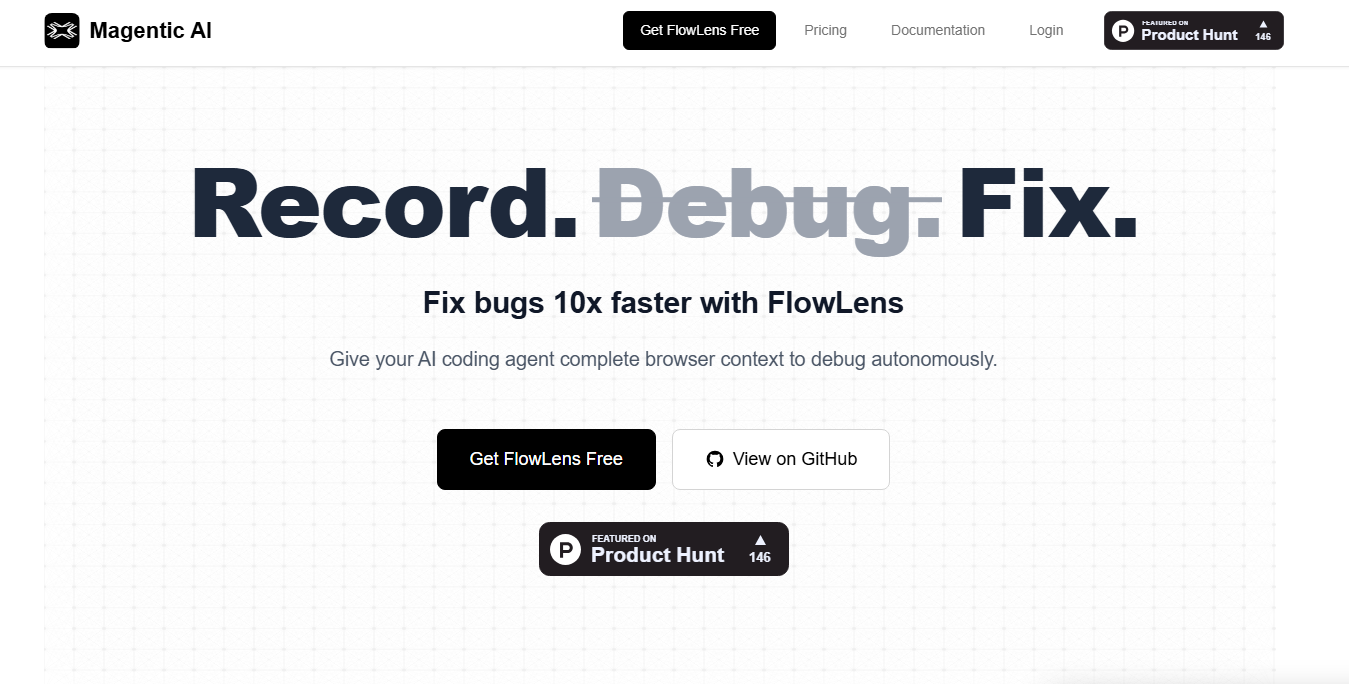
Screenshot archived from the listing page, for preview only.











