
Flowie
Webflow resource hubSnippets, tutorials and an AI code assistant
Highlights
What you can do with it
- Finding a snippet for a specific Webflow behaviour
- Learning Webflow through video tutorials
- Generating custom code with the AI assistant
How to use it
- 1 Open flowie.co
- 2 Search the snippet library for the feature you need
- 3 Browse the video tutorials if you want to learn the approach
- 4 Or describe what you want to the Webflow AI code assistant
- 5 Copy the result into your Webflow project
Who it is for
Pros
- Free features available without paying
- Large, searchable snippet library
- Covers learning as well as implementation
- AI assistant for cases the library does not cover
Limitations
- Free and paid split means some resources are gated
- Focused on Webflow only
- Snippet quality varies as with any community library
What Flowie is
Flowie is a centralised hub for Webflow resources. It gathers more than 500 code snippets, video tutorials and feature enhancements in one place, and adds a Webflow AI code assistant for when the library does not have what you need. The site offers both free and paid features, with pricing described as tailored to individual requirements.
What you can do with it
- Search the snippet library for a specific Webflow behaviour.
- Watch video tutorials to learn an approach.
- Apply feature enhancements to an existing project.
- Describe what you want to the AI assistant and get generated code.
Who it is for
Webflow developers and builders who need to solve problems quickly, designers working inside Webflow without deep coding experience, and anyone maintaining Webflow sites over time.
What to watch out for
The free and paid split means part of the library is gated, so check what you actually get before committing. Coverage is Webflow only, so it will not help with other platforms. As with any snippet library, quality varies, and you should read and test code before dropping it into a production site. Processing speed depends on file size and network conditions, so retry later if a task stalls during peak hours. Run one full task end to end first, then expand once you are comfortable with the workflow and the result quality. For team use, agree on naming and editing conventions in advance to avoid version conflicts or duplicated work. Name and archive exported files consistently so you can find and reuse them, and keep a backup copy of key data. When quality matters, export a small draft first to confirm the result before producing the final file.
FAQ
Is Flowie free?
It offers both free and paid features, with pricing tailored to individual requirements. Check the site for what sits behind the paid tier.
What is in the library?
More than 500 code snippets, plus video tutorials and feature enhancements.
Is there an AI assistant?
Yes, a Webflow AI code assistant that can generate code based on what you describe.
Who is it for?
Webflow developers and builders, designers working in Webflow, and anyone maintaining Webflow sites.
Why it is free
What the official page says: 免费
Free limits, trial length and features are decided by the official site and can change at any time.
Product preview
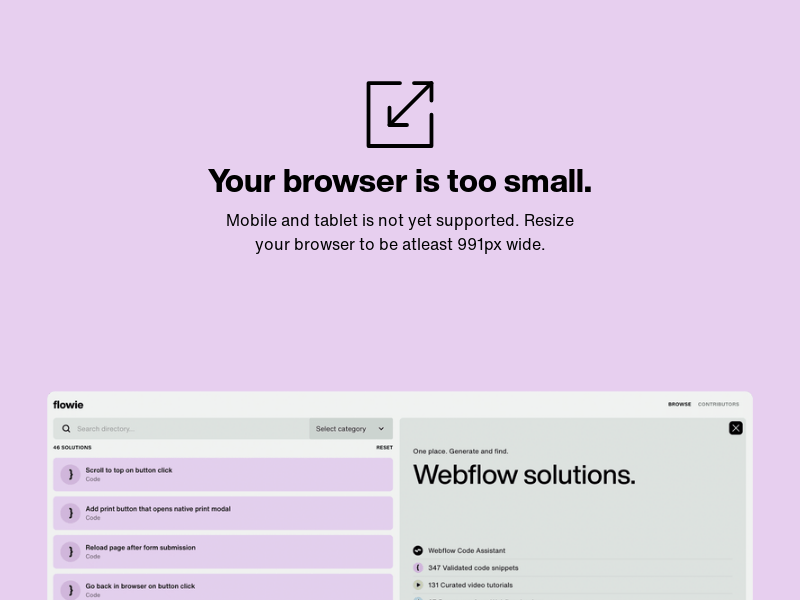
Screenshot archived from the listing page, for preview only.











