
Flow AI Video
AI video generator that makes 4K video from text or imagesType a prompt or upload an image, get a 4K video
Highlights
What you can do with it
- A marketer generated product promo videos from text prompts for social media
- A photographer turned photo work into dynamic video for a portfolio
- An educator generated teaching videos from a syllabus
How to use it
- 1 Upload an image or enter a text prompt
- 2 Set aspect ratio, resolution, and duration
- 3 Let the AI generate the video with motion synthesis
- 4 Download the finished video to your device
Who it is for
Pros
- 4K output is a stated strength
- Consistency across shots helps storytelling
- Free trial is available to test quality
Limitations
- A free trial is offered, and pricing or limits can change
- Generation quality depends on the prompt or source image
- Downloads are described at 1080p in one step, so check final output
What Flow AI Video is
Flow AI Video is a professional AI video generation platform. According to the page it relies on Google Flow Video motion synthesis technology, and it can create video from either a text prompt or an uploaded image. Its headline features are multi-shot storytelling, where characters, visual style, and atmosphere stay consistent as scenes change, and high-resolution output up to 4K. It also promises fast generation and customizable settings for aspect ratio, resolution, and duration. A free trial is offered so you can test the quality before committing.
What you can do with it
- Generate 4K video from a text prompt or a static image.
- Keep characters and style consistent across multiple shots.
- Adjust aspect ratio, resolution, and duration to fit a channel.
- Download finished clips for social, portfolio, or classroom use.
Who it is for
- Video creators who need coherent multi-shot sequences.
- Marketers who must produce promo videos quickly.
- Educators who want visual material generated from a lesson plan.
What to watch out for
A free trial is offered, and pricing, credits, or limits can change at any time. Output quality depends on the prompt or the source image, so vague input gives vague video. One step in the page mentions downloading a 1080p file even though 4K is promoted, so confirm the resolution you actually receive before you plan a deliverable around it. Run one full task end to end first, then expand once you are comfortable with the workflow and the result quality. Behavior may vary across browsers and devices, so test before production use and consult the help docs if errors appear.
FAQ
What does Flow AI Video do?
It generates video from text prompts or images, with 4K output and multi-shot storytelling.
Is there a free trial?
Yes. The page says a free trial is offered.
What technology does it use?
The page says it relies on Google Flow Video motion synthesis technology.
Can I control the video format?
Yes. You can choose aspect ratio, resolution, and duration.
Why it is free
What the official page says: free trial
Free limits, trial length and features are decided by the official site and can change at any time.
Product preview
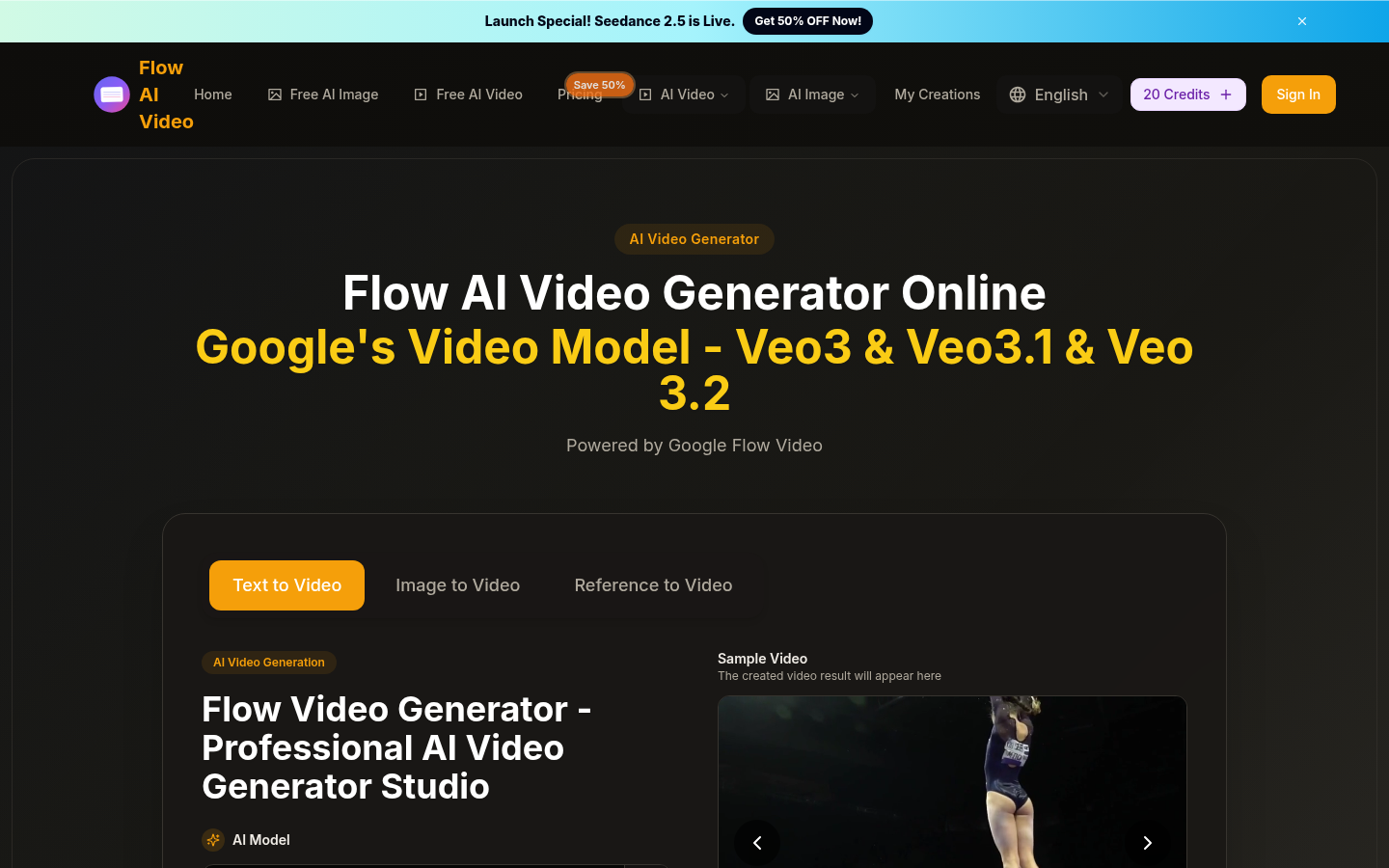
Screenshot archived from the listing page, for preview only.











